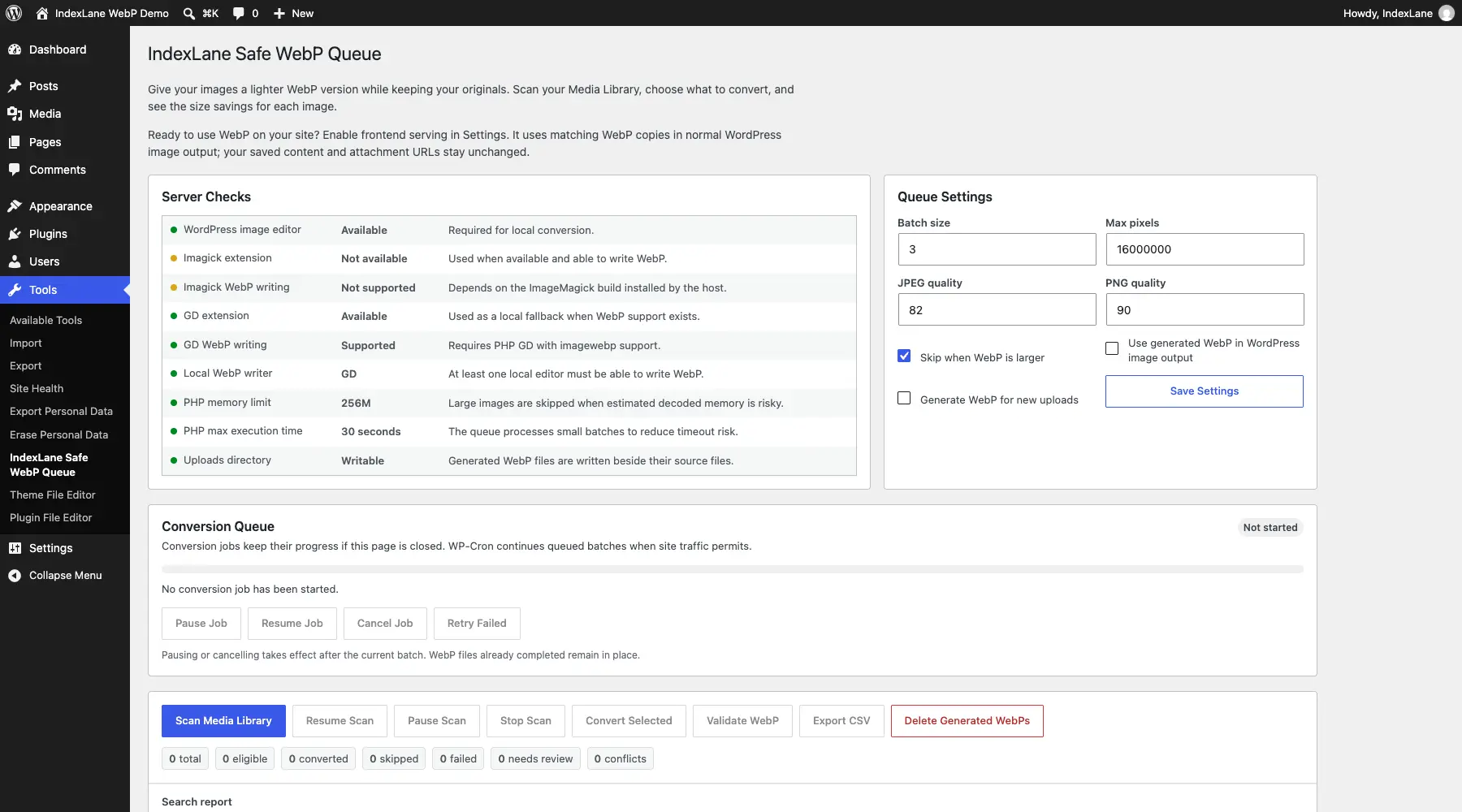
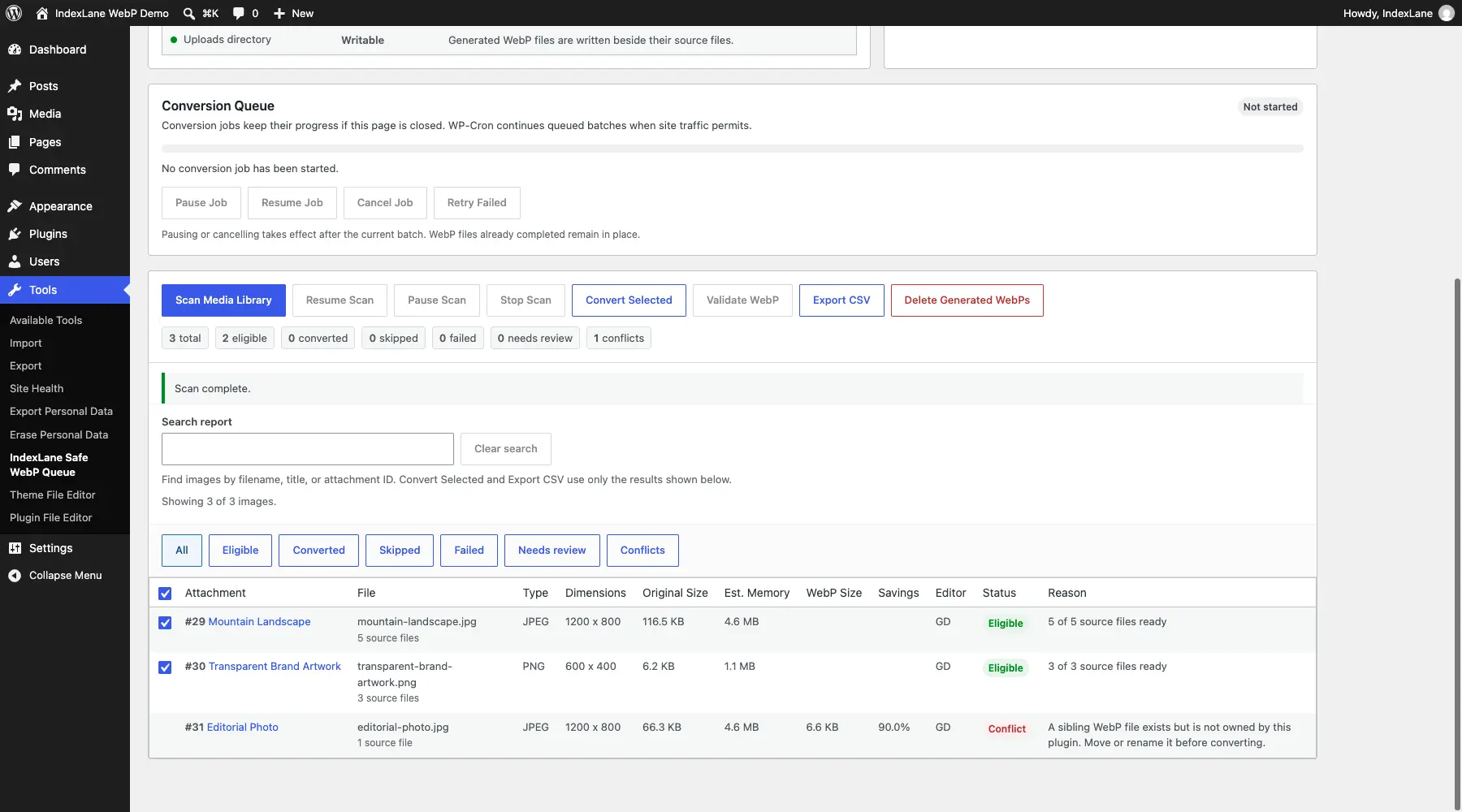
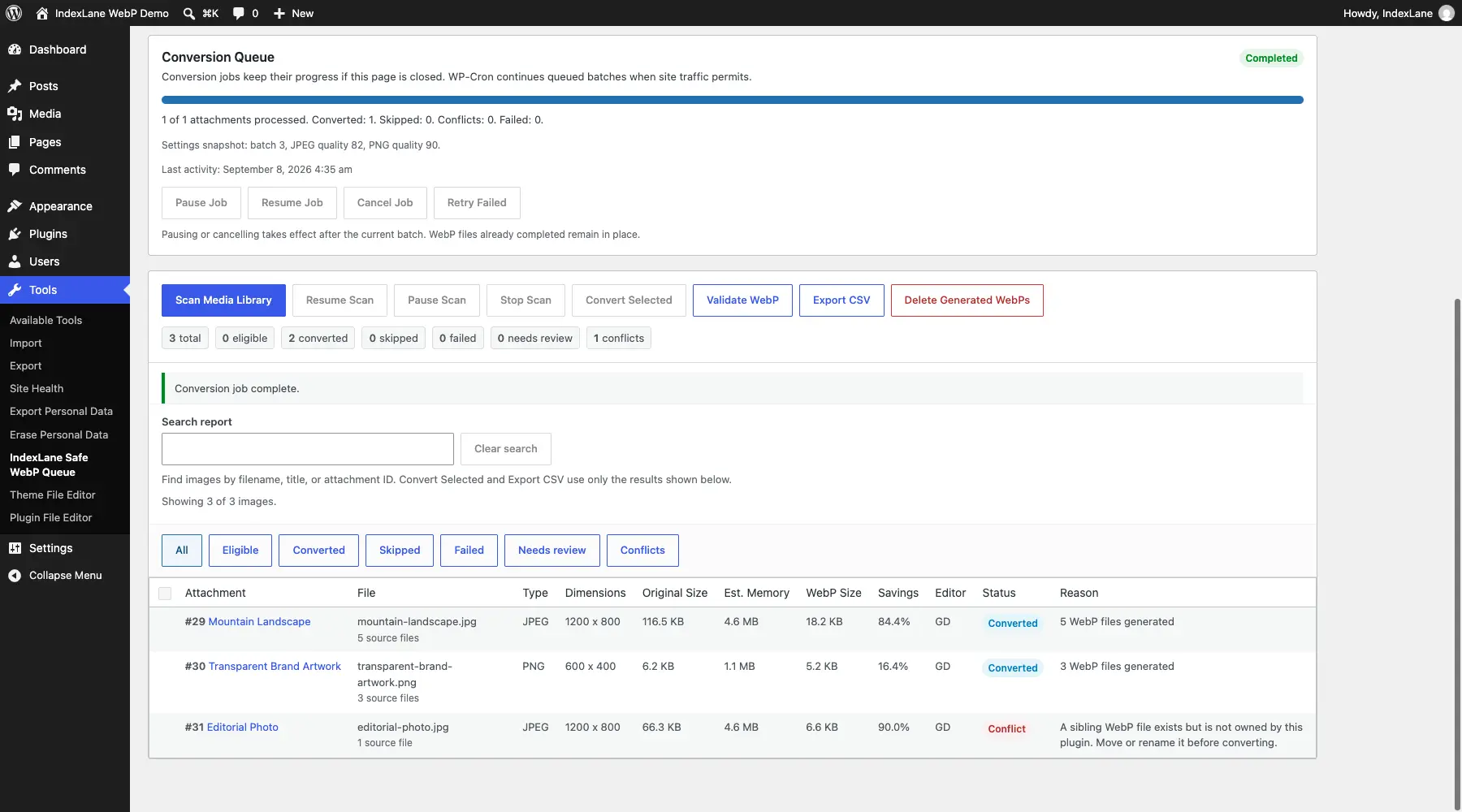
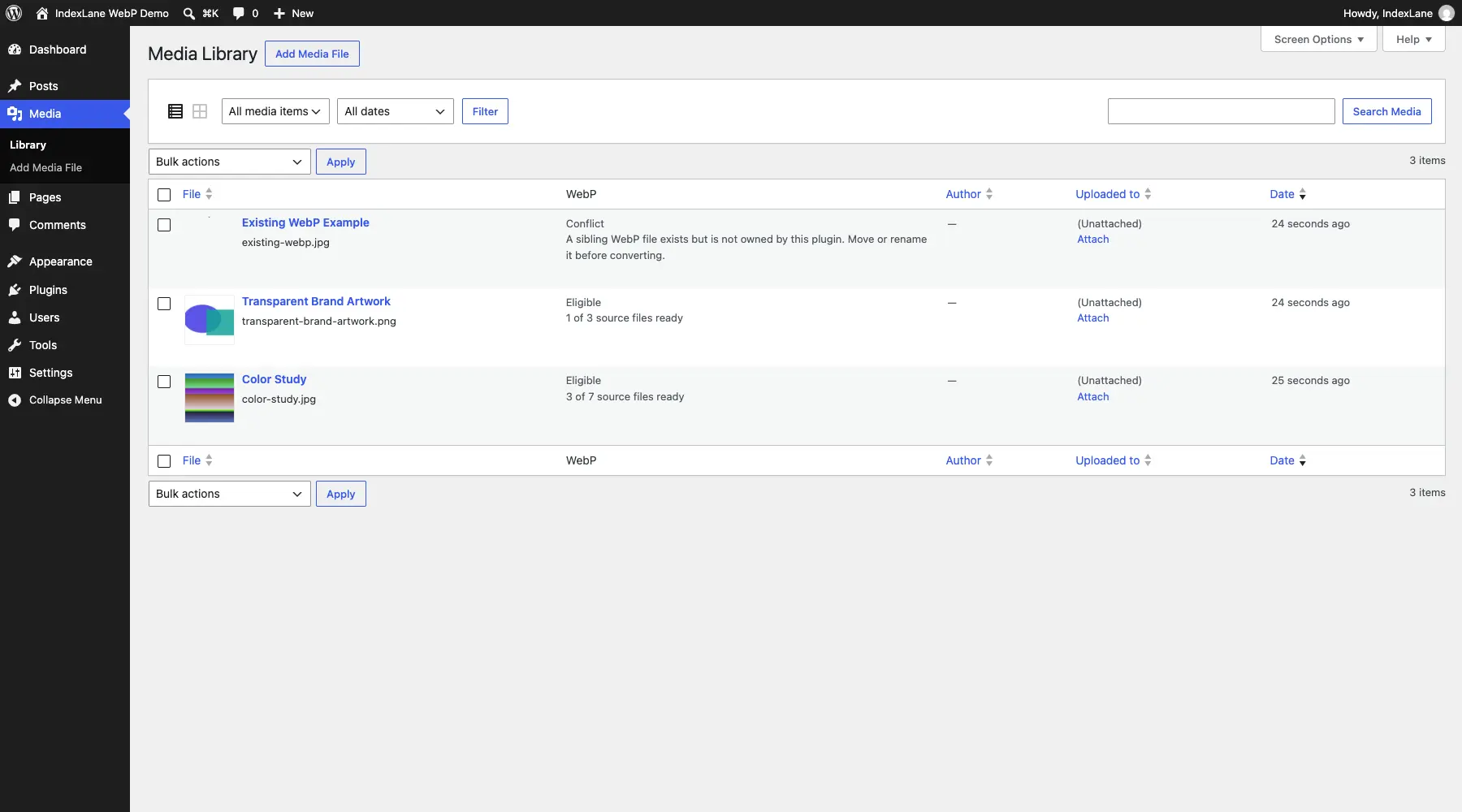
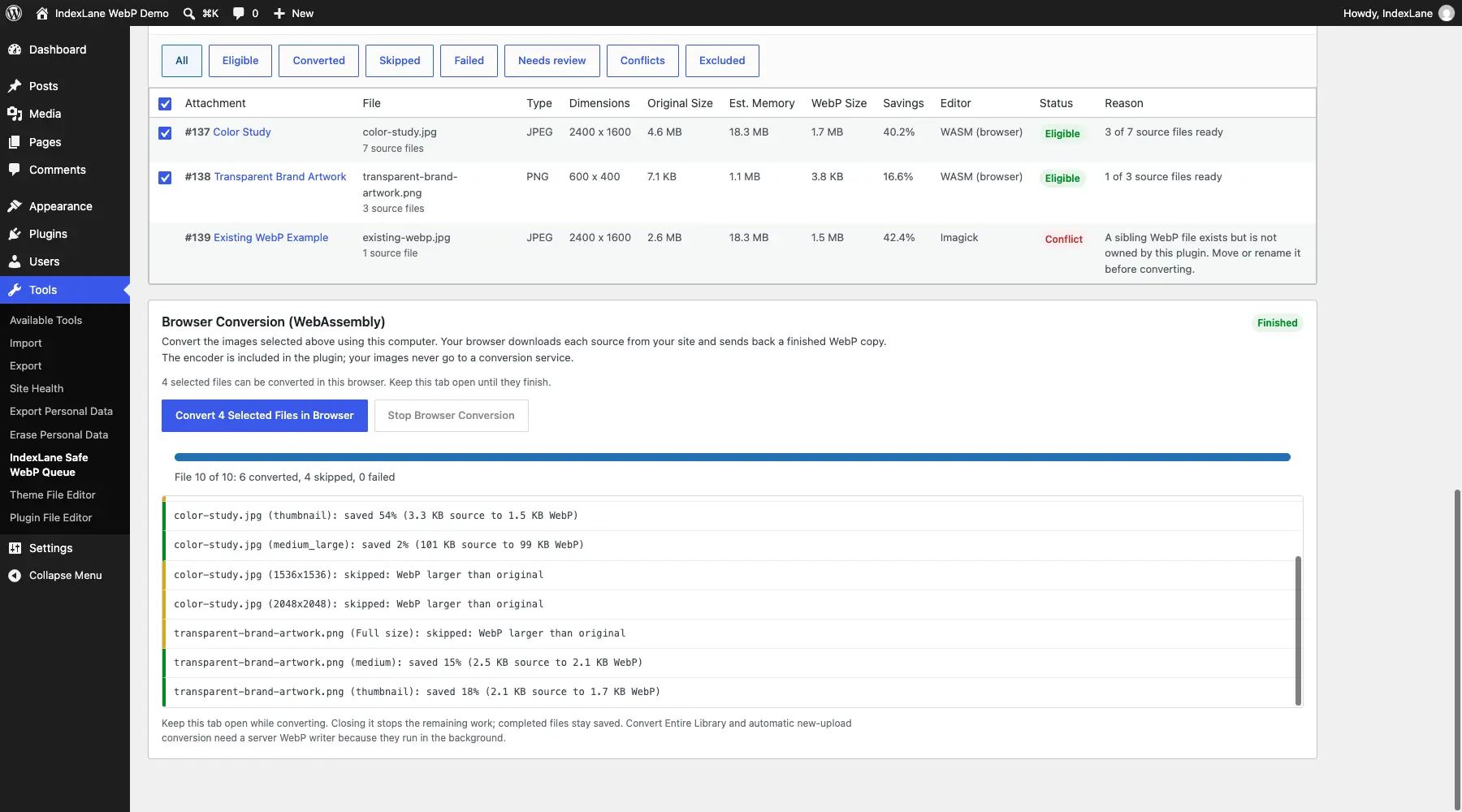
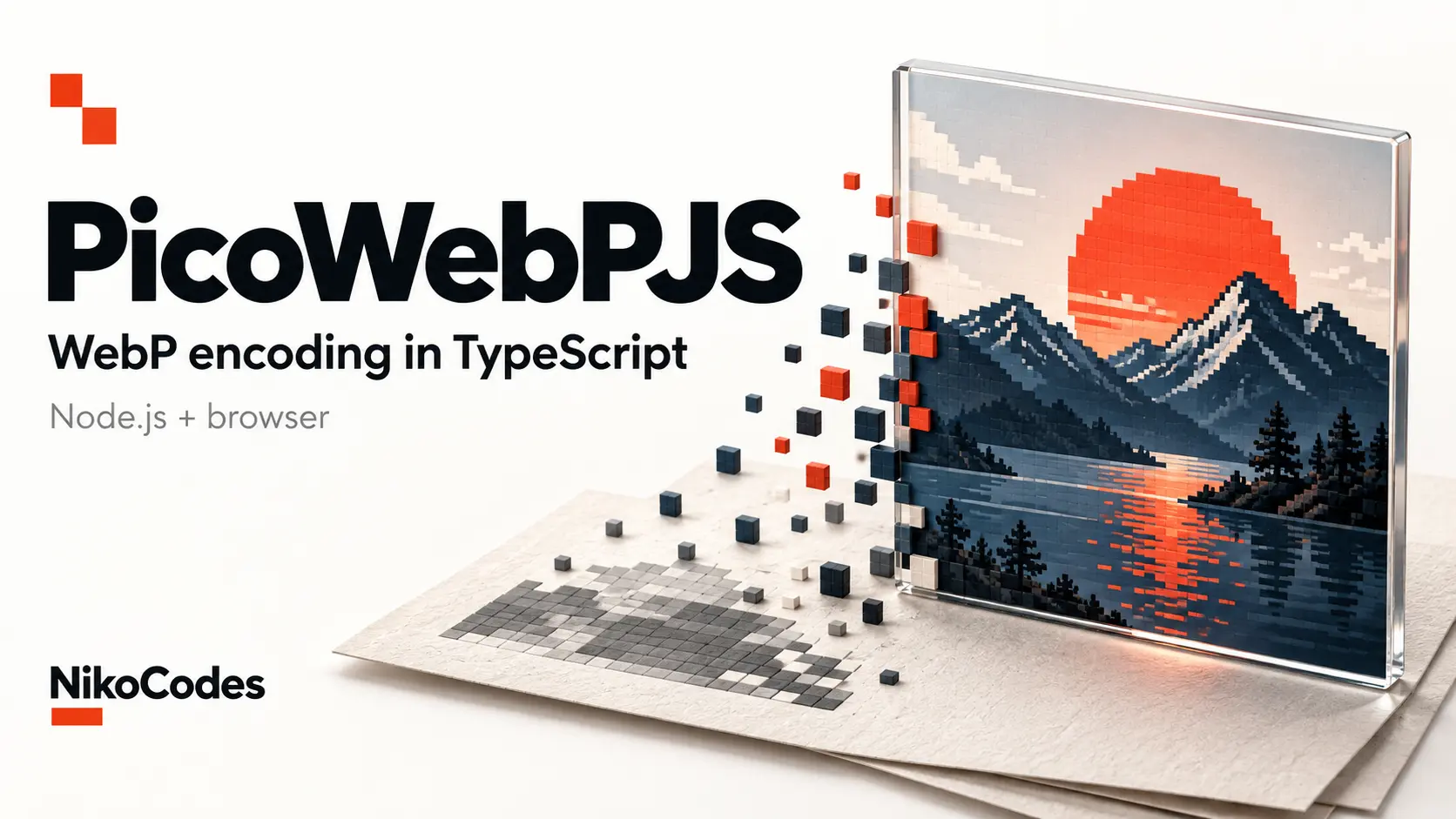
Safe WebP & AVIF Queue converts WordPress images while keeping the original JPEGs and PNGs. It handles thumbnails and other generated sizes, shows actual file savings, and skips copies that aren’t smaller by default.
The browser converter supports both WebP and AVIF, using encoders included with the plugin. Your computer processes the images and sends the finished copies back to WordPress. No external conversion service, API key or desktop application is needed. Keep the plugin page open while it runs.
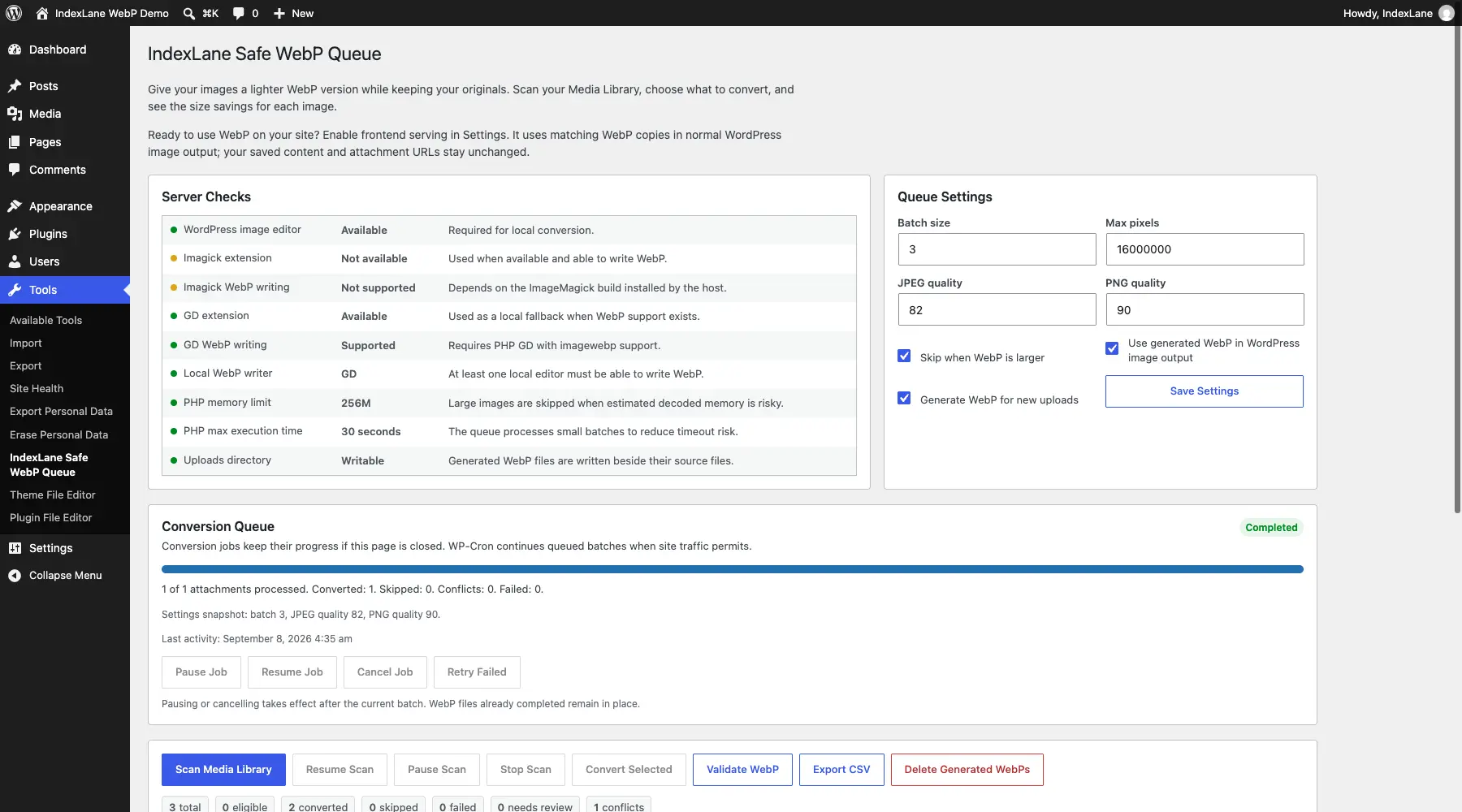
For background WebP conversion, the plugin uses your hosting’s image tools or an optional built-in PHP encoder. The PHP option needs PHP 8.1 or newer with zlib and is slower, with limits suited to smaller images. Background jobs save progress and support pausing, resuming and retrying failures.
You decide when to serve the converted images. AVIF uses WebP or the original image as a fallback, and you can remove the plugin’s generated copies without deleting your originals.
Version 1.2.1 improves handling of both formats, fixes regeneration of outdated or damaged copies, and corrects responsive AVIF matching so image sizes, crops and fallbacks stay consistent.