Fernwild 1.1.10: the joystick is round again
Published
Repeated rotation could stretch the iPhone PWA and make its controls disappear. This update fixes canvas sizing and keeps the menu button available on touchscreens.
Browser game
A free browser arena shooter starring Fern, an elf with a bow and a limited quiver. Clear four stages, buy upgrades between bosses, and spend earned embers at the Hearth to give the next run a better start.
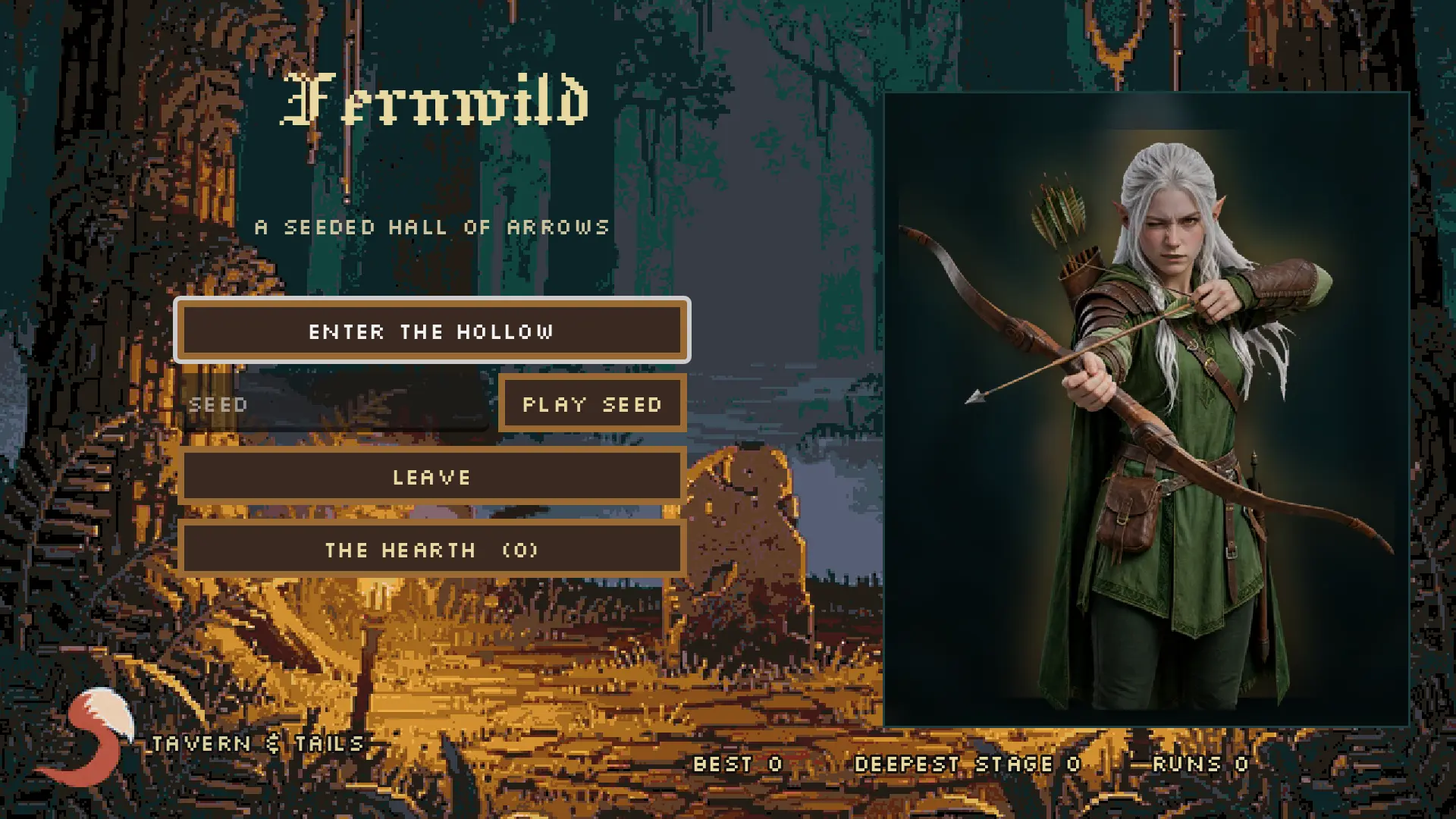
I built Fernwild around an elf, a bow, and a quiver that can run out. You move through enclosed arenas, clear the monsters to open the way forward, and try to reach the boss with enough arrows and lives left to deal with it.
It is a small, free browser game from Tavern & Tails, built in Godot. You can play with a keyboard and mouse, a gamepad, or touch controls on your phone.
The run starts at the Fern Edge and takes you through the Overgrown Ruins, the Misty Crypt and the Deep Hollow. Each stage has six arenas and its own boss.
The monsters need different answers. Goblins close the distance, imps swarm, beetles protect themselves behind their shells, and boars commit to a charge you need to get out of the way of. Trees and rocks are solid, so where you stand matters as much as where you shoot.
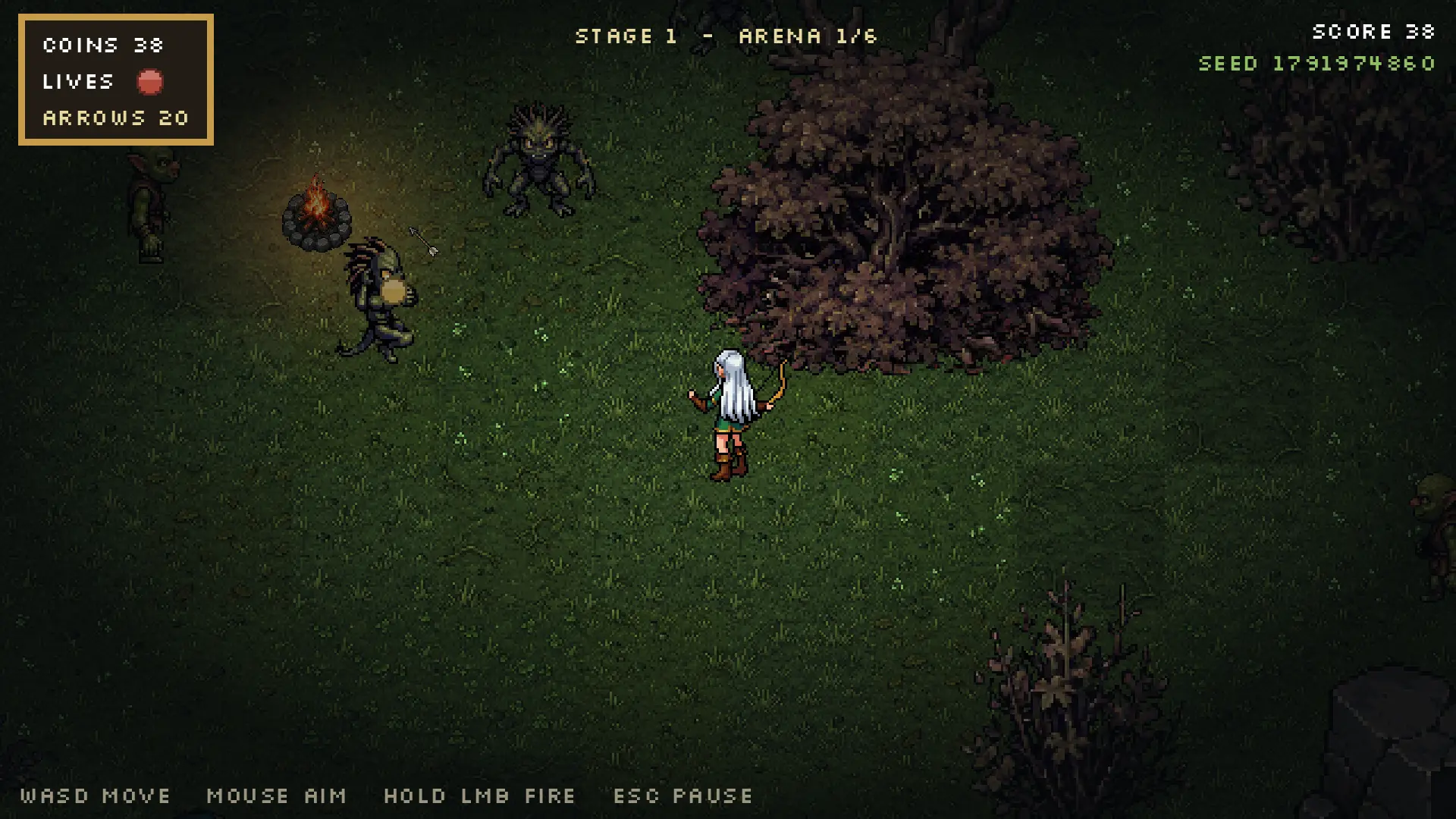
The opening forest arena. Clear the room to open the way forward, and collect dropped quivers before you run dry.
You begin with one life and 24 arrows before Hearth upgrades. A hit costs a life. Ammunition comes from quivers on the ground, so holding the fire button is only useful while there is something left to fire.
Coins buy stronger bows, multishot, piercing arrows, a faster draw, better boots and spare lives. The pedlar waits beyond each boss, which gives you a reason to collect the spoils before leaving the room.
Each boss has its own attack patterns. The Rootwarden guards the end of the first stage; three more wait deeper in the hollow.
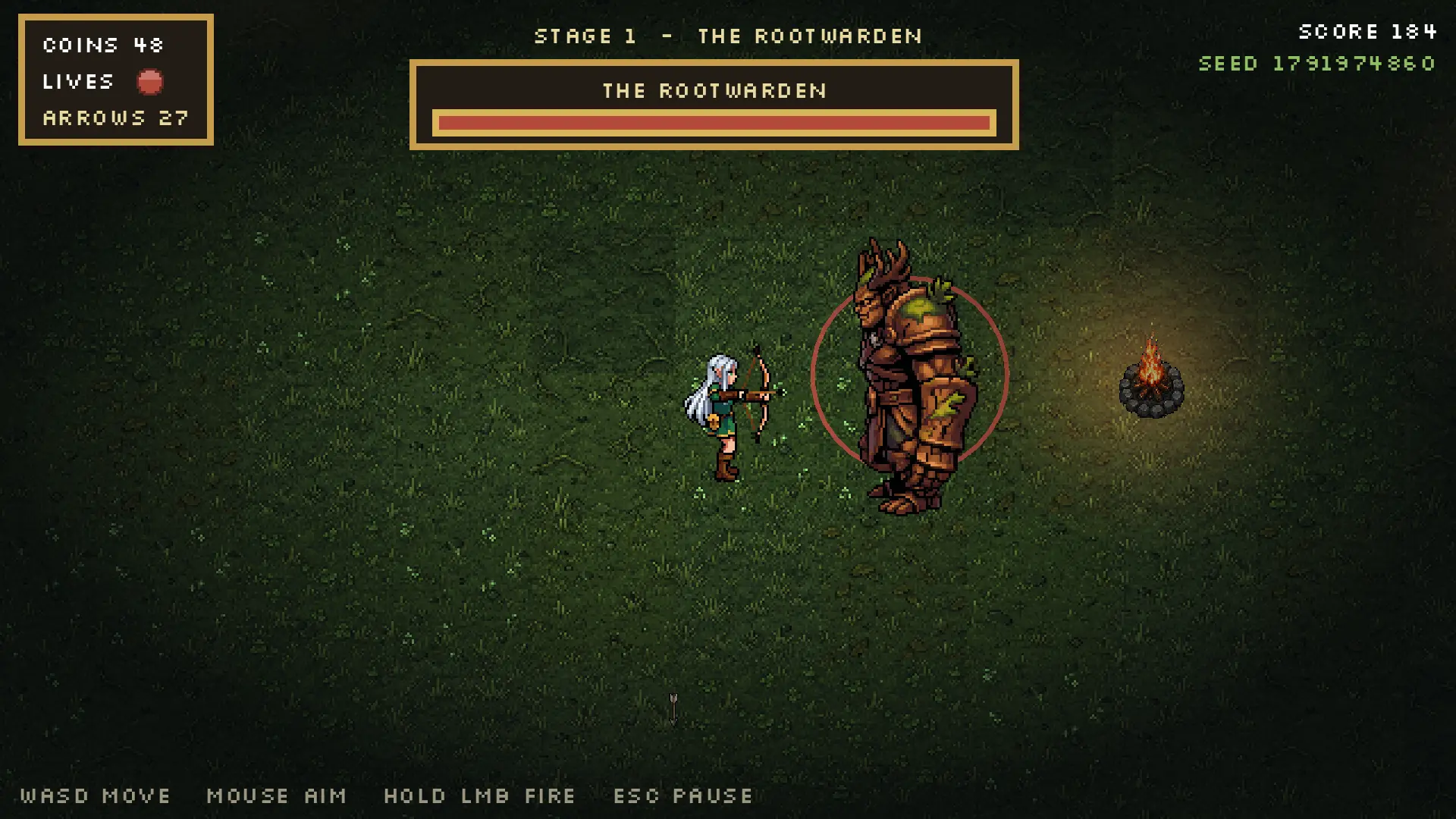
The Rootwarden is the first of four bosses. Beating it opens the route to the pedlar.
Runs also earn embers. Spend those at the Hearth to start future attempts with permanent upgrades, including more arrows or an extra life. Your records and Hearth progress are saved locally.
Start with a random seed or enter one yourself. The same seed rebuilds the same arenas, so you can retry a layout or pass it to someone else.
On desktop, use WASD or the arrow keys to move, aim with the mouse, and hold the left mouse button to fire. Shift runs and Esc pauses. Gamepad controls are supported too.
On a phone, play in landscape. A left-thumb joystick handles movement, the fire button aims at the nearest enemy, and the menu button opens pause and settings.
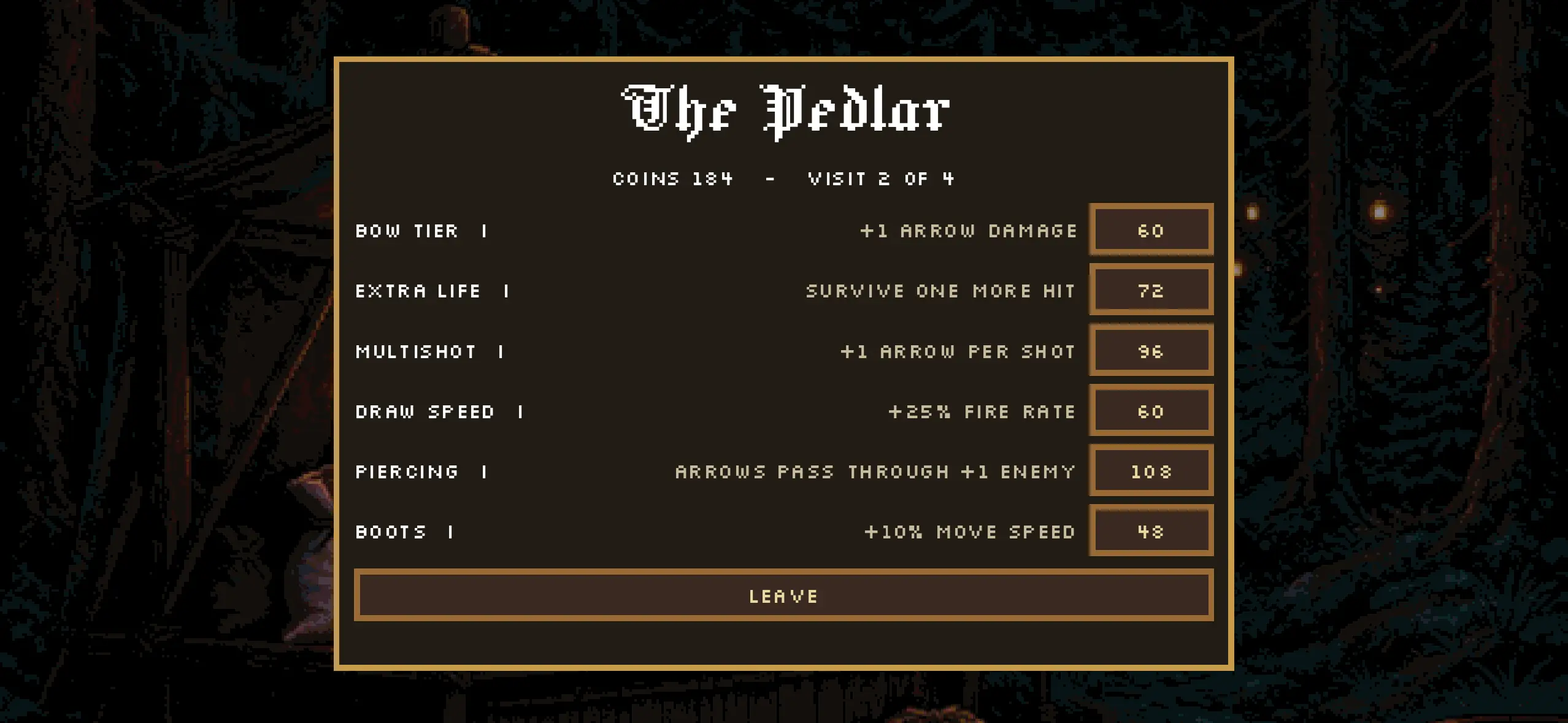
The pedlar on a phone. Spend coins on this run; Hearth upgrades carry into the next one.
Fernwild uses AI-generated art and music alongside credited CC0 assets and synthesised sound effects. The game includes credits for its assets and fonts.
Published
Repeated rotation could stretch the iPhone PWA and make its controls disappear. This update fixes canvas sizing and keeps the menu button available on touchscreens.
Published
Two weeks building a small Godot game, including two days getting browser audio and the home-screen layout to behave. The final sound fix was a bus layout; the missing screen space needed viewport-fit=cover.
v1.1.11 in the corner of a screenshot answers it.
A machine whose engine refuses the shape also gets one line of numbers across
the top of the title screen, because a phone in the hand of someone who can
send a screenshot is the only place those numbers can be read.Rotating the phone, twice or more, left a stretched game. The engine sizes
its canvas by asking the window how big it is - innerWidth and
innerHeight - and iOS answers that question with the previous orientation's
numbers for a moment after a rotation. In a standalone PWA nothing pokes the
page again afterwards, so the wrong answer stuck for the rest of the session:
the engine drew an 852x393 picture into a 393x852 canvas, the browser stretched
one into the other, and the joystick came out an ellipse. Reproduced by having
the page report the old orientation, which is what iOS does:
| build | the canvas box | what it drew into |
|---|---|---|
| 1.1.9 | 852x393 | 1179x2556 - stretched |
| 1.1.10 | 852x393 | 2556x1179 |
The canvas is now the page's to size (html/canvas_resize_policy=0) and the
page measures its own layout box, which cannot be out of date, then keeps
measuring for a second and a half after anything that could move it. The
engine reads the canvas back on its next frame, so the game re-lays itself out
with the screen.
The on-screen controls could disappear after a rotation, taking the menu button with them - which left a phone with no way to pause, and the pause menu is where the control setting lives. The controls now put themselves back if the view changes without telling anybody, and the menu button is drawn whenever the glass is a hand's, whatever the thumb controls are set to: the joystick and the fire button are a preference, the way out of a run is not.

A Russian learning game I built for my girlfriend in one day, with phone audio, offline lessons, saved progress, and a room to decorate.
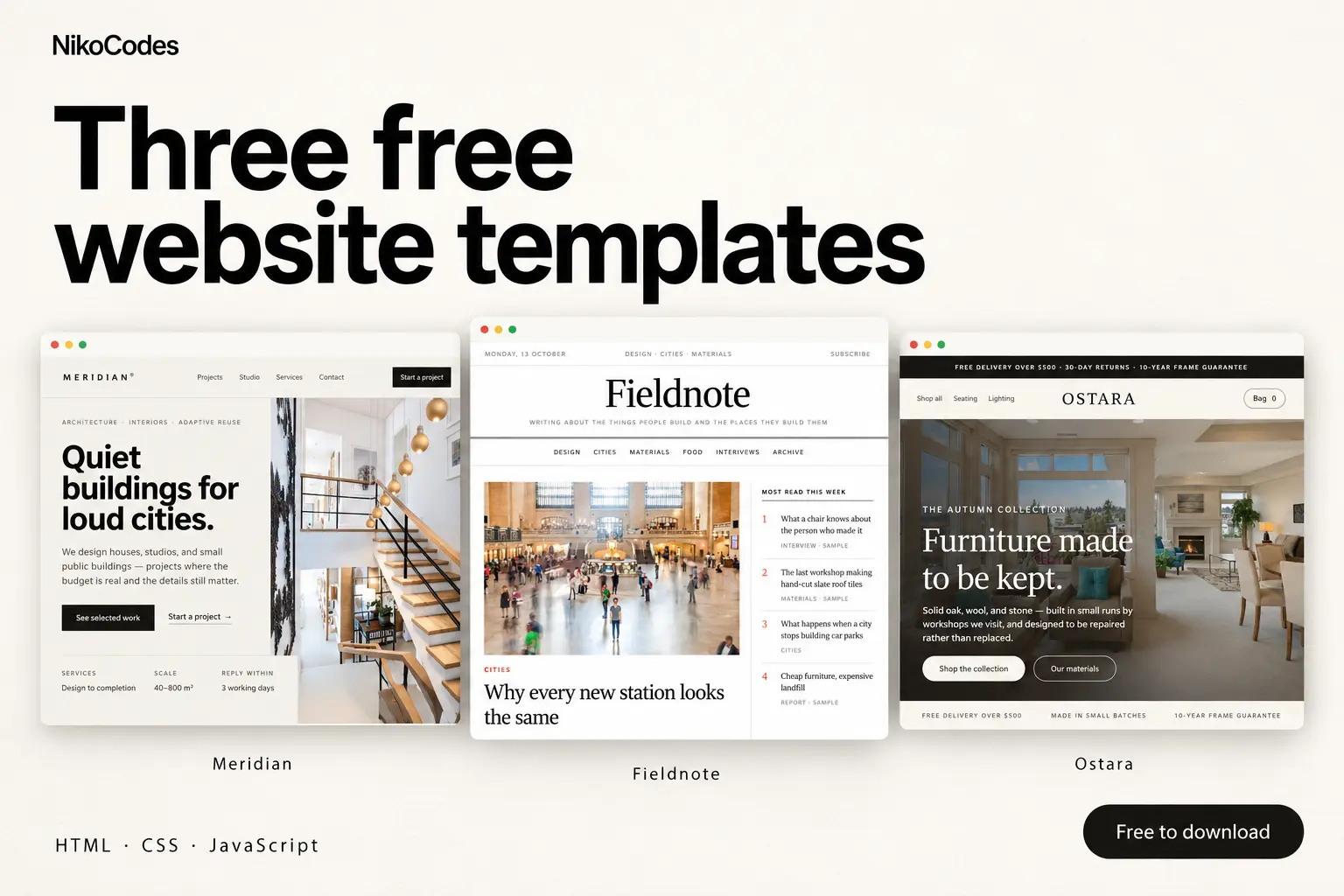
A studio portfolio, an editorial publication and a furniture storefront. Preview Meridian, Fieldnote and Ostara, then download the free HTML, CSS and JavaScript source on Contra.
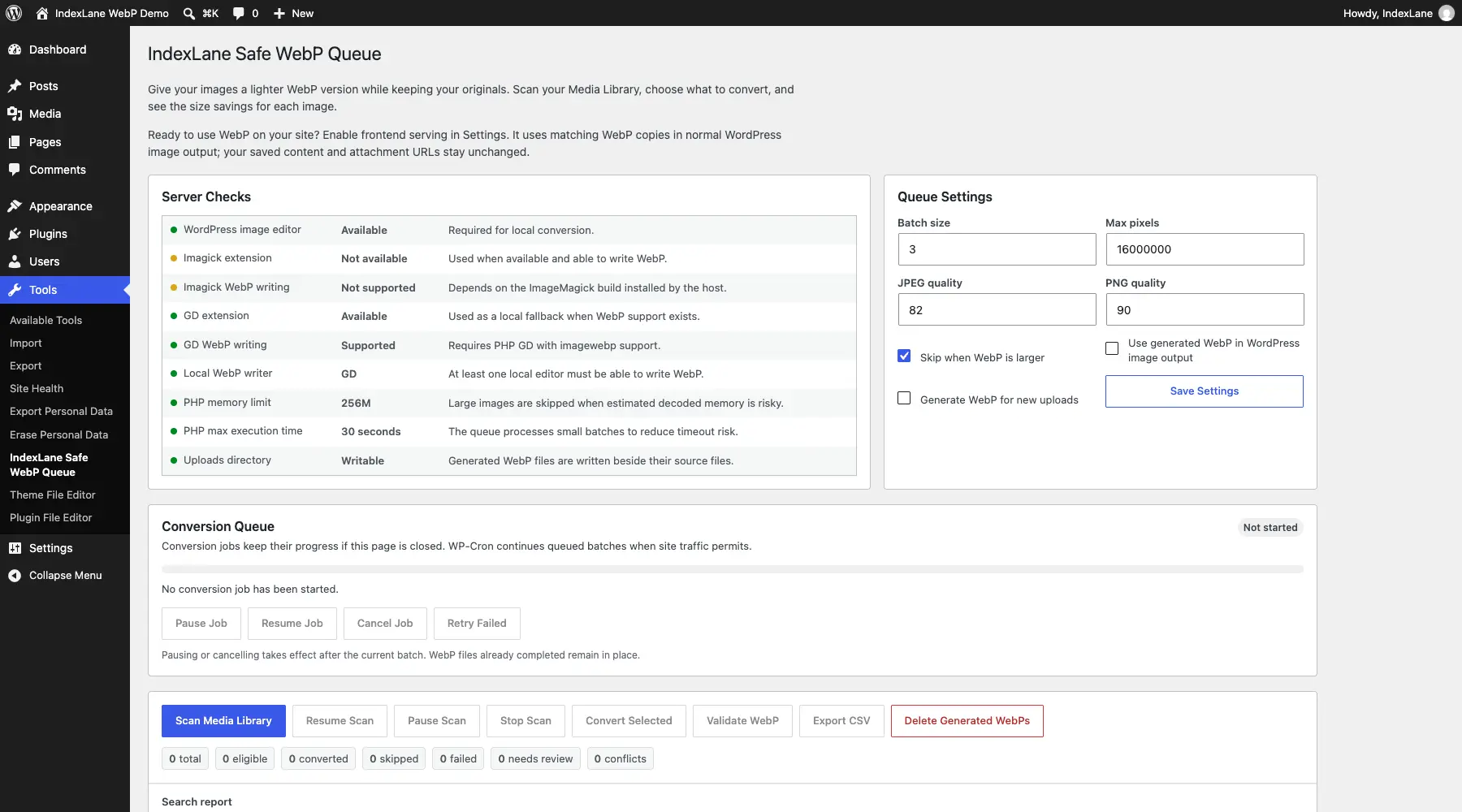
A WordPress plugin that creates WebP and AVIF copies while keeping your original images. Convert in your browser or run background WebP jobs on your hosting, review the savings, and choose when visitors receive the converted images.
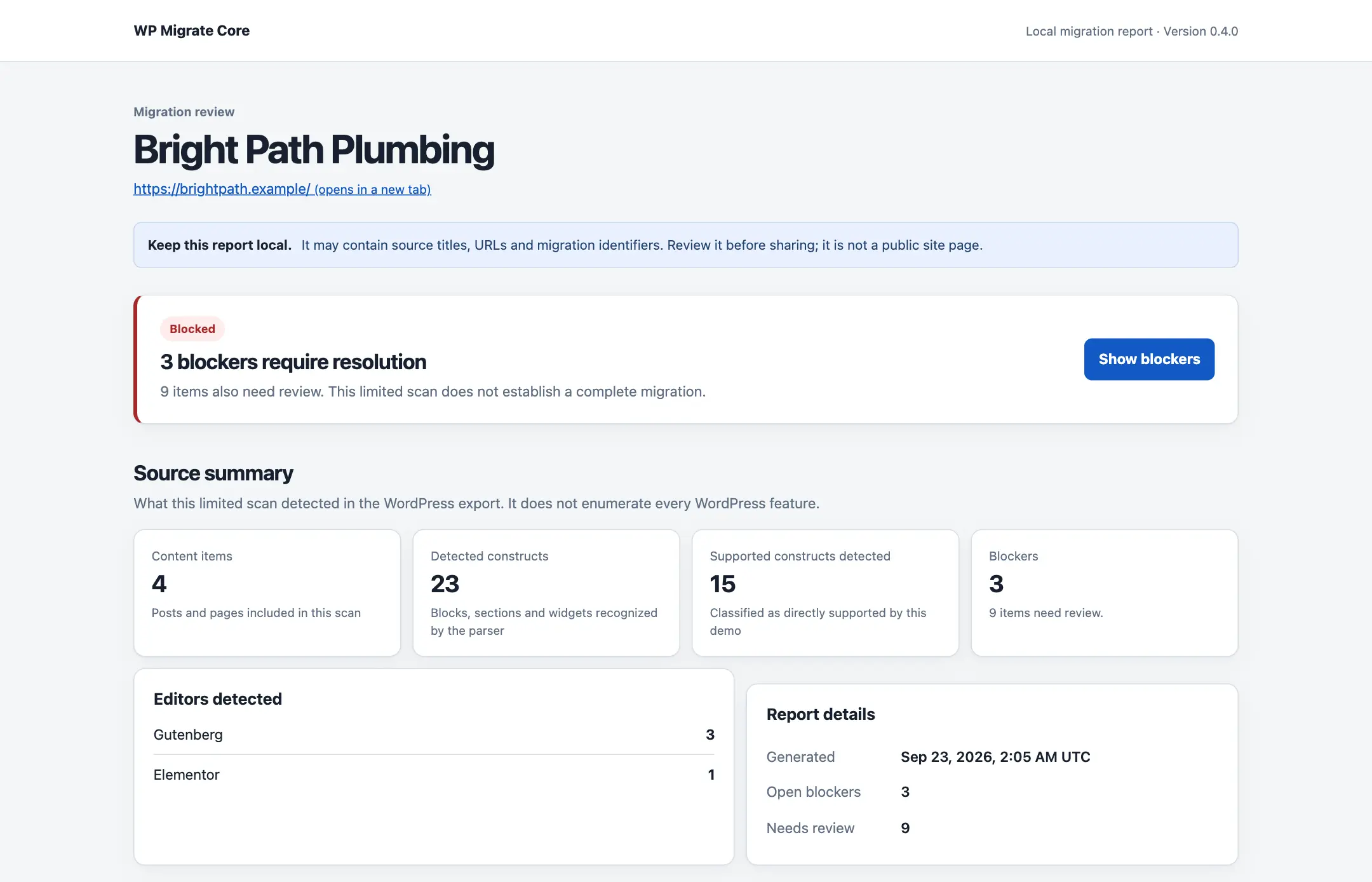
A command-line tool for getting a WordPress-to-Astro migration started. It reads a WordPress XML export, inventories content, images and links, and can generate an Astro project with a clear list of what still needs rebuilding.
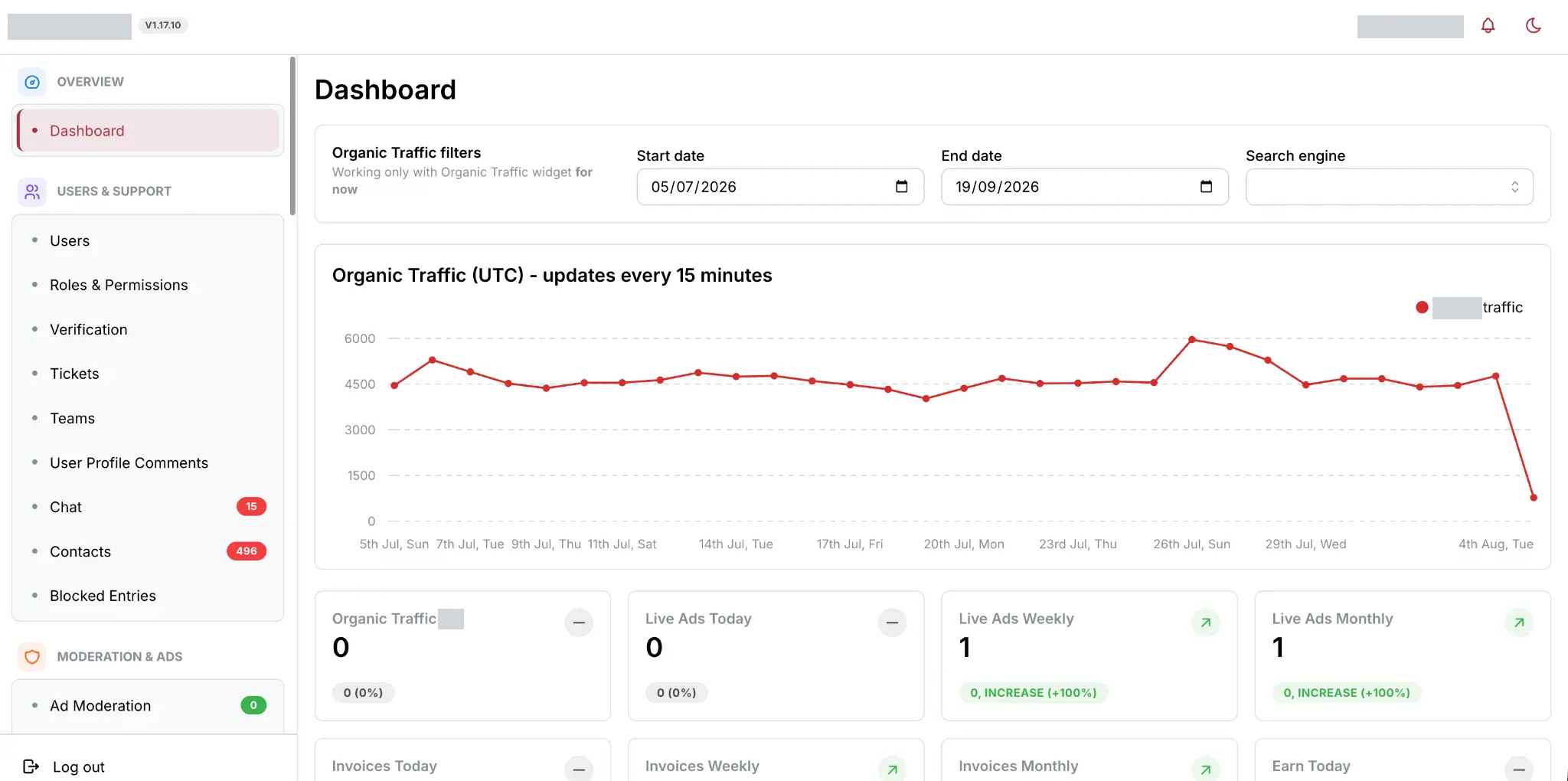
A live platform with 175k+ ads, rebuilt and expanded over three-plus months with Go-rendered public pages and three React dashboards. The work spans prepared listing data, warmup, payments, search, realtime updates, operations and production migration.
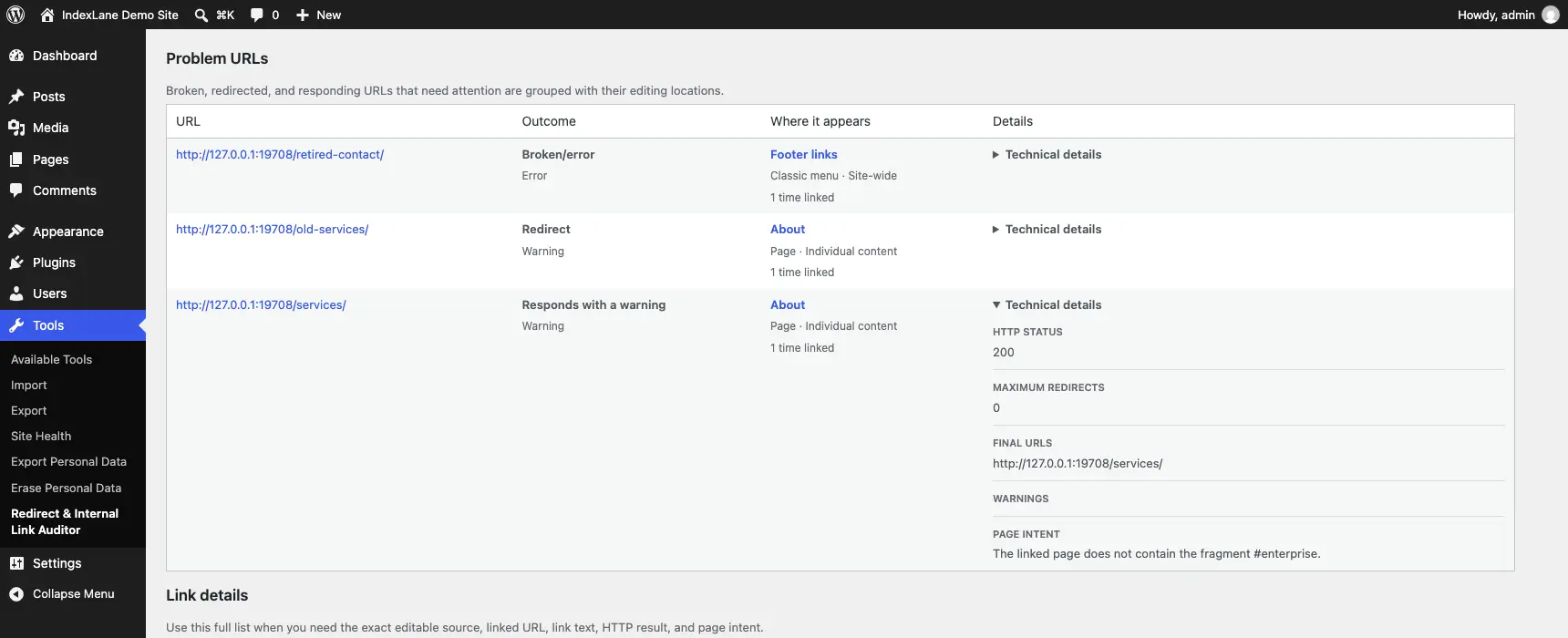
A WordPress plugin for finding broken internal links, redirects and old URLs left behind after a migration. It shows you where those links are used and takes you to the place where you can edit them.
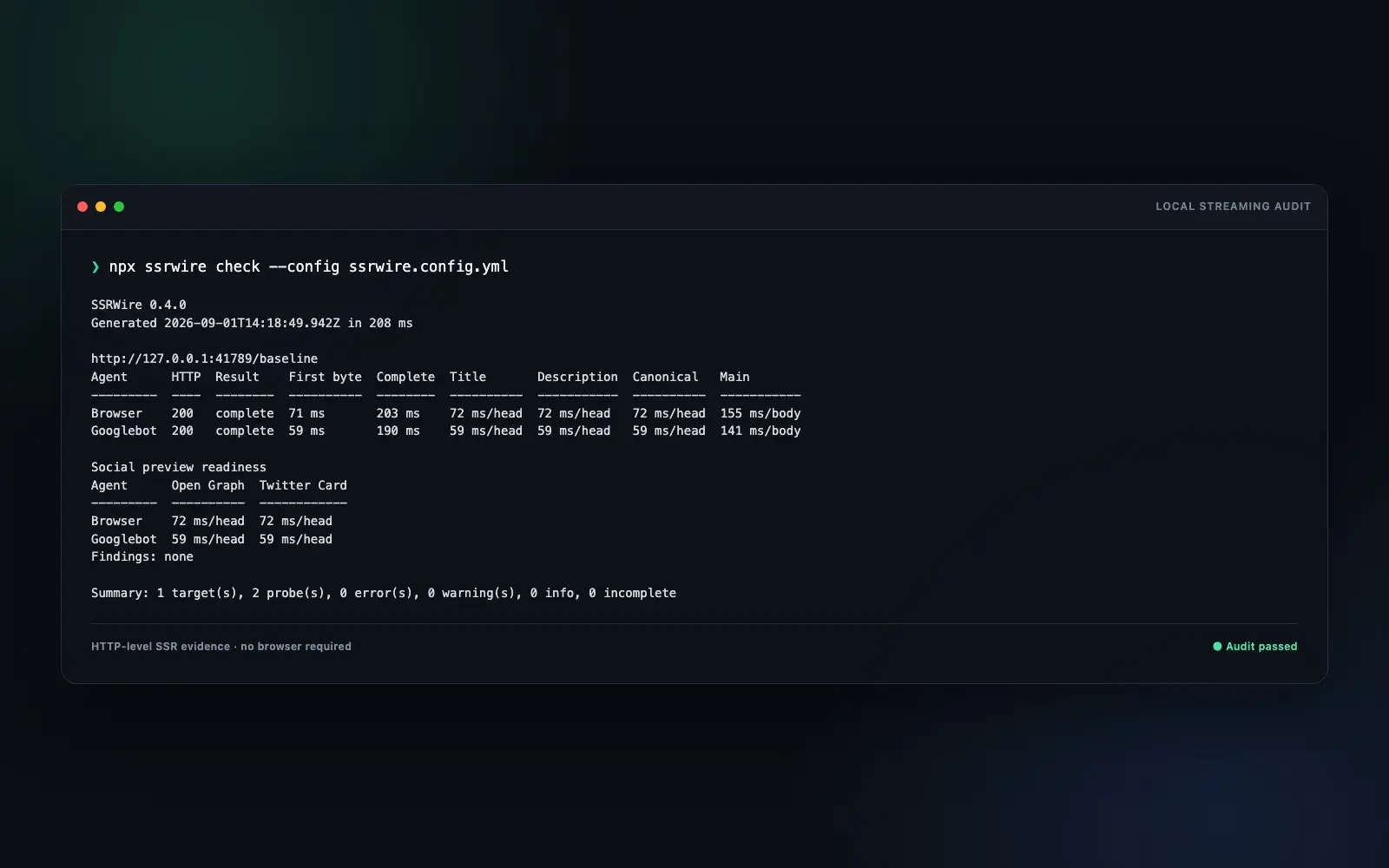
A command-line tool for inspecting the HTML your server sends, including content and metadata that arrive in a stream. It records when important elements appear and compares responses for different browser, search-crawler and social-preview user agents.
A command-line tool for checking that a page delivers the right content and metadata however you reach it. It compares the HTML your server sends, a fresh browser load and the result of clicking through from another page.
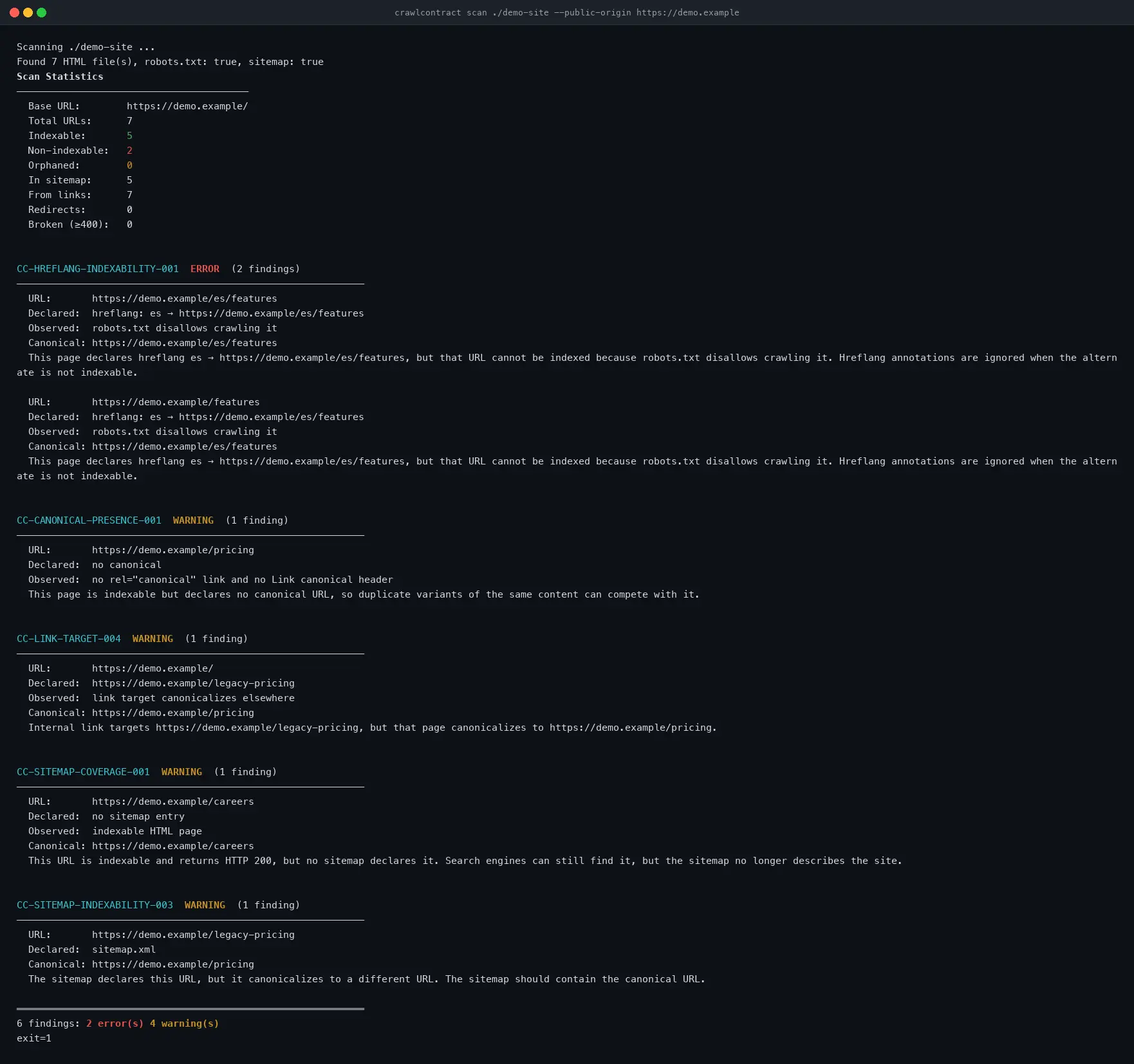
A command-line tool for catching crawl and indexing problems when a website changes. It checks built files or pages fetched from a live or preview site, and compares scans so you can spot problems before a release.

Runnable in Expo Go on iOS and Android
An offline iOS and Android app for recording property issues with photos and notes, then sharing a finished inspection report as a PDF.
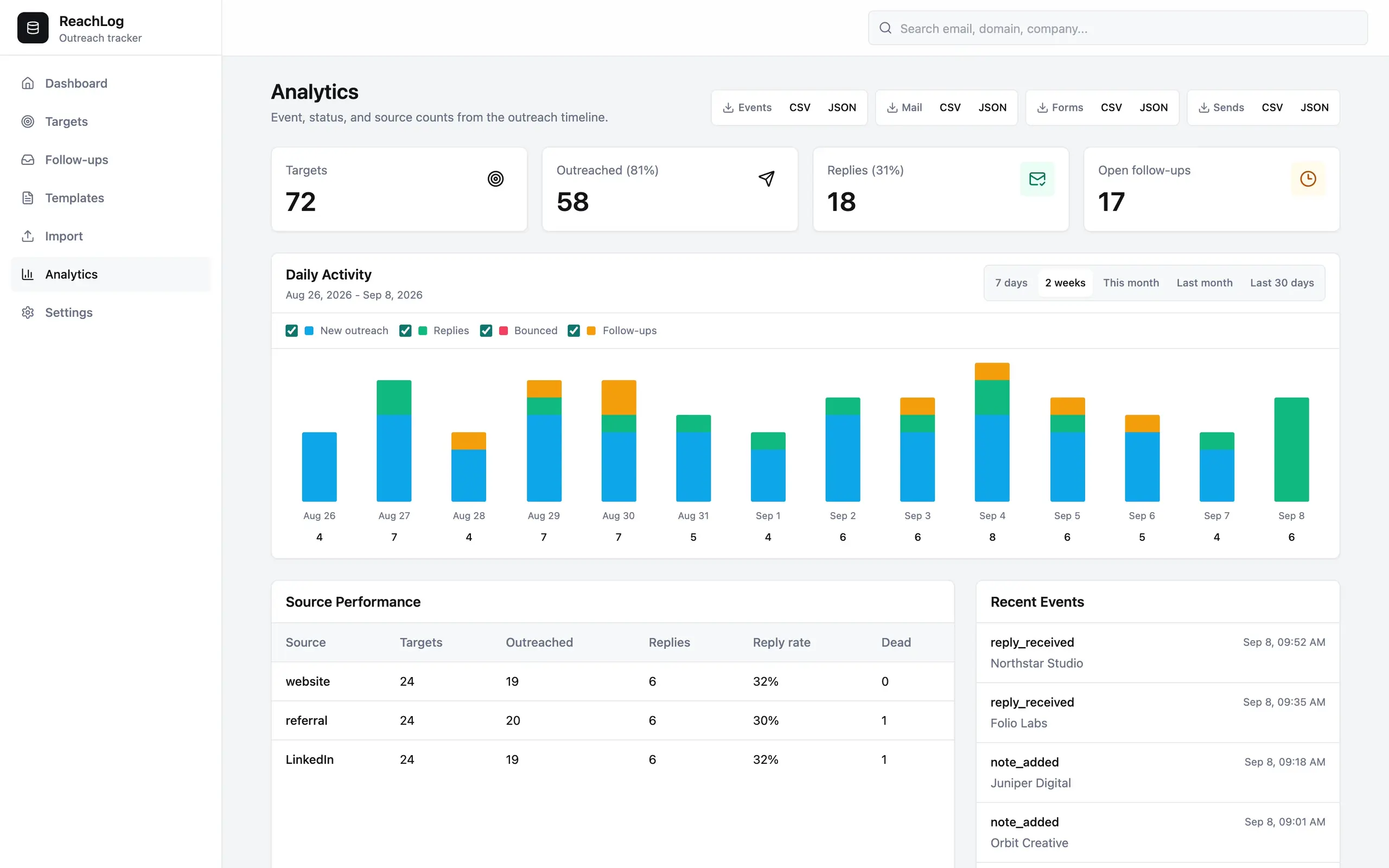
ReachLog is a small outreach and contact manager for keeping track of who you’ve contacted, what you’ve discussed and when to follow up. It brings contacts, companies and email conversations together in a local application that works with your existing email account.
A command-line tool for keeping your pgvector indexes in line with a configuration you control. It checks what exists, shows you what needs changing, and can build and replace HNSW indexes when you apply those changes.
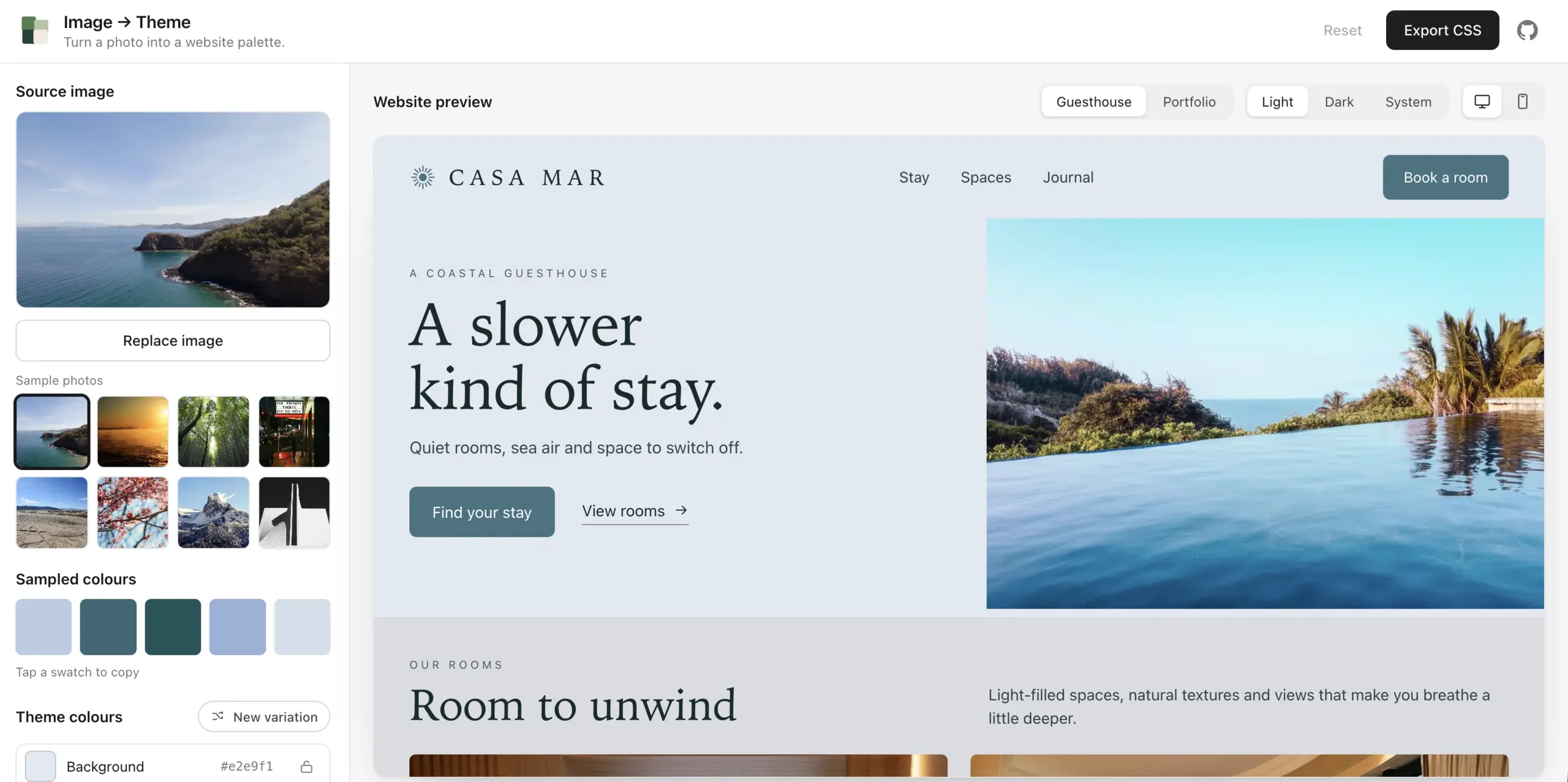
A tool for turning a photo into a website color theme. Drop in an image, see its colors applied to a page, adjust the result and export it as CSS variables or JSON design tokens.

Review and approve WordPress changes through RailCall, then publish or schedule them with an activity log and public-page checks.
TypeScript library / CLI
Convert images to WebP in Node.js or the browser without native bindings or WebAssembly. A TypeScript encoder with zero runtime dependencies.

A playful character chat with authored replies, session memory and an optional peek at the rules behind the conversation. Built with Next.js, React and JavaScript.
A command-line tool for finding broken links, incorrect redirects and indexing conflicts on a live or preview website. It discovers URLs, checks what your server returns and gives you findings tied to specific pages, with the evidence behind them.
A command-line tool for checking how pgvector search behaves once you add filters. It measures speed, compares approximate results with exact search, and checks query plans to see whether PostgreSQL is using your HNSW index.
A searchable history of baby names in the US and England & Wales, with popularity charts, yearly rankings and official source data.
A publishing platform for running several websites from structured source data. It handles imports, page generation, scheduled updates and search monitoring through one administration panel. Four domains are live; getting traffic to them remains the unfinished part.
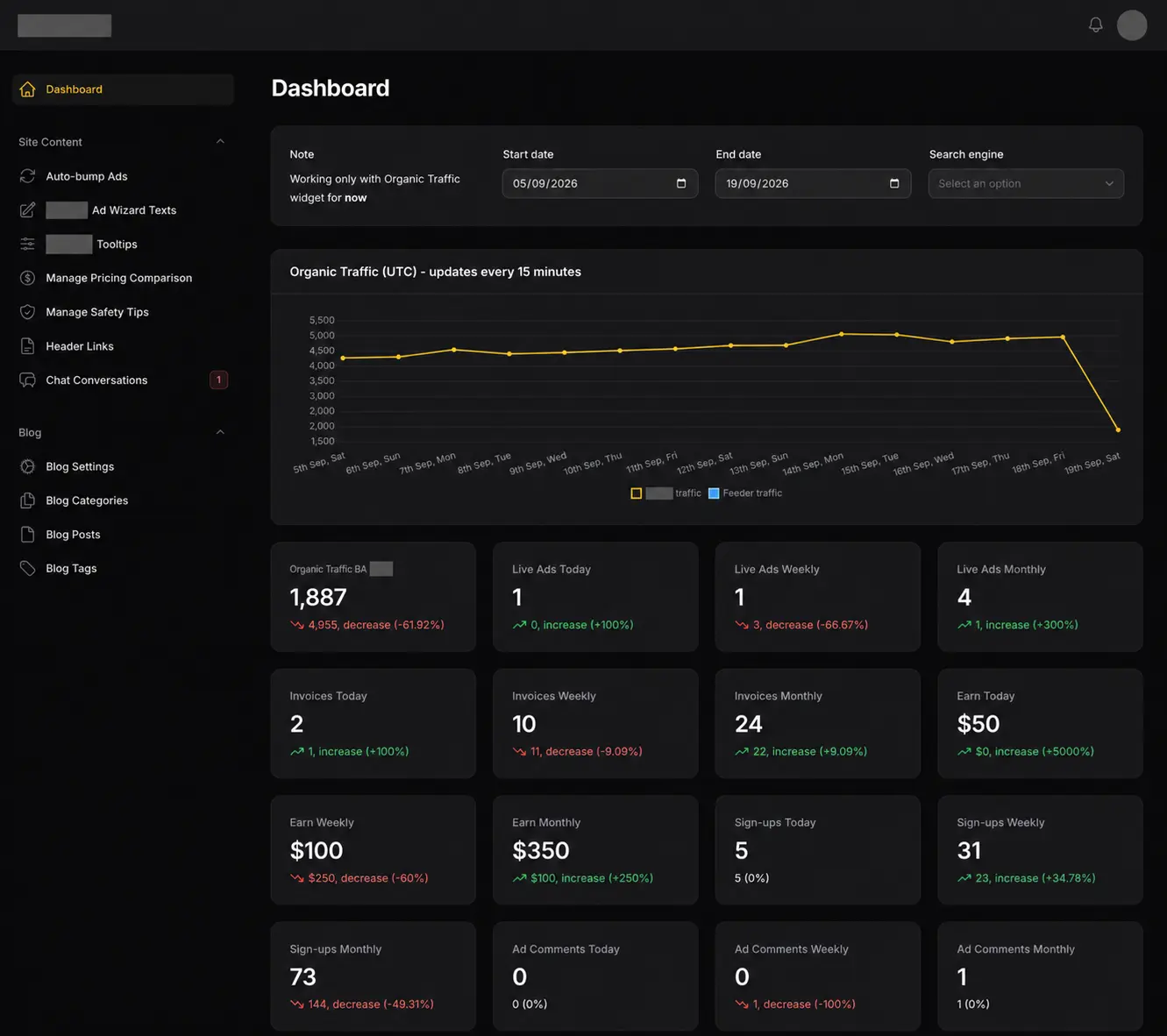
The original Laravel classifieds and advertising platform I built and maintained for roughly two years. It handled listings, payments, live chat and administration before the Go and React rebuild replaced it in production.
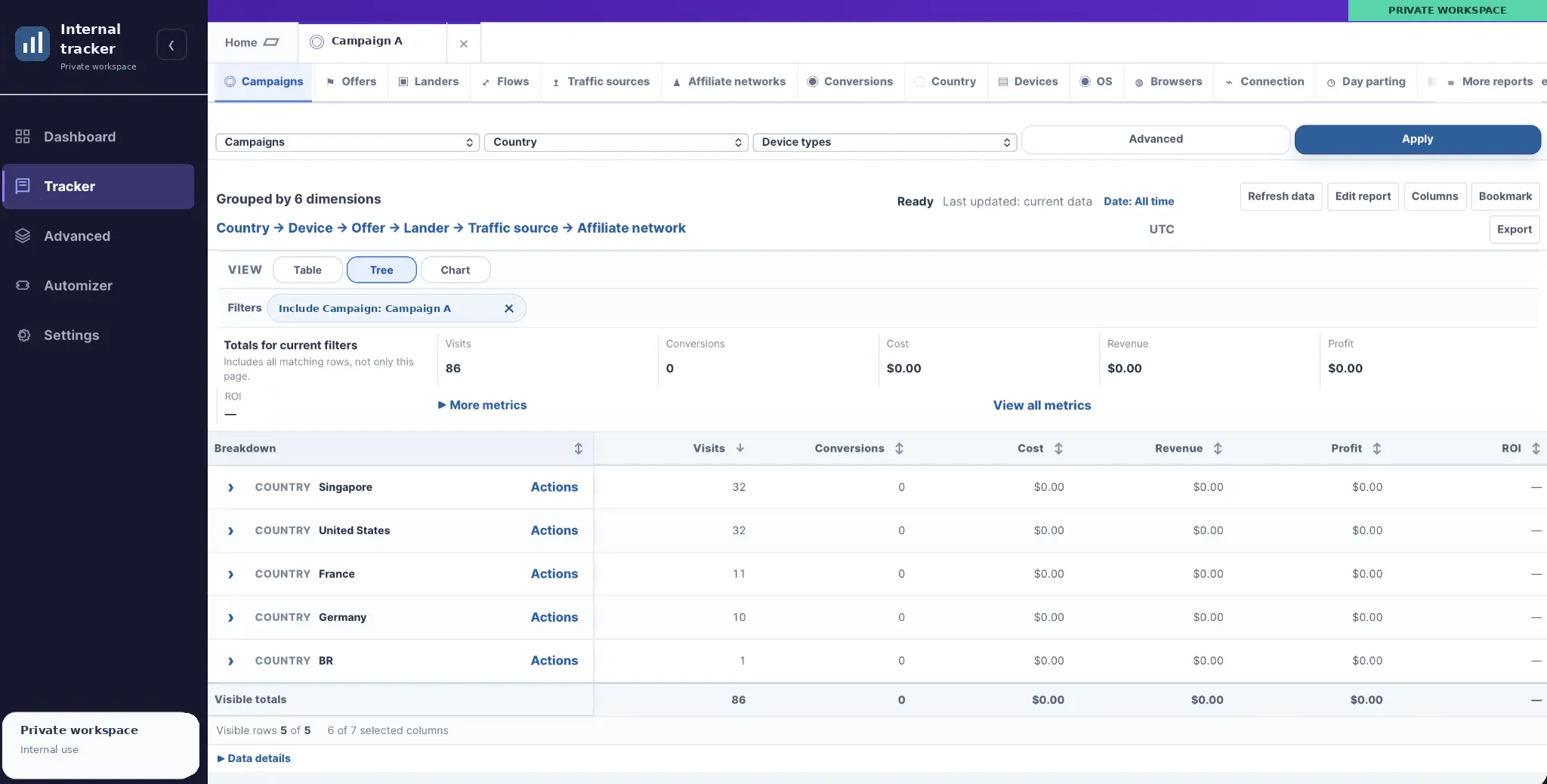
A private platform for routing campaign traffic, tracking clicks and conversions, and comparing performance across sources, offers, and devices.

A private daily planner with a ranked task queue, rollover for movable tasks and a separate activity log. Built for my phone as a PWA.
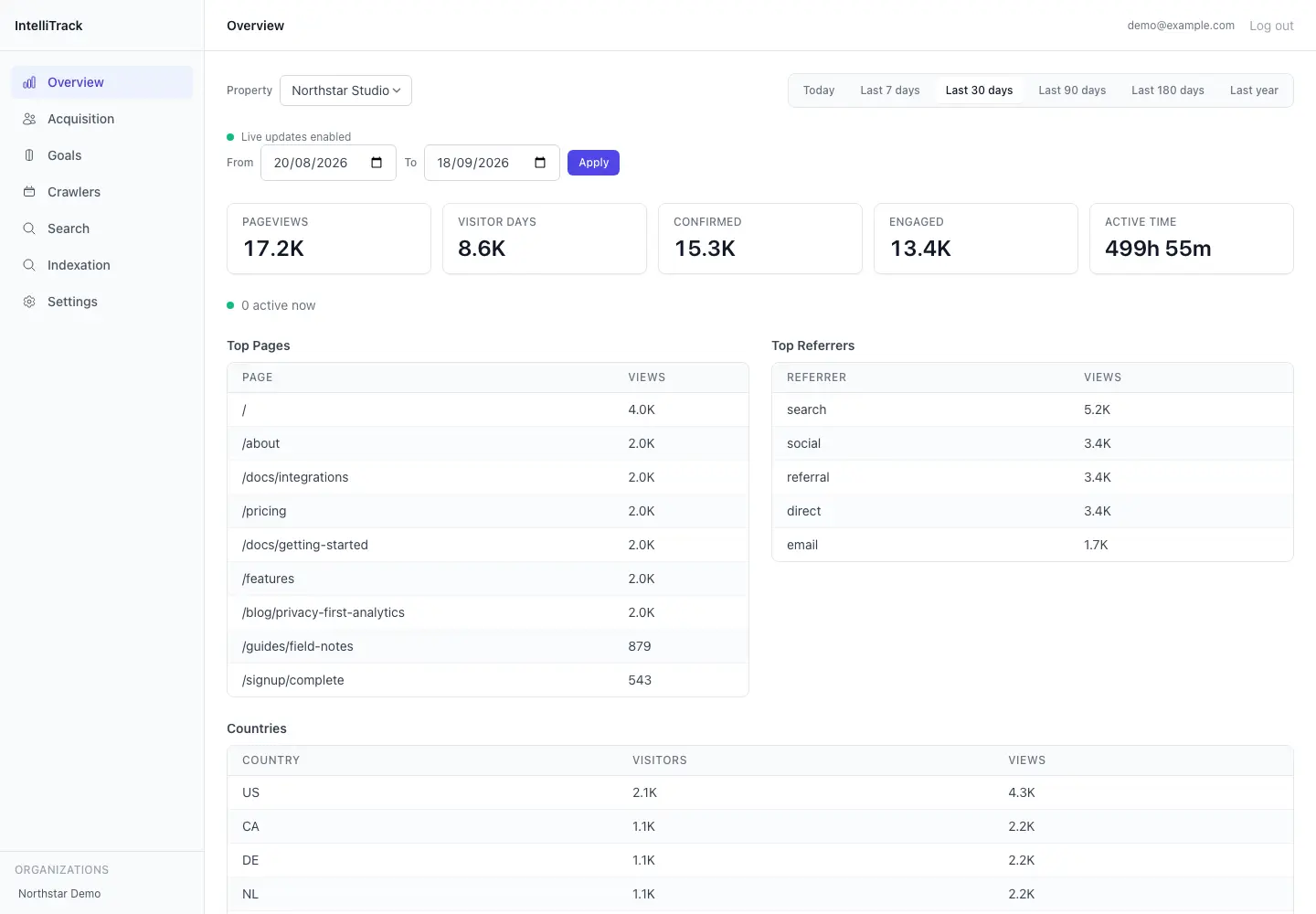
A private analytics tool for tracking website traffic, organic search performance, and activity from search engines and LLM crawlers. It brings ordinary visitor statistics, crawler requests, Google Search Console and Bing Webmaster Tools into one dashboard.
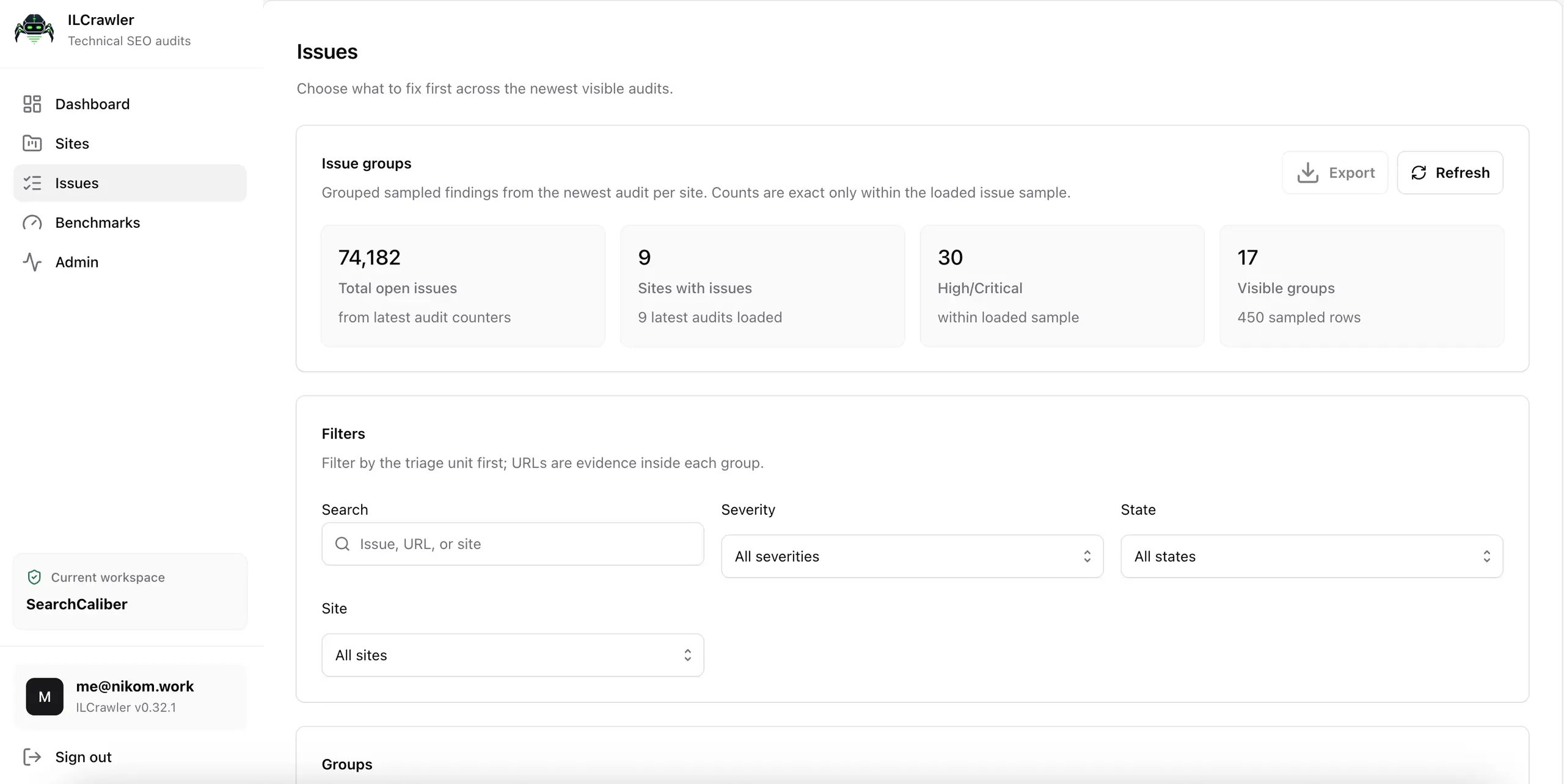
ILCrawler is the technical SEO crawler I use for my own websites and client audits. It brings page checks, links, screenshots, performance samples and reporting into one place. It’s also the project that repeatedly convinced me I was only one rewrite away from being happy with it.
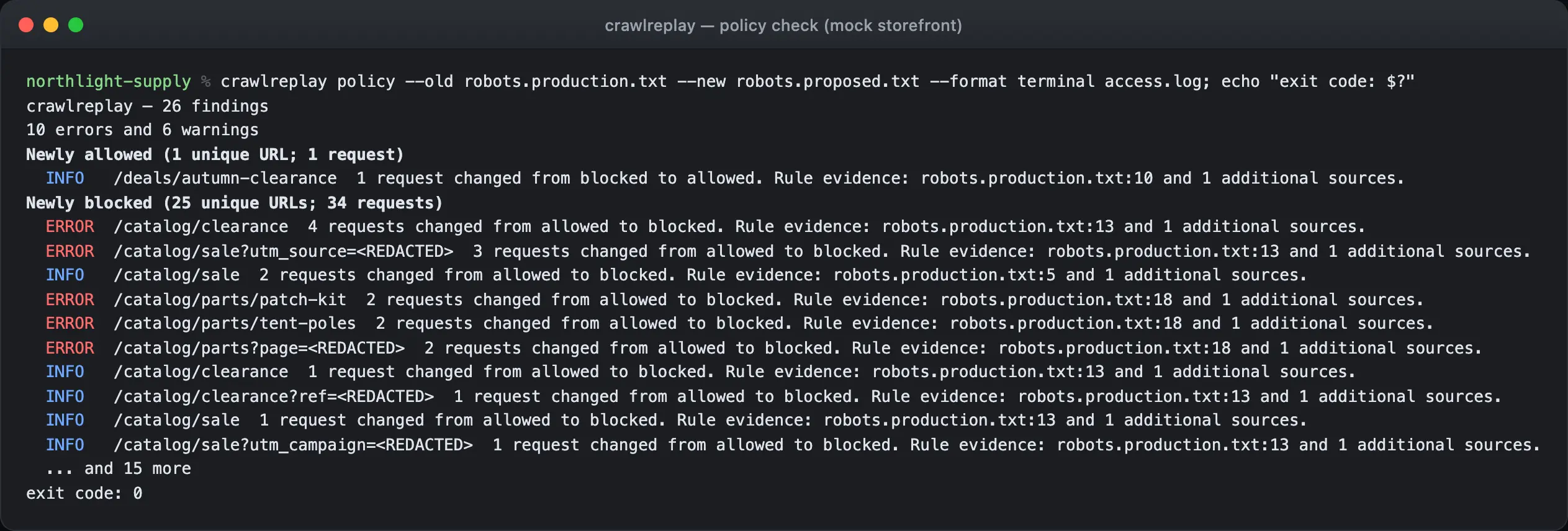
A command-line tool for testing robots.txt changes and new deployments against URLs found in your server logs. It helps you catch newly blocked pages, broken responses and unexpected indexing changes before putting those changes live.
An unlaunched Go rebuild of my publishing platform, using PostgreSQL for application data and background jobs, React for administration and Astro for public websites. It includes source processing, publishing checks and migration tools for the existing sites.
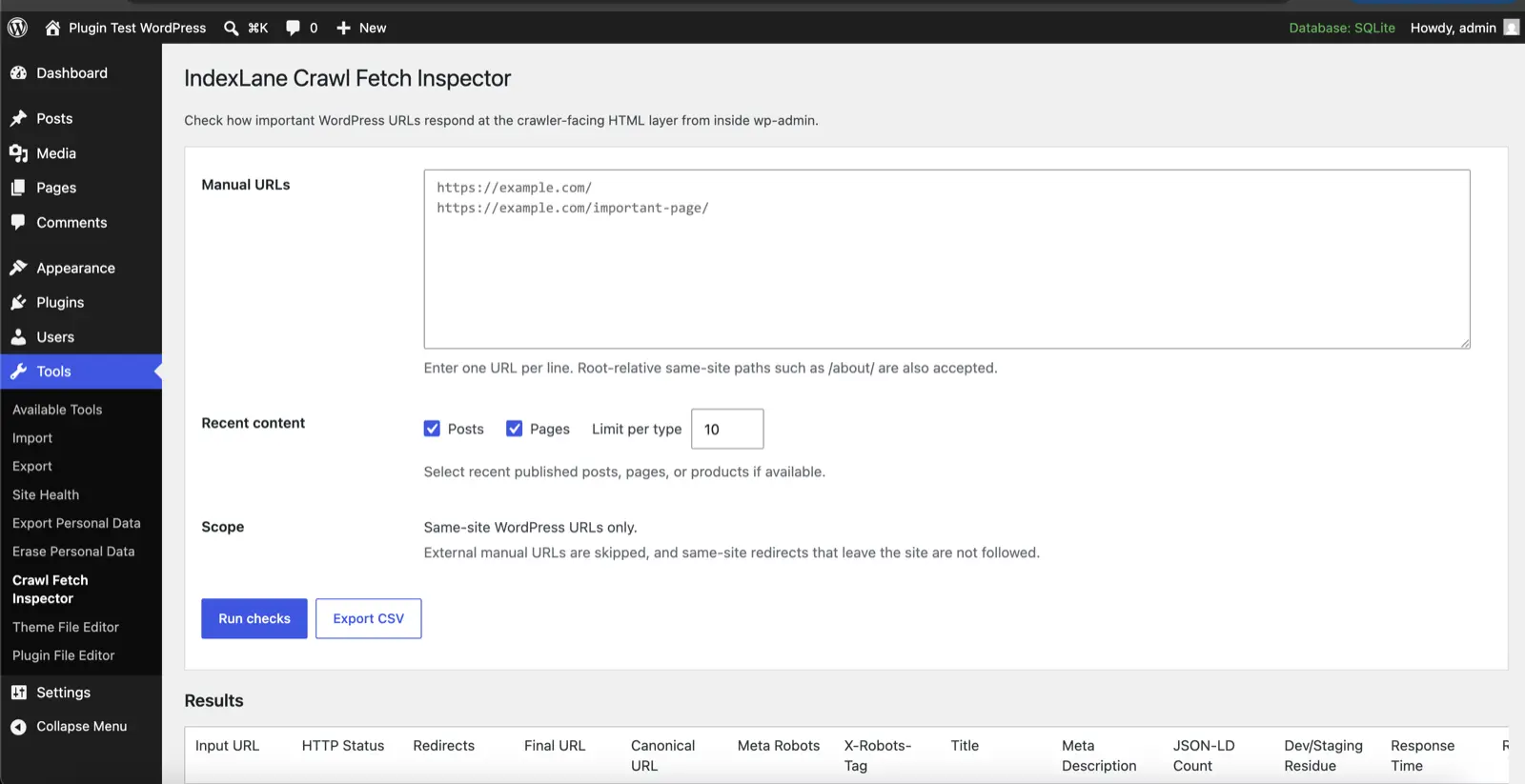
A WordPress plugin for checking redirects, indexing rules, sitemaps and structured data from your dashboard. Particularly handy when you’re launching a site or moving one.
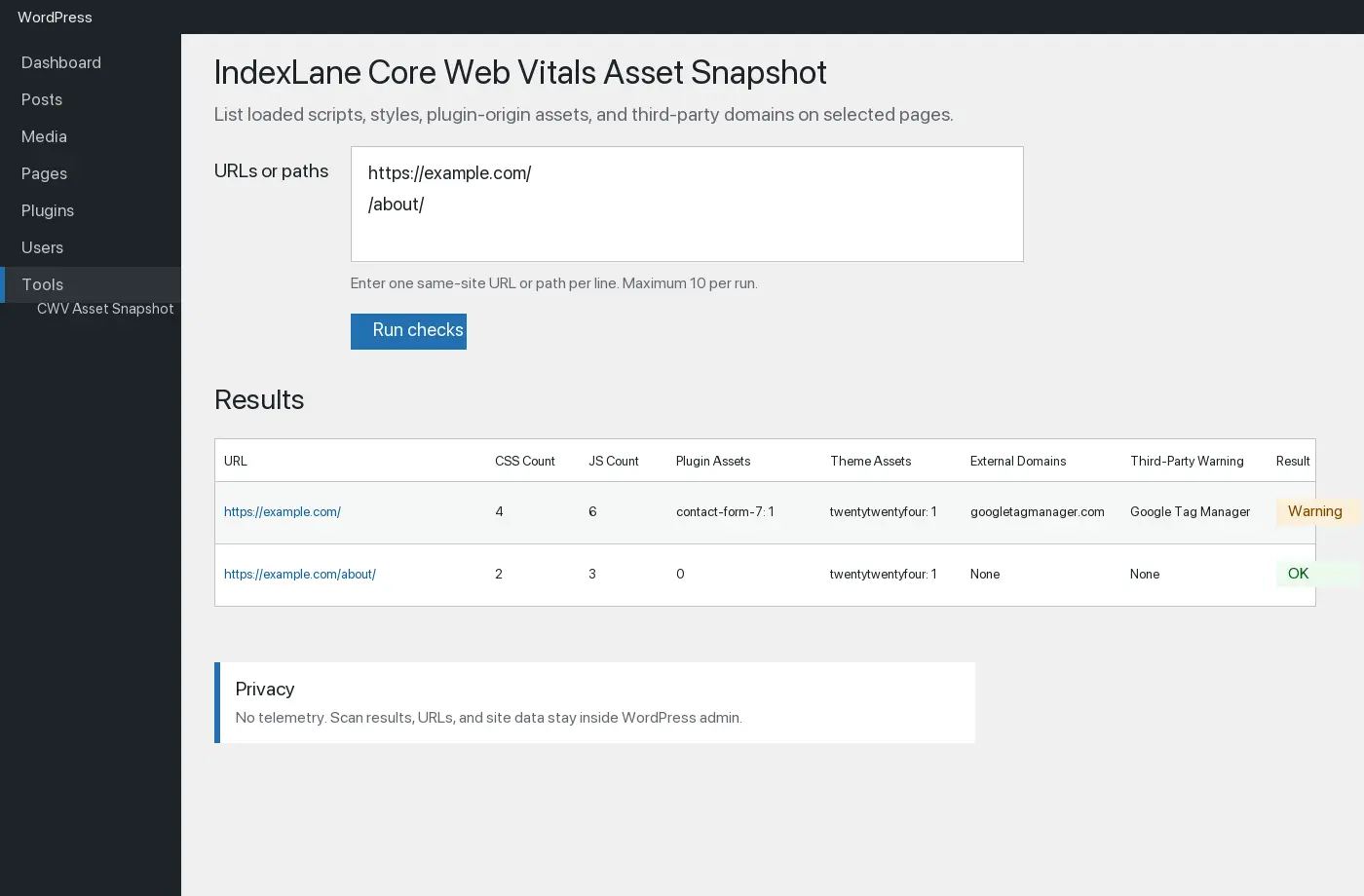
A WordPress plugin for checking the CSS and JavaScript your pages reference, measuring the files it can fetch, and comparing the results over time. Useful when you want to see what a plugin update or site change has added.
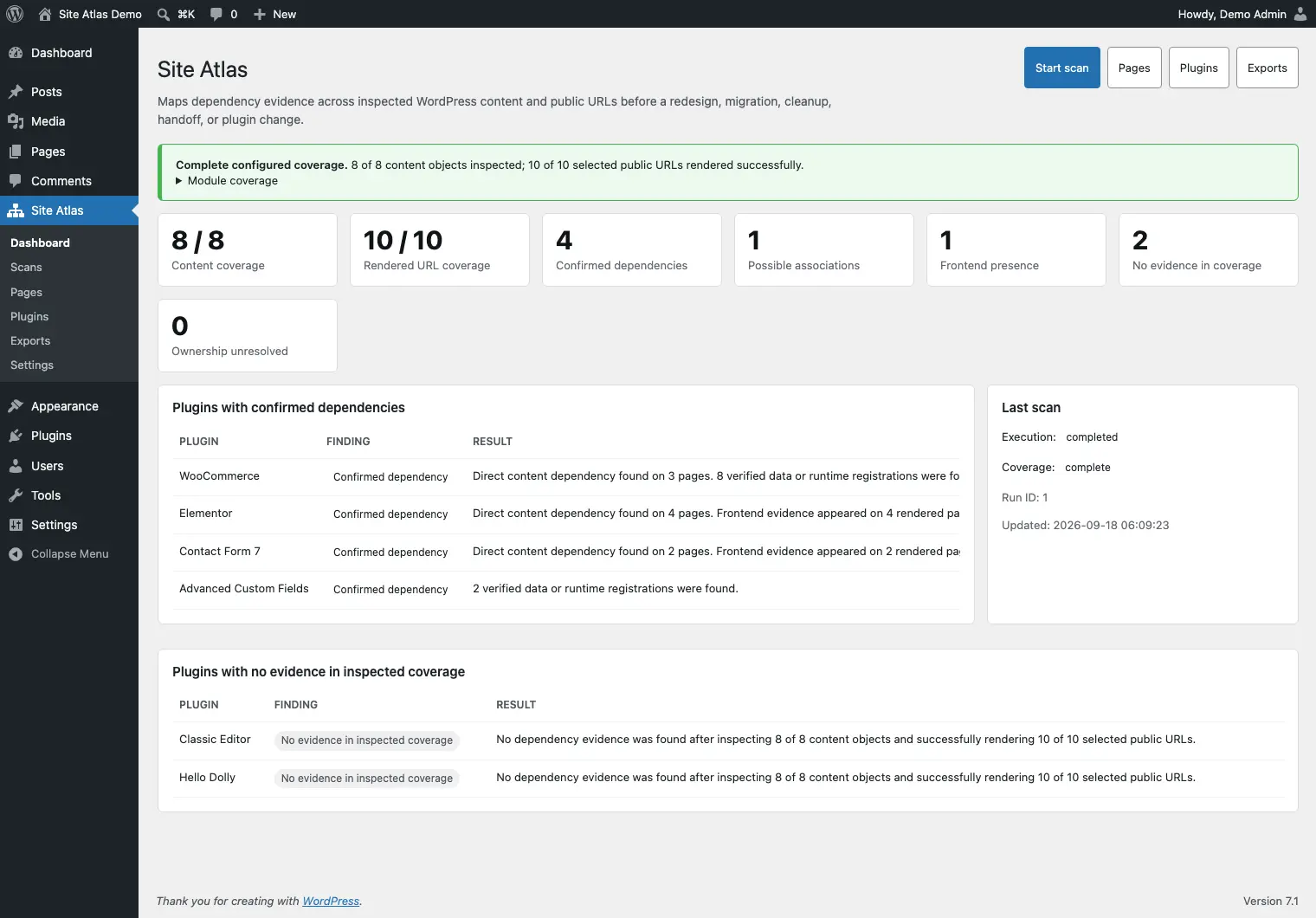
A WordPress plugin for figuring out how a site fits together before you start changing things. It looks at the connections between plugins, content and stored data, which is useful when you’re planning a cleanup, rebuild or handover.
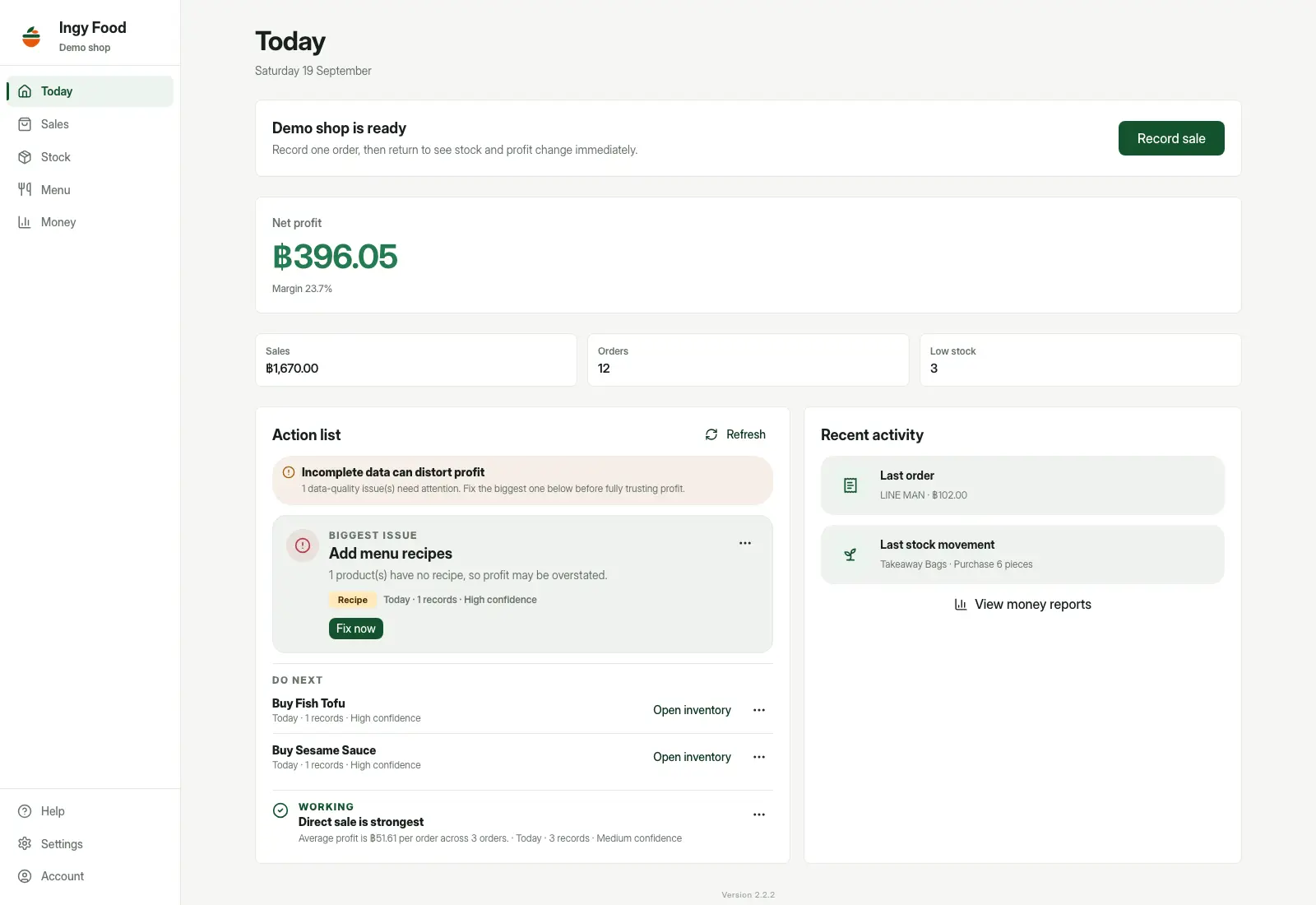
A private app for tracking food costs, stock and estimated profit across direct sales and food delivery. It connects ingredient purchases, recipes, orders and platform fees, helping a seller understand what each dish costs and how much money is actually left.

Personal project · Private prototype · Private source
A Rust infrastructure prototype for monitoring servers, inspecting container applications, and tracking deployment progress in one dashboard.
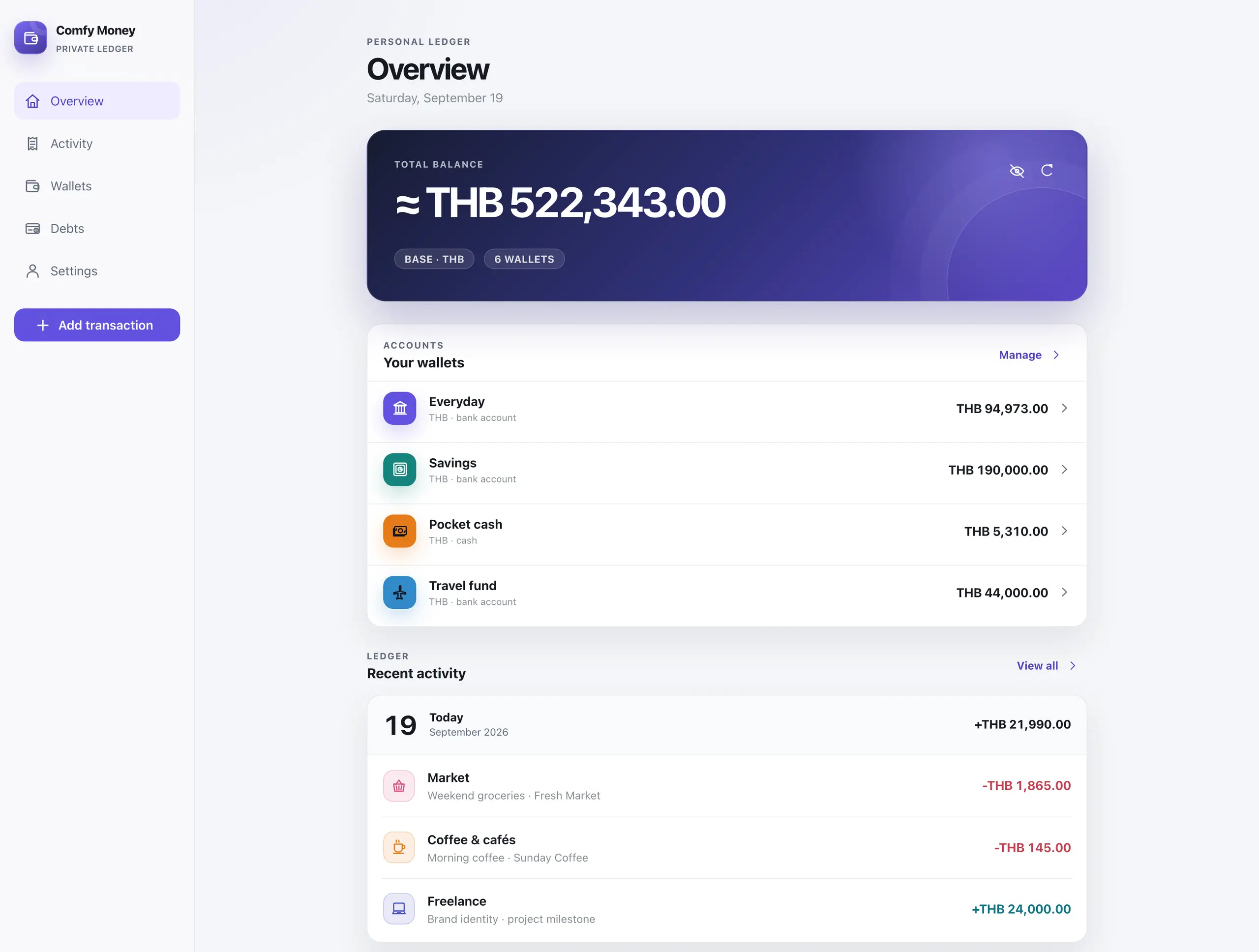
Comfy Money is a private money tracker I built for myself and my family. It handles wallets in different currencies, income, expenses, transfers, budgets and debts, with automatically updated exchange rates and a mobile interface that installs as a PWA.
Personal project · In private use · Private source
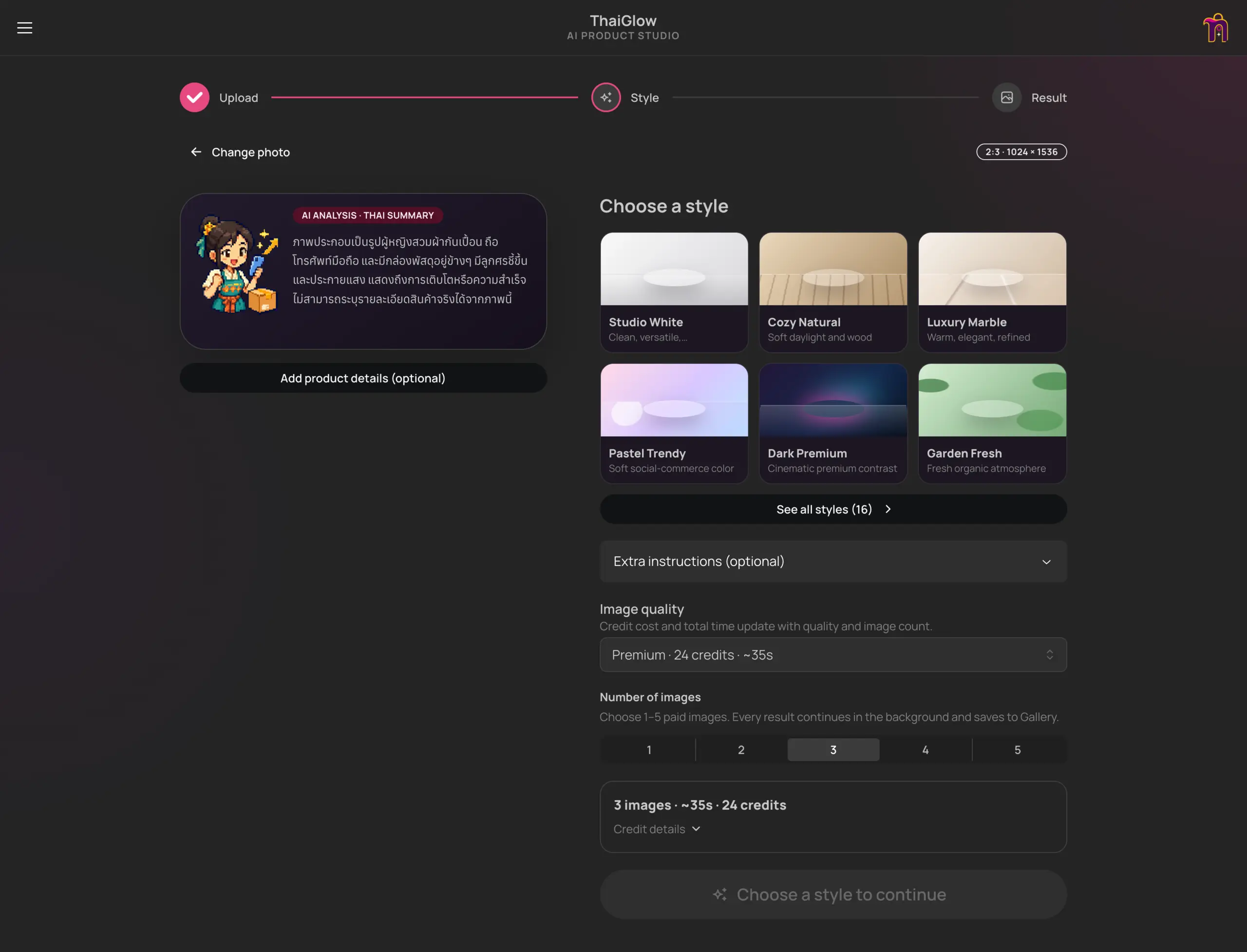
A private AI studio that turns product photos into styled images, short videos, and Thai selling copy, with a simple credit budget.

A playful selling RPG where you attract buyers, pack orders, recruit helpers, and battle the monsters of online shopping — including Refundzilla.

Playable game in development
A playable Godot adventure starring Dexter and Mars. Switch dogs, solve house-and-garden puzzles and keep their mischief under control across two episodes.
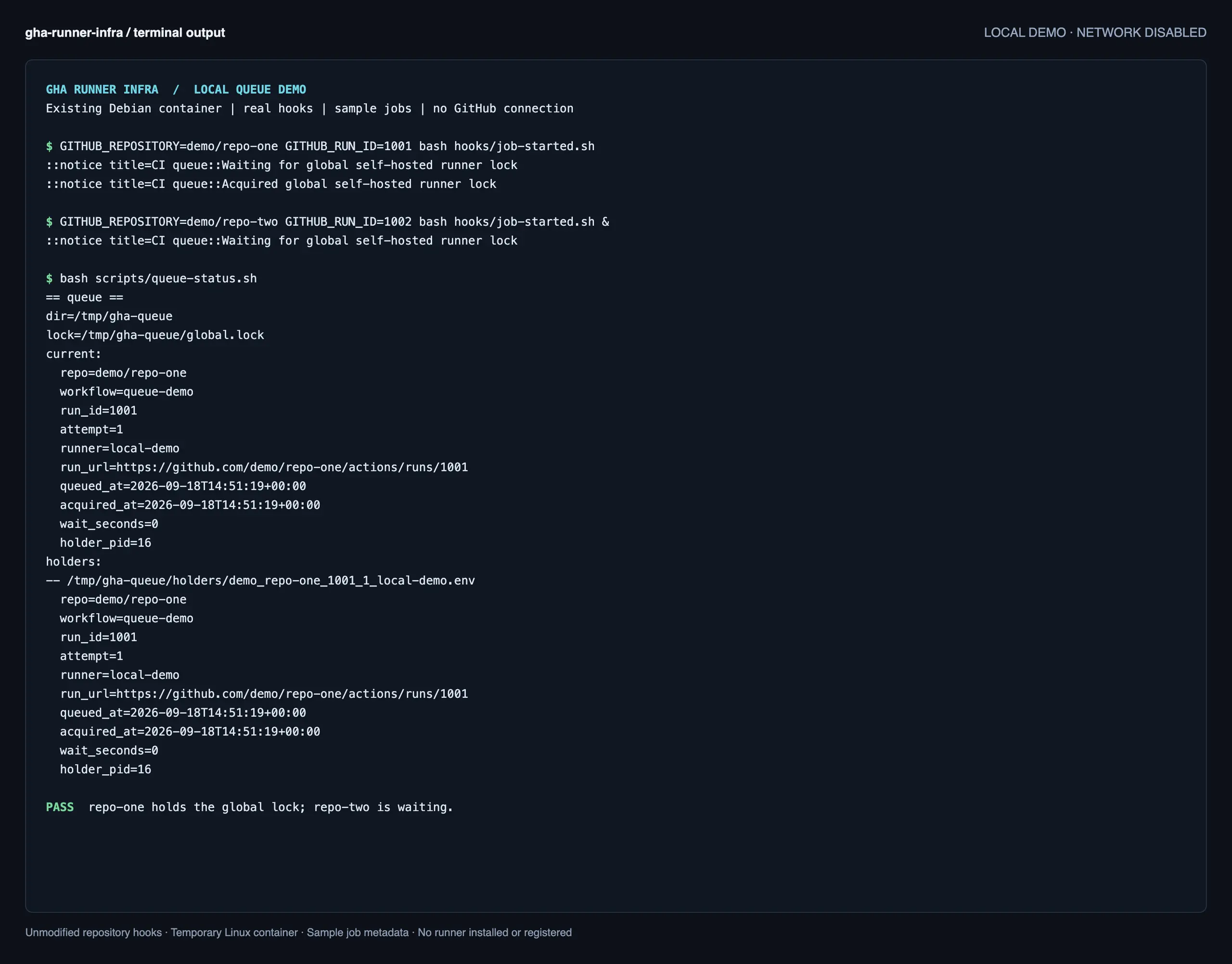
GHA is my private setup for running GitHub Actions runners for multiple repositories on one VDS. It handles runner registration, a shared job queue and resource limits, letting me run CI jobs on my own server while keeping the workflows in GitHub.
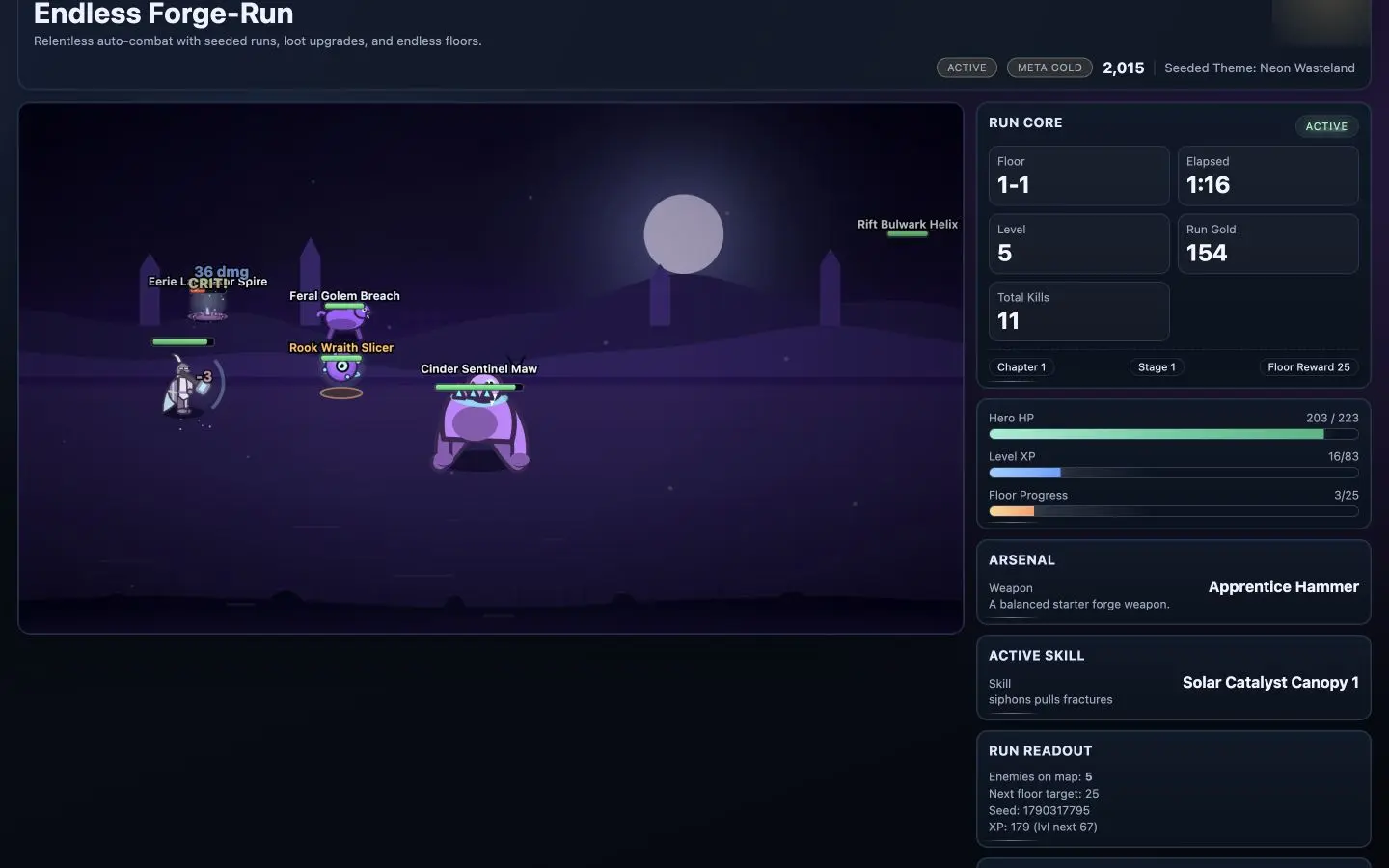
A browser game where your hero fights automatically while you choose weapons and skills, climb tougher floors, and unlock equipment for future runs.
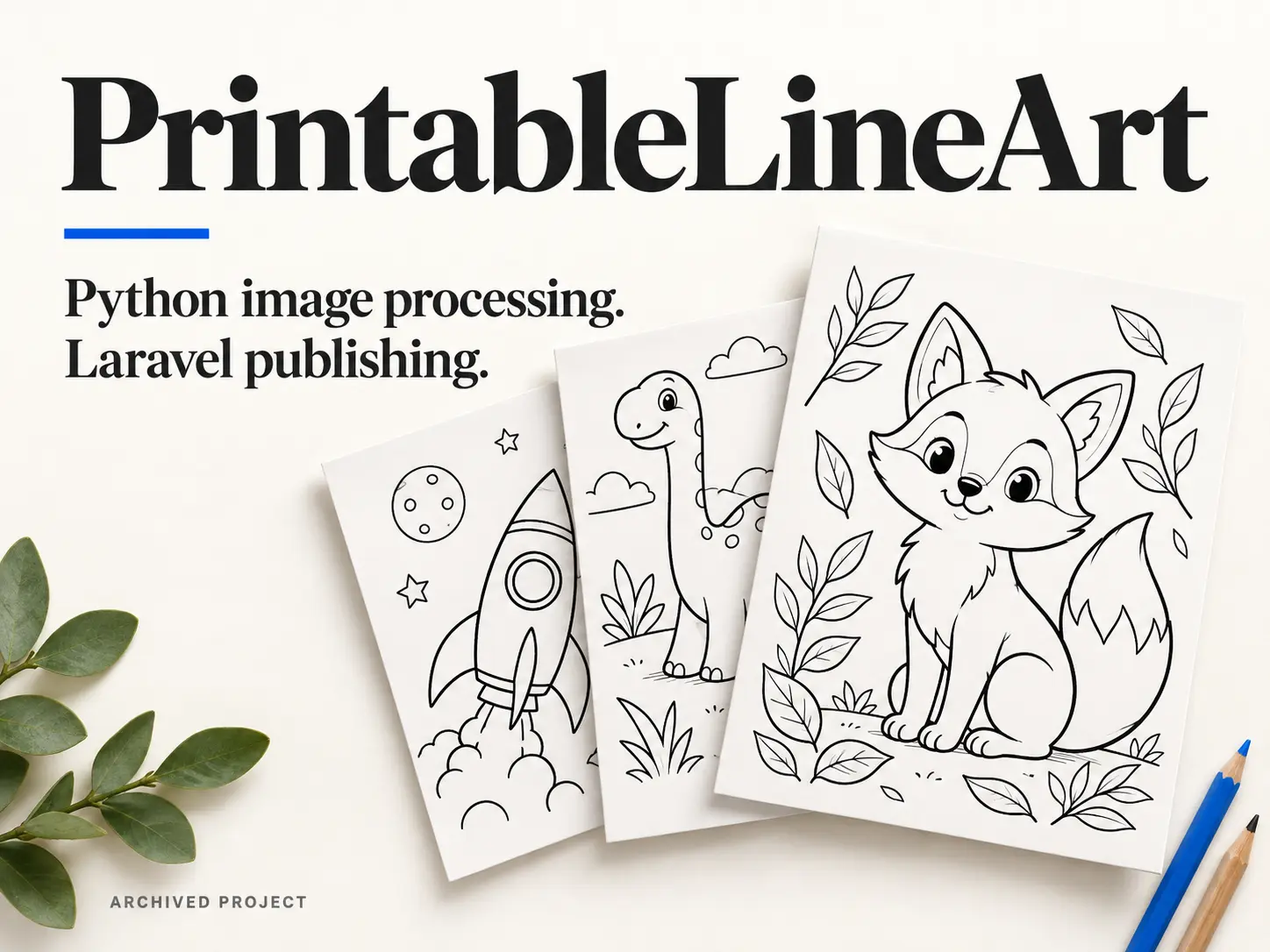
Website / image-processing workflow
An archived colouring-page website with a Python workflow for generating printable PNGs and PDFs, and a Laravel application for importing, organising and publishing them.
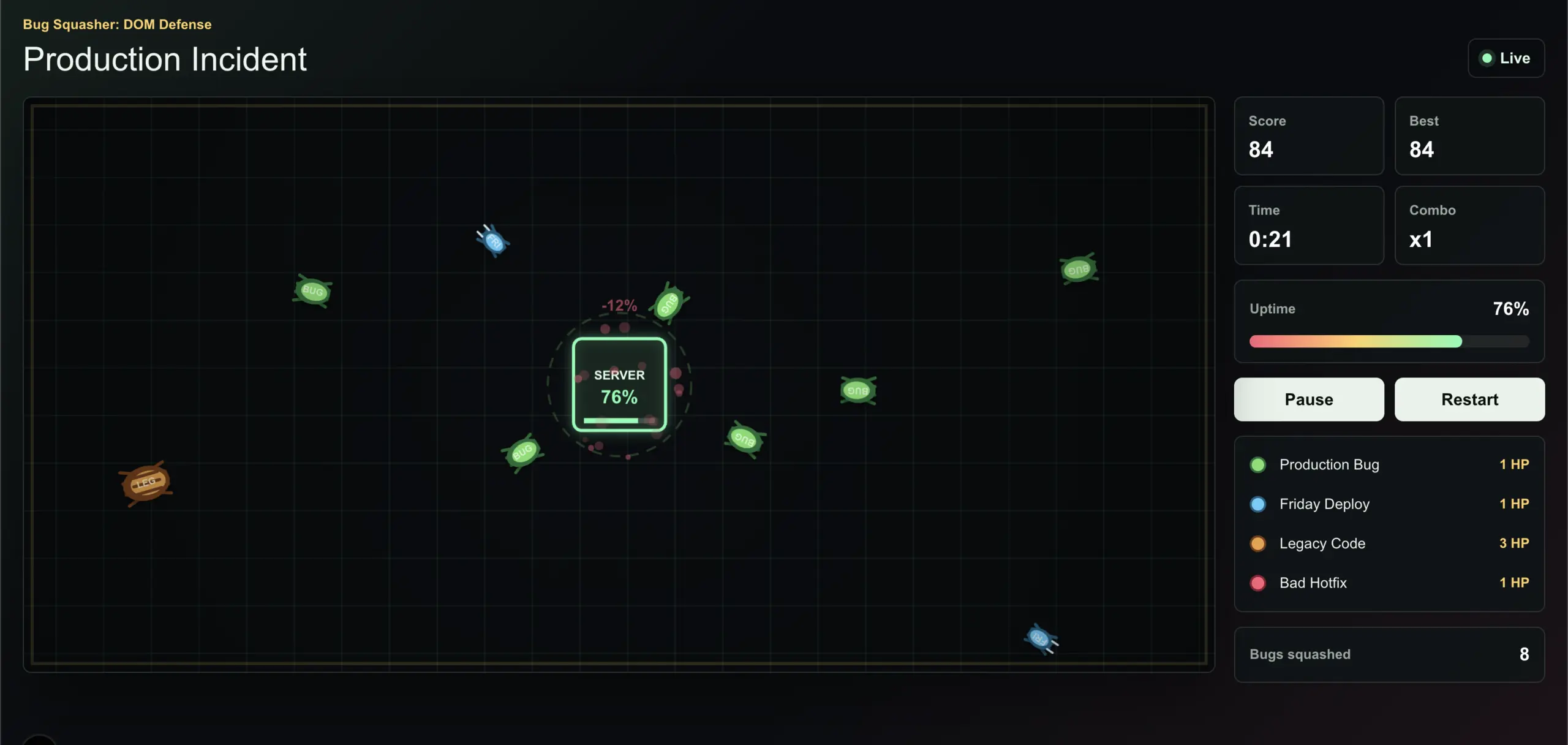
I was bored and wanted a break from client projects, so I made a little TypeScript game. Naturally, it ended up being about bugs taking down a server.

Android
A touch-controlled Android maze game built with Godot, packaged as an APK and tested on a real device. Draw, pause and resume your path through 50 levels, with image rewards and locally saved progress.
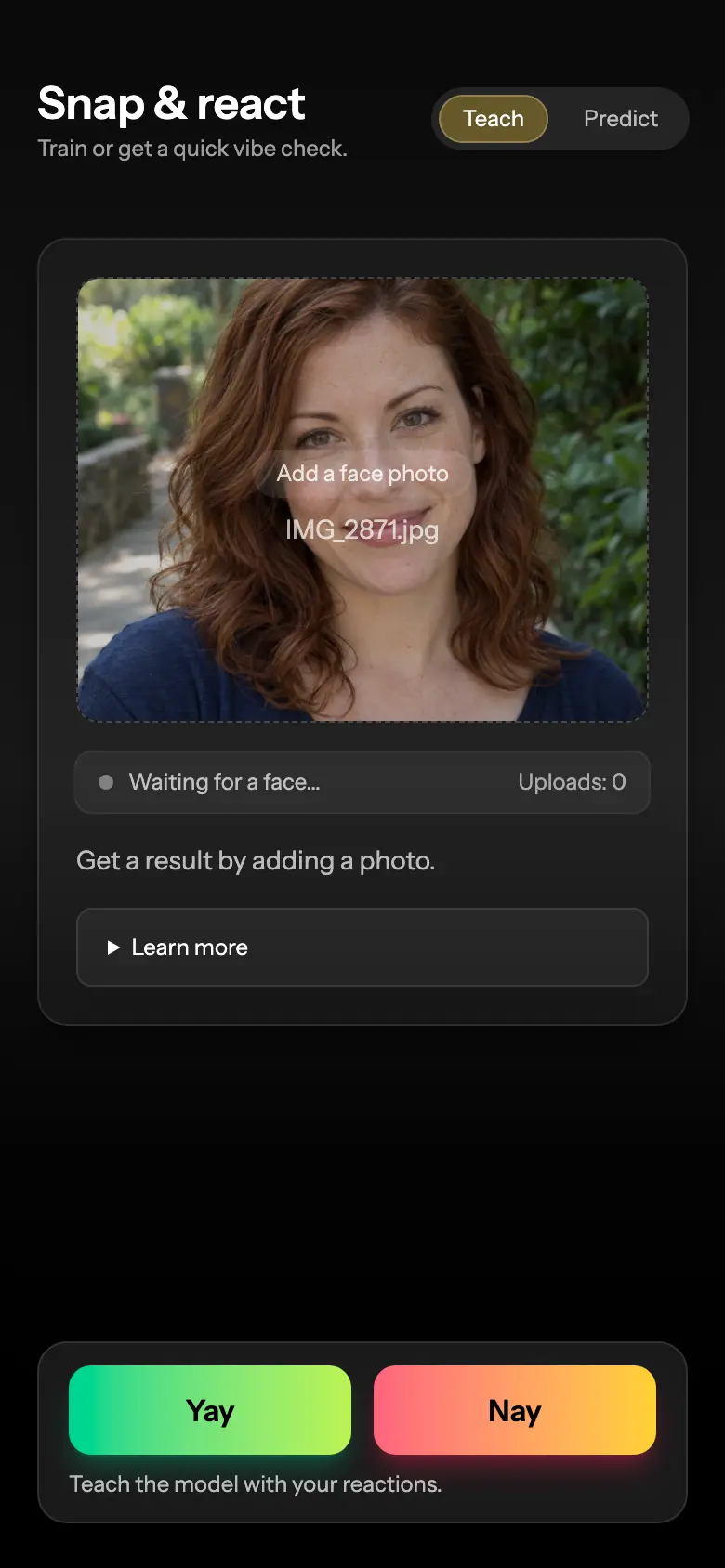
A private dating experiment that learns your visual preferences from yes/no photo ratings and scores new portraits against that feedback.
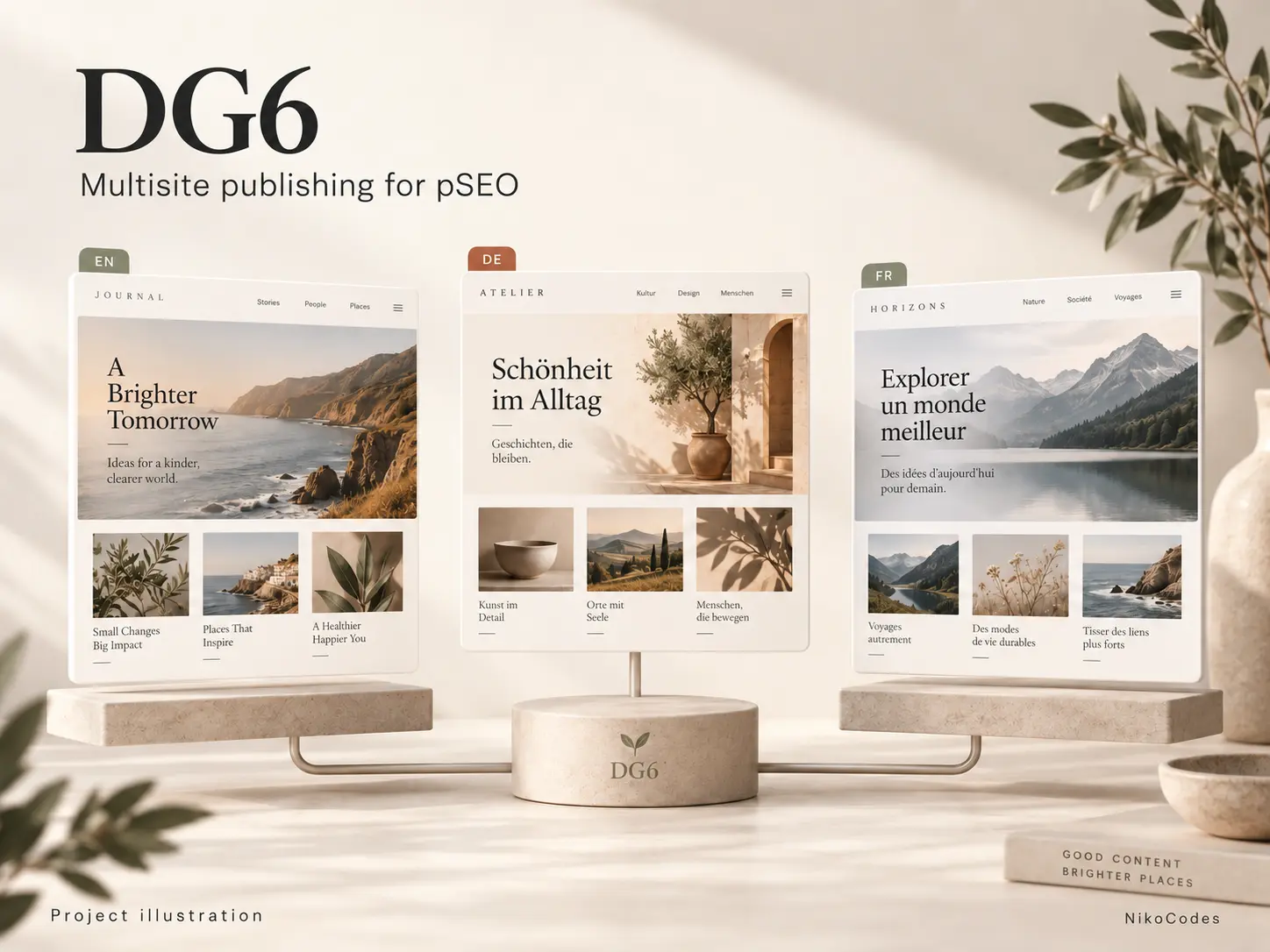
A Laravel publishing application for my programmatic SEO projects. DG6 turns generated content into multilingual websites, with separate domains, themes and publishing schedules, all running from one codebase.
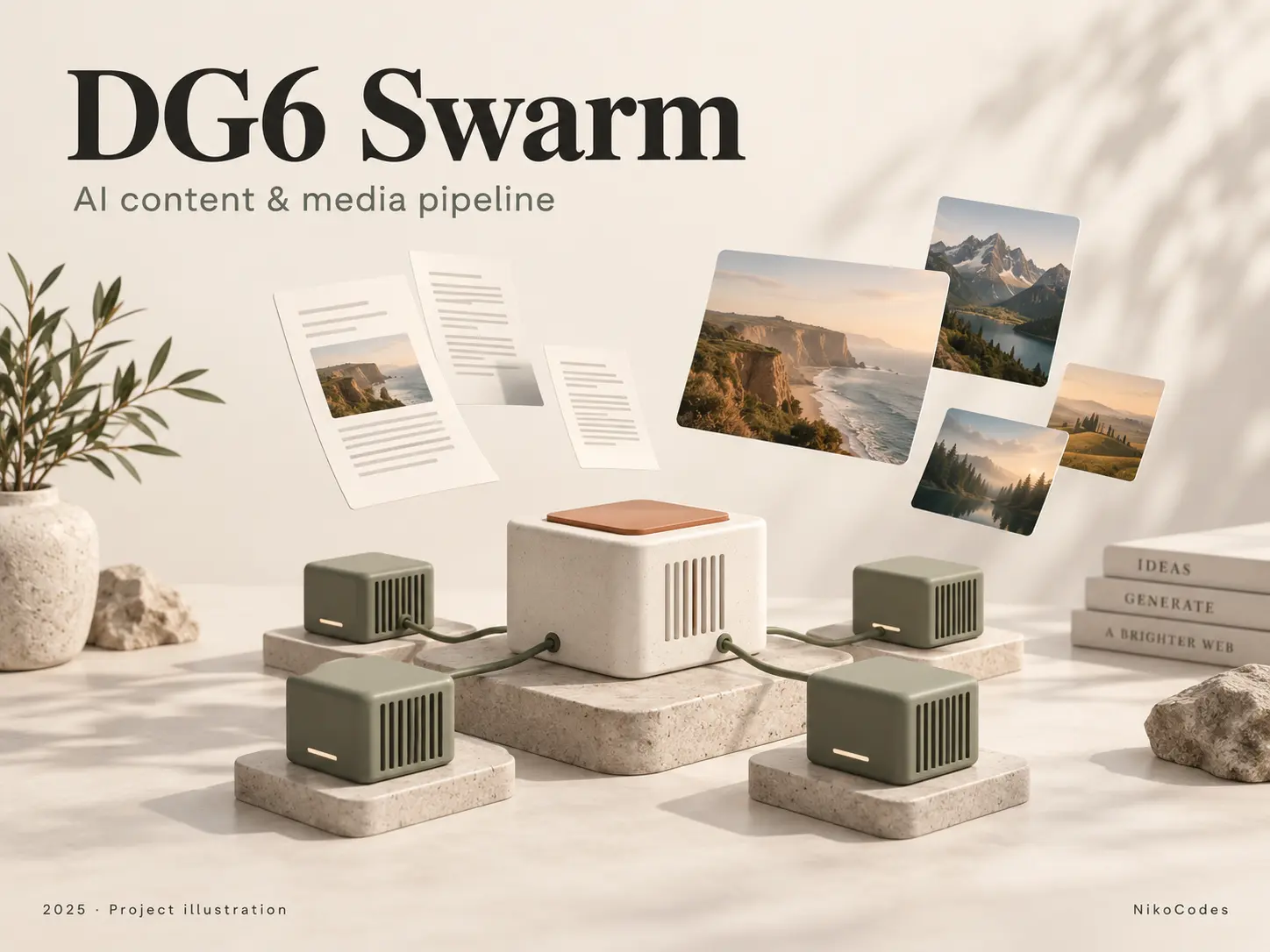
Content pipeline
A Python pipeline that turns a domain and starting keyword into site copy, articles and visual assets. Specialized GPU workers handle each stage, starting and stopping according to queued work.
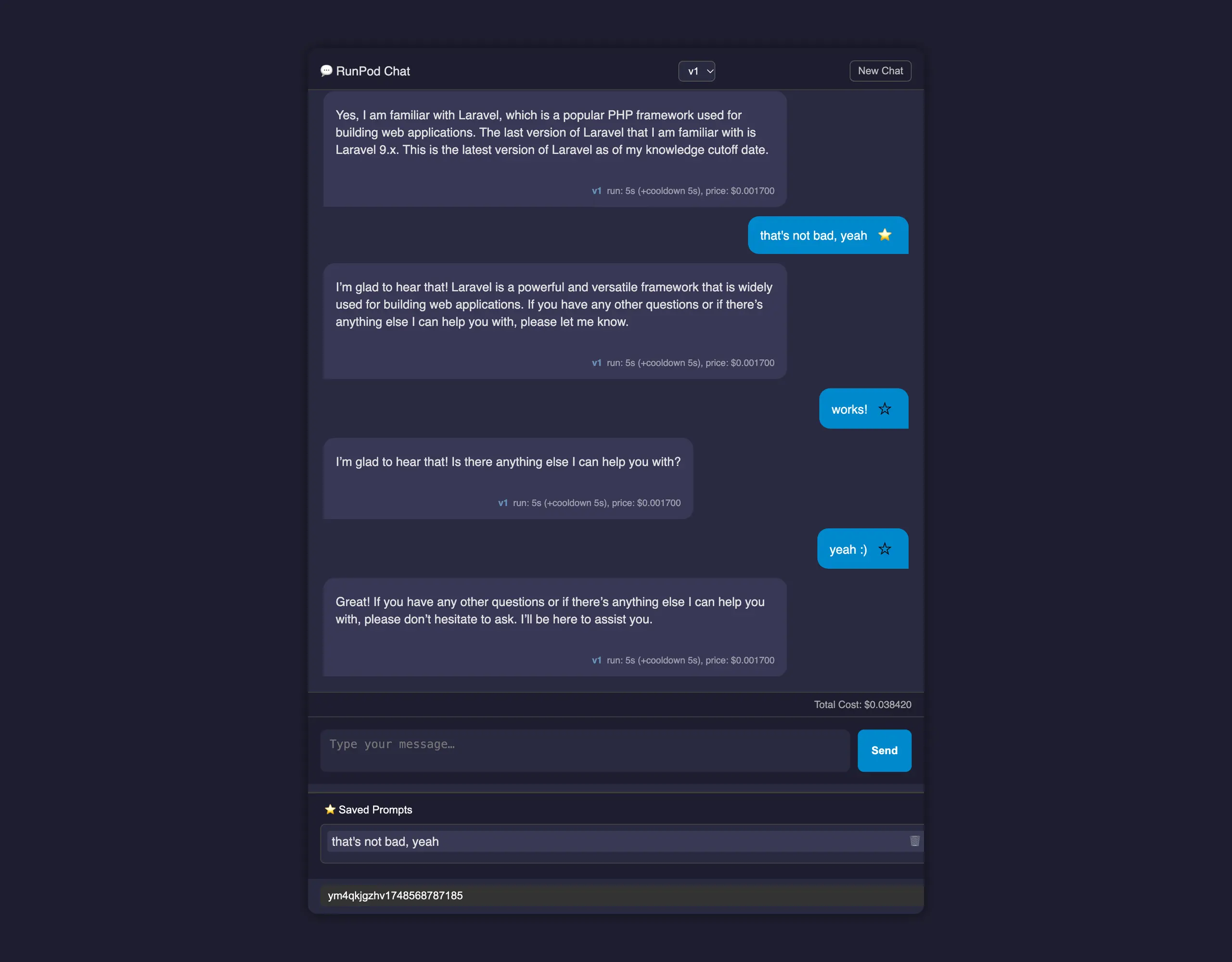
Earlier personal project - Private source
A lightweight PHP chat interface for RunPod, with saved conversations, reusable prompts, response timing, and estimated usage costs.

Client website
A custom PHP directory built for a client, with multilingual content, responsive listing cards, title search and a small admin interface for managing display order and destination links.

Archived project · Private source
An archived PHP utility for copyright-notice emails, keyword ranking reports, and PNG report generation from stored search data.