The Inspection Report Came First
Published
Why I built As-Found around its PDF report, and how that choice shaped photo storage, page layout, save behavior and the limits of the first version.
Runnable in Expo Go on iOS and Android
An offline iOS and Android app for recording property issues with photos and notes, then sharing a finished inspection report as a PDF.
 DownloadVersion 1.0.0
As-Found turns a property walkthrough into a condition report you can share. Create an inspection, record an issue with a photo and notes, identify the room or area, and mark it open or resolved. When the inspection is ready, export an A4 PDF and send it through the phone's native share sheet. The report is the main output: something another person can read without installing the app or opening an account.
The app runs on iOS and Android using Expo, React Native and TypeScript. Inspections and issues live in a local SQLite database, with photos stored as files on the device. The core workflow needs no backend or account. You can record findings while walking through a property and prepare the report from the same device.
Each issue has one photo. As-Found stores a report copy with a maximum long edge of 1600 pixels and a separate thumbnail up to 320 pixels. It keeps those smaller copies rather than storing full-resolution originals. Photo replacements receive new file paths, and the existing saved photo is retained if a replacement save fails. This keeps the photo workflow tied to a completed issue save rather than immediately replacing the current record when a picture is selected.
PDF export uses one fixed template with a summary cover and a new page at the start of each issue. Photos are embedded into the printable document. Longer notes or many line breaks can continue onto additional pages; the layout does not promise exactly one page per issue. New notes are limited to 600 characters, while longer existing notes remain available in exports. Open and resolved filters help review the list inside the app; the report includes all issues.
A built-in sample inspection makes the complete workflow easy to explore. Its bundled photos are synthetic demo assets, and the repository includes a sample PDF and a preview of the report layout. The report-building code is separated from the device's file and printing operations, with fixtures for different content lengths and missing-photo cases.
The current version stays deliberately small: one photo per issue, one report template, no photo annotation and no cloud sync or backup. Removing the app removes its local records and photos. A shared PDF preserves the exported report, but it is not a restorable backup of the inspection database.
Published
Why I built As-Found around its PDF report, and how that choice shaped photo storage, page layout, save behavior and the limits of the first version.
External download
Download 1.0.0
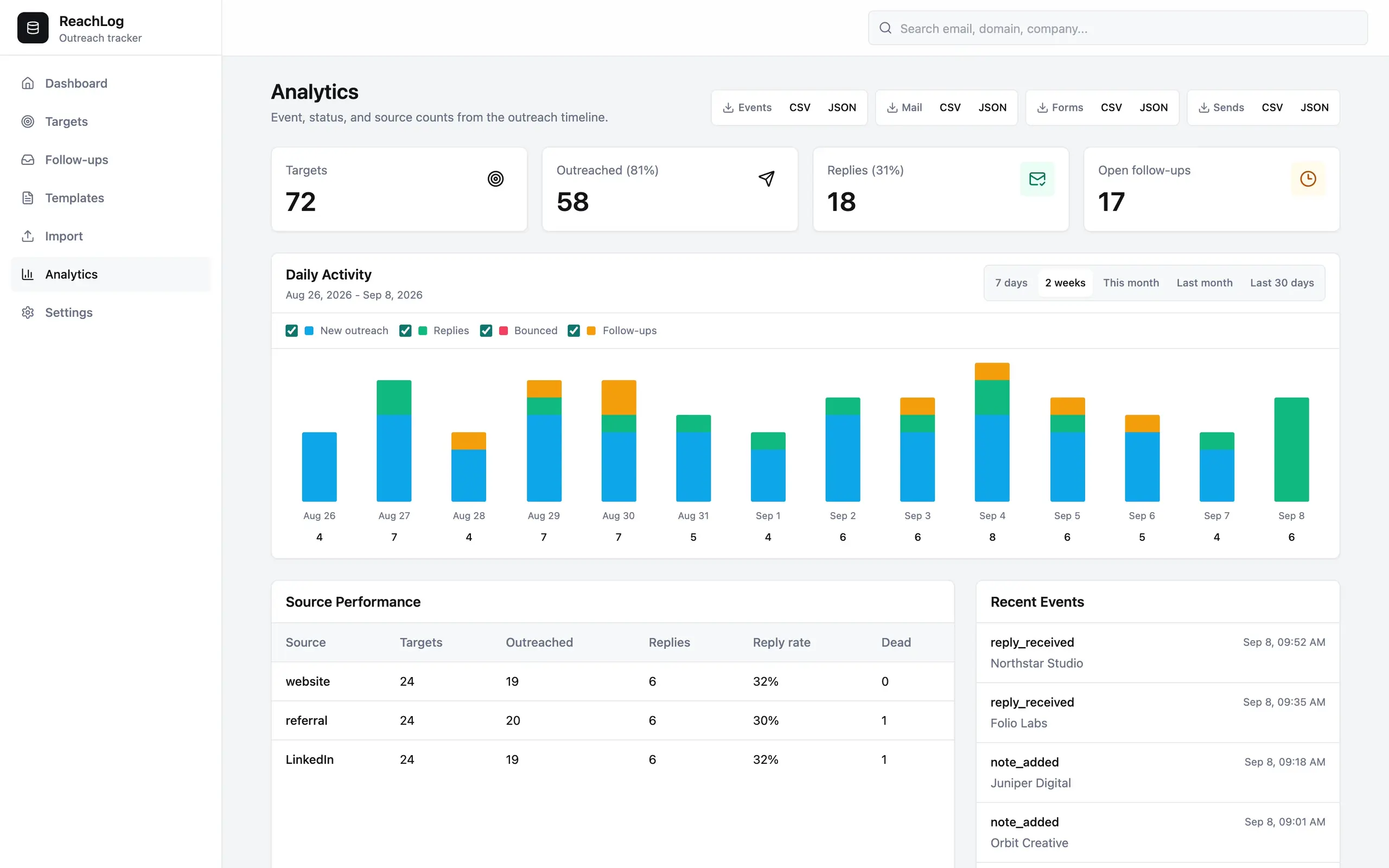
ReachLog is a small outreach and contact manager for keeping track of who you’ve contacted, what you’ve discussed and when to follow up. It brings contacts, companies and email conversations together in a local application that works with your existing email account.
A command-line tool for keeping your pgvector indexes in line with a configuration you control. It checks what exists, shows you what needs changing, and can build and replace HNSW indexes when you apply those changes.
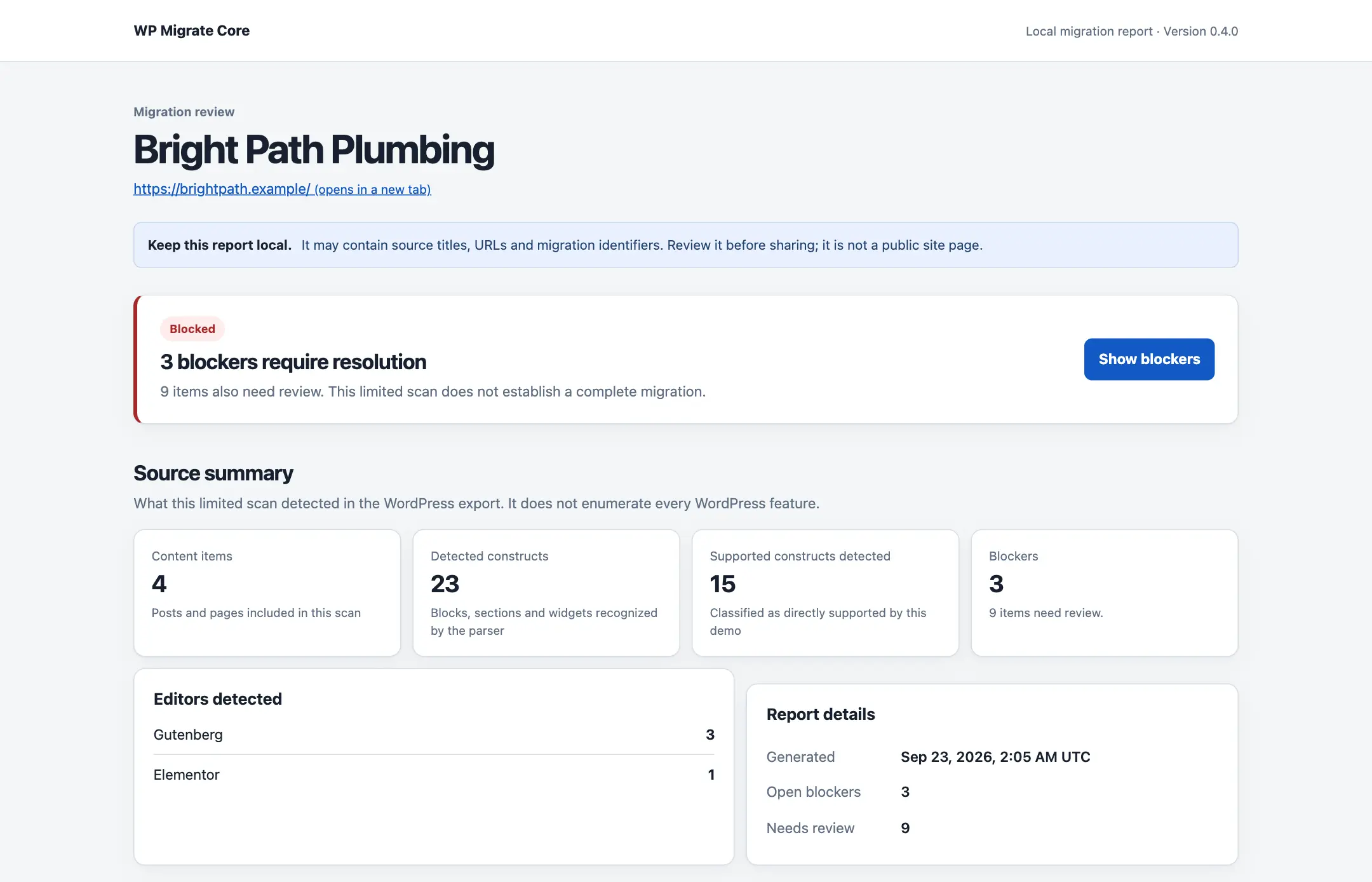
A command-line tool for getting a WordPress-to-Astro migration started. It reads a WordPress XML export, inventories content, images and links, and can generate an Astro project with a clear list of what still needs rebuilding.
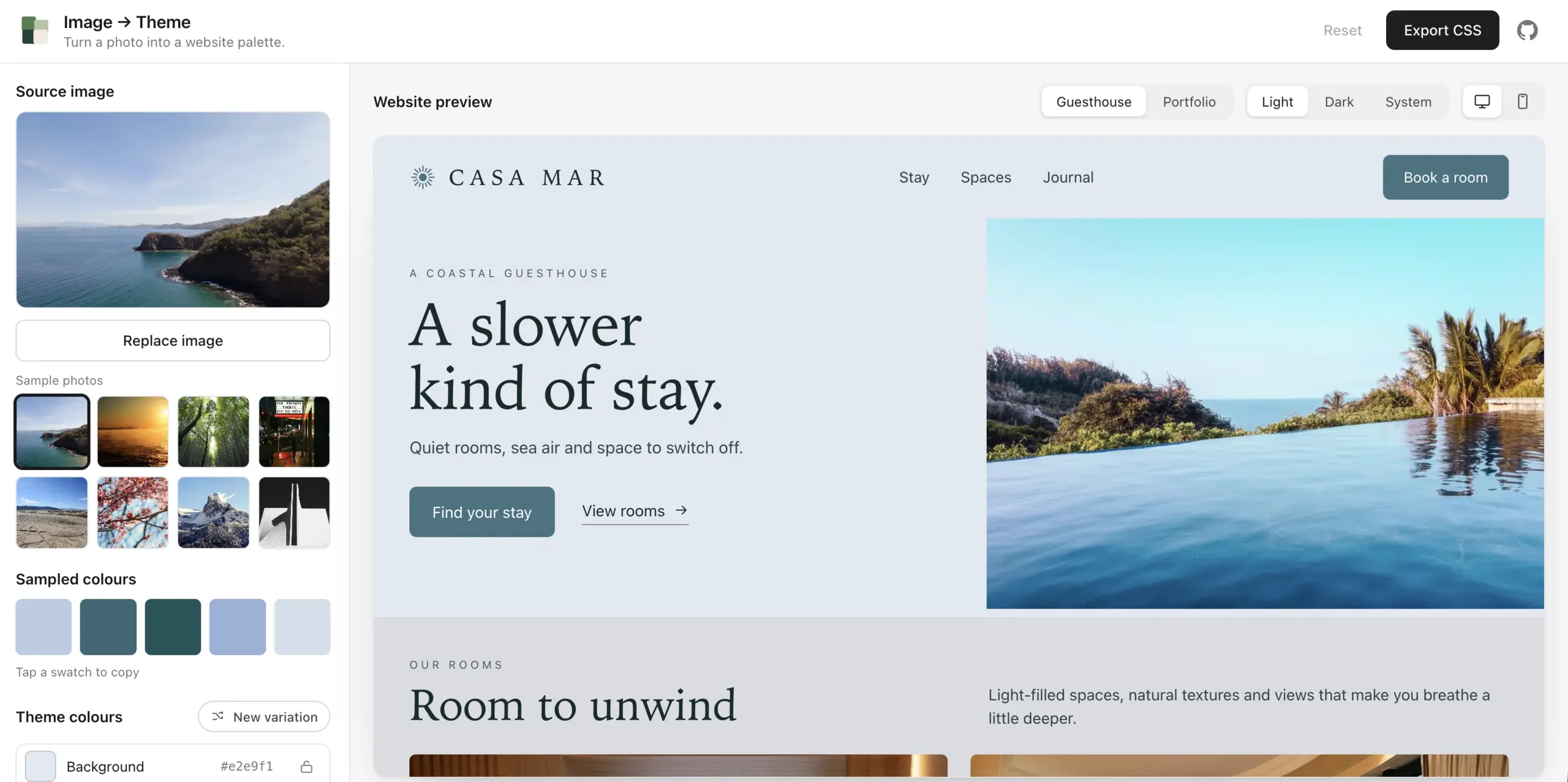
A tool for turning a photo into a website color theme. Drop in an image, see its colors applied to a page, adjust the result and export it as CSS variables or JSON design tokens.

Review and approve WordPress changes through RailCall, then publish or schedule them with an activity log and public-page checks.
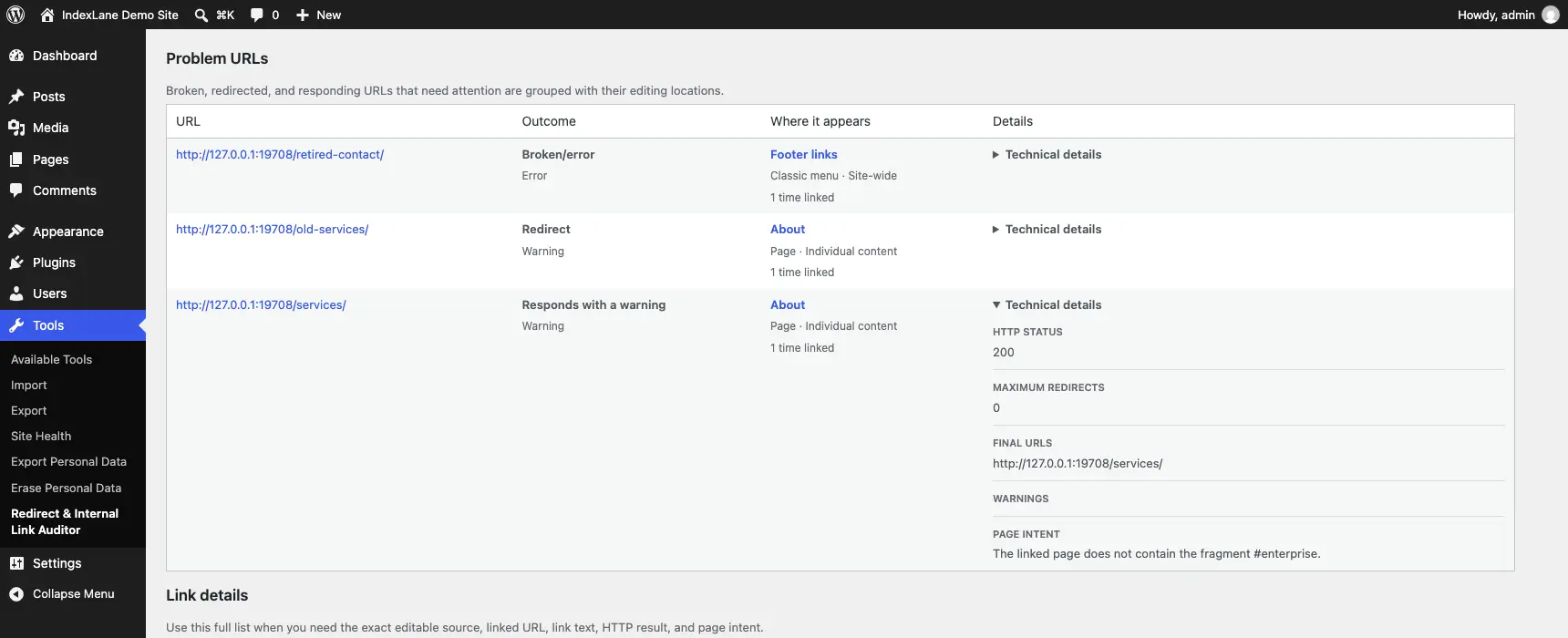
A WordPress plugin for finding broken internal links, redirects and old URLs left behind after a migration. It shows you where those links are used and takes you to the place where you can edit them.
TypeScript library / CLI
A WebP encoder written in TypeScript for Node.js and browsers. Converts PNGs, baseline JPEGs, BMPs and raw pixels without native bindings or WebAssembly, while preserving transparency and embedded colour profiles.
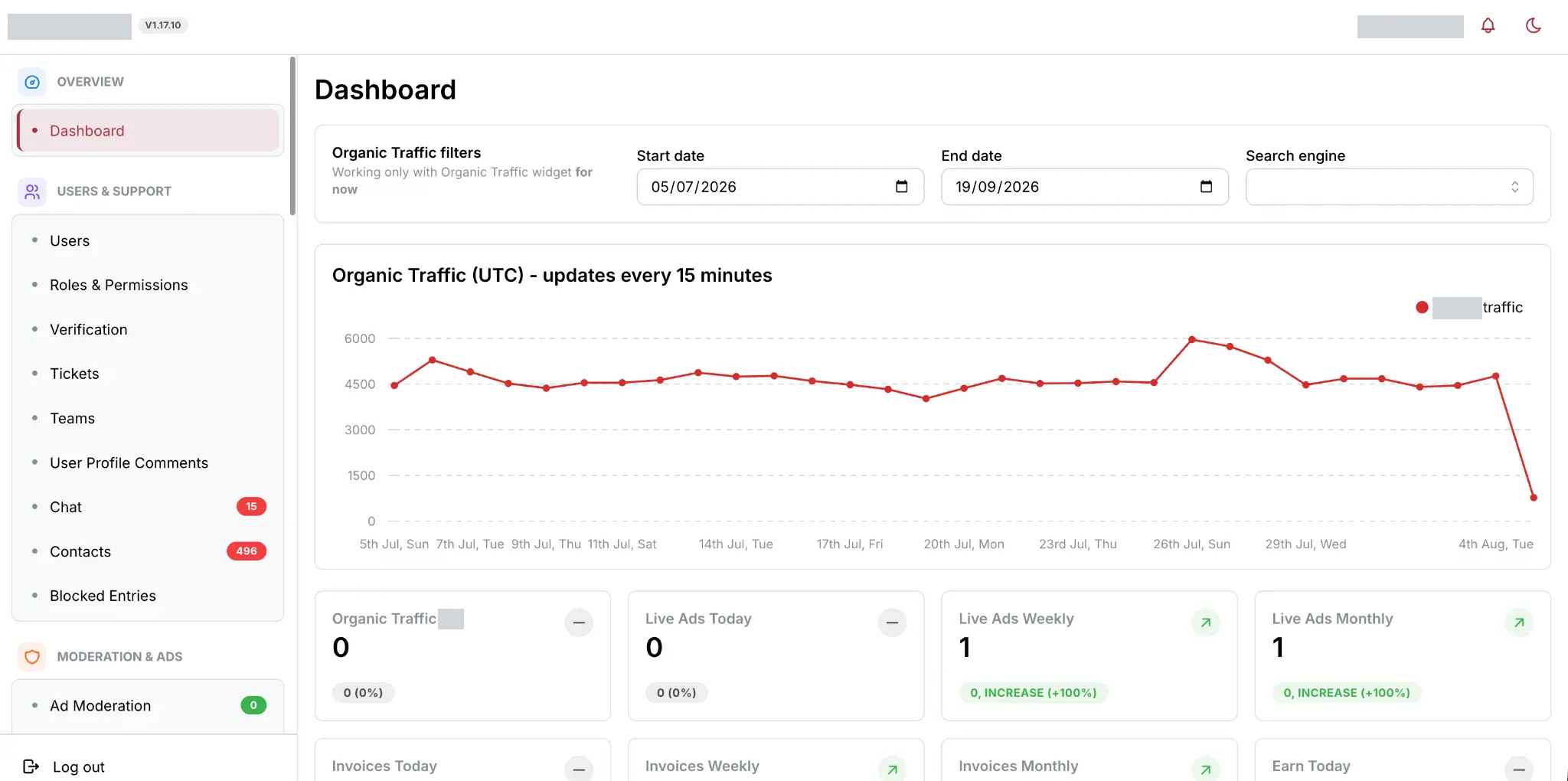
An ongoing Go rebuild of my Laravel classifieds platform, with a React dashboard, incremental listing updates and background jobs handled through NATS JetStream. It preserves the existing platform’s behaviour while changing how the application processes and serves its data.

A playful character chat with authored replies, session memory and an optional peek at the rules behind the conversation. Built with Next.js, React and JavaScript.
A command-line tool for finding broken links, incorrect redirects and indexing conflicts on a live or preview website. It discovers URLs, checks what your server returns and gives you findings tied to specific pages, with the evidence behind them.

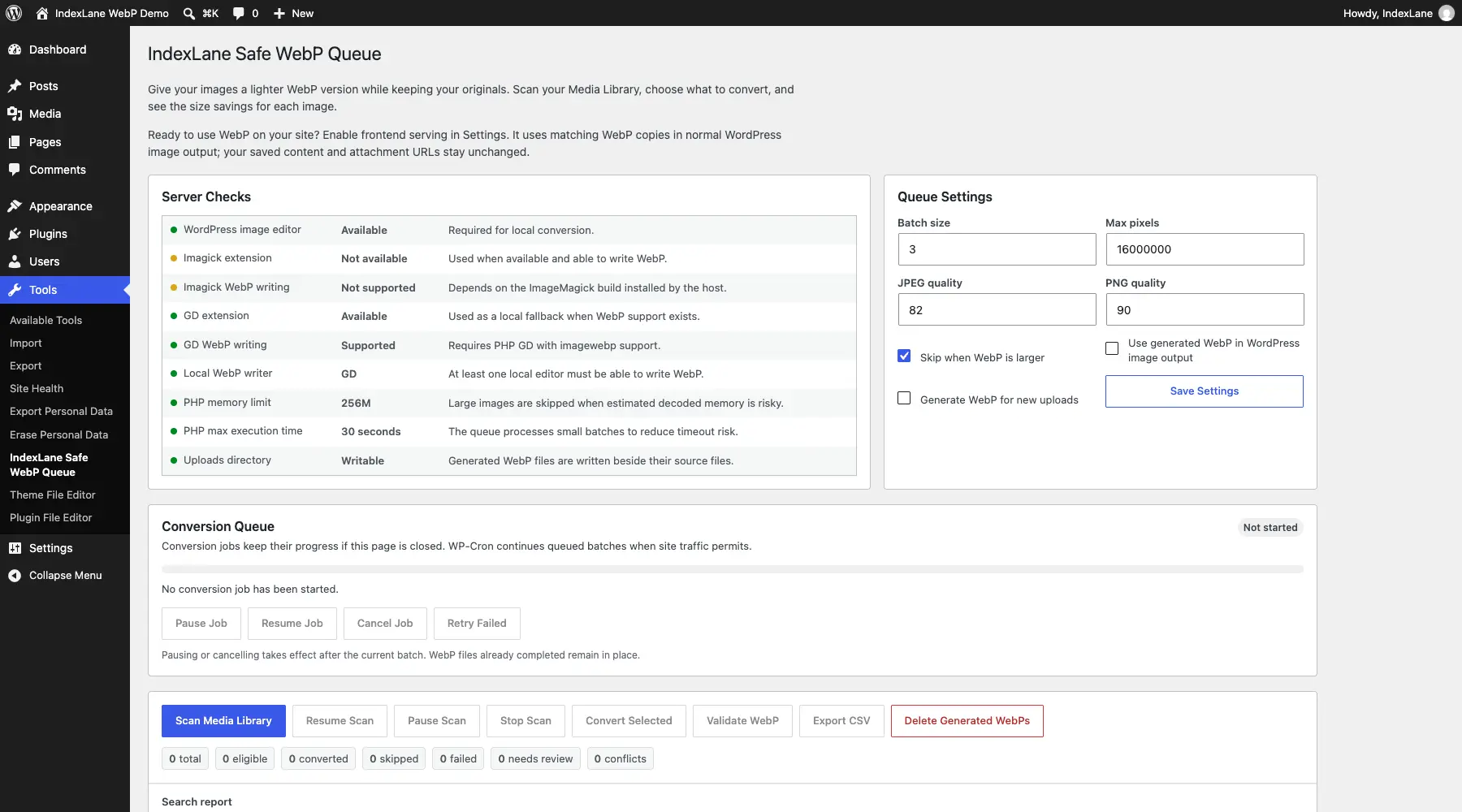
A WordPress plugin that creates WebP copies of your images while keeping the originals. Convert on the server or use the optional browser mode when your host cannot write WebP, with progress reporting and checks before converted files are saved.
A command-line tool for checking how pgvector search behaves once you add filters. It measures speed, compares approximate results with exact search, and checks query plans to see whether PostgreSQL is using your HNSW index.
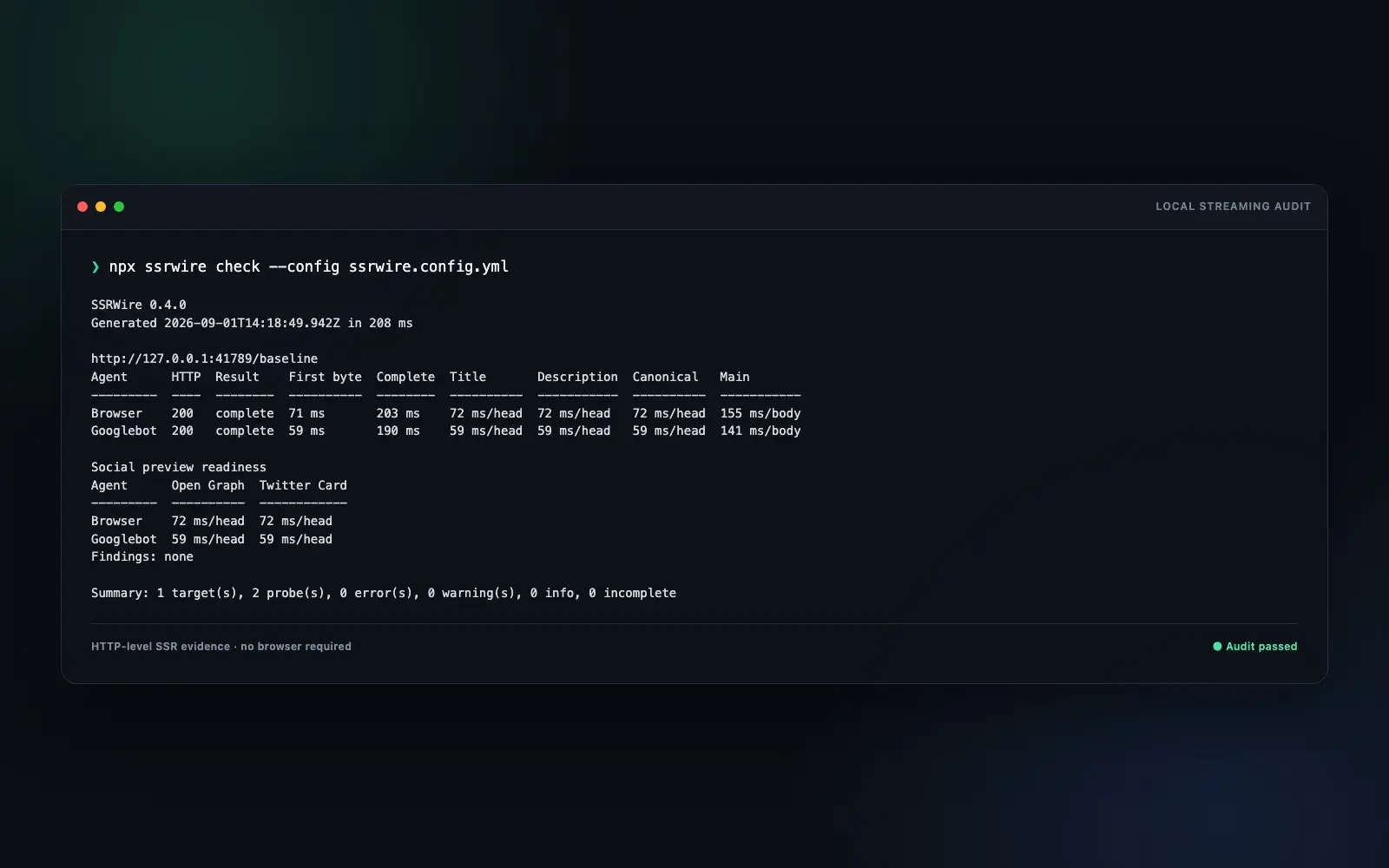
A command-line tool for inspecting the HTML your server sends, including content and metadata that arrive in a stream. It records when important elements appear and compares responses for different browser, search-crawler and social-preview user agents.
A command-line tool for checking that a page delivers the right content and metadata however you reach it. It compares the HTML your server sends, a fresh browser load and the result of clicking through from another page.
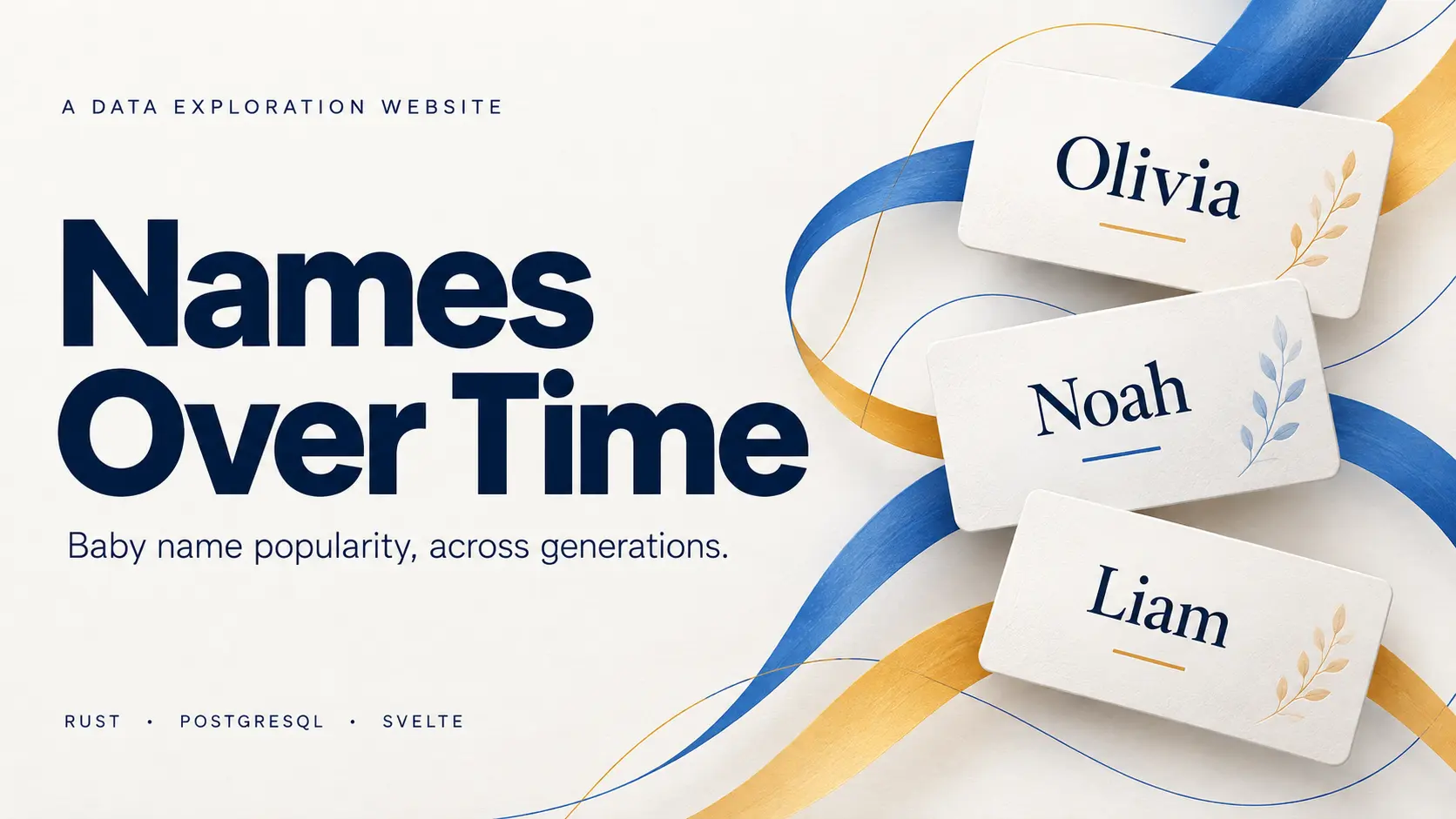
A searchable history of baby names in the US and England & Wales, with popularity charts, yearly rankings and official source data.
A publishing platform for running several websites from structured source data. It handles imports, page generation, scheduled updates and search monitoring through one administration panel. Four domains are live; getting traffic to them remains the unfinished part.
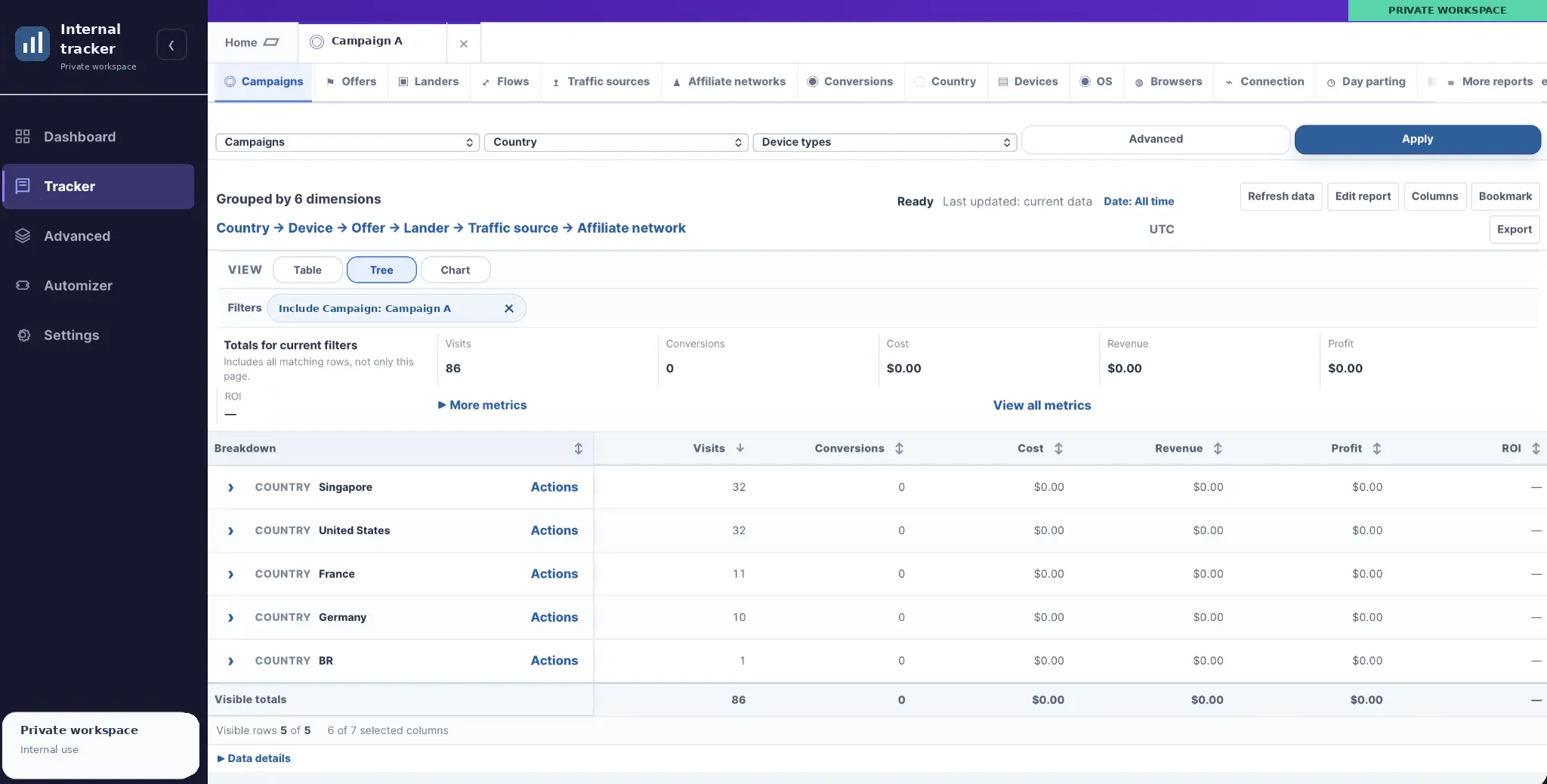
A private platform for routing campaign traffic, tracking clicks and conversions, and comparing performance across sources, offers, and devices.
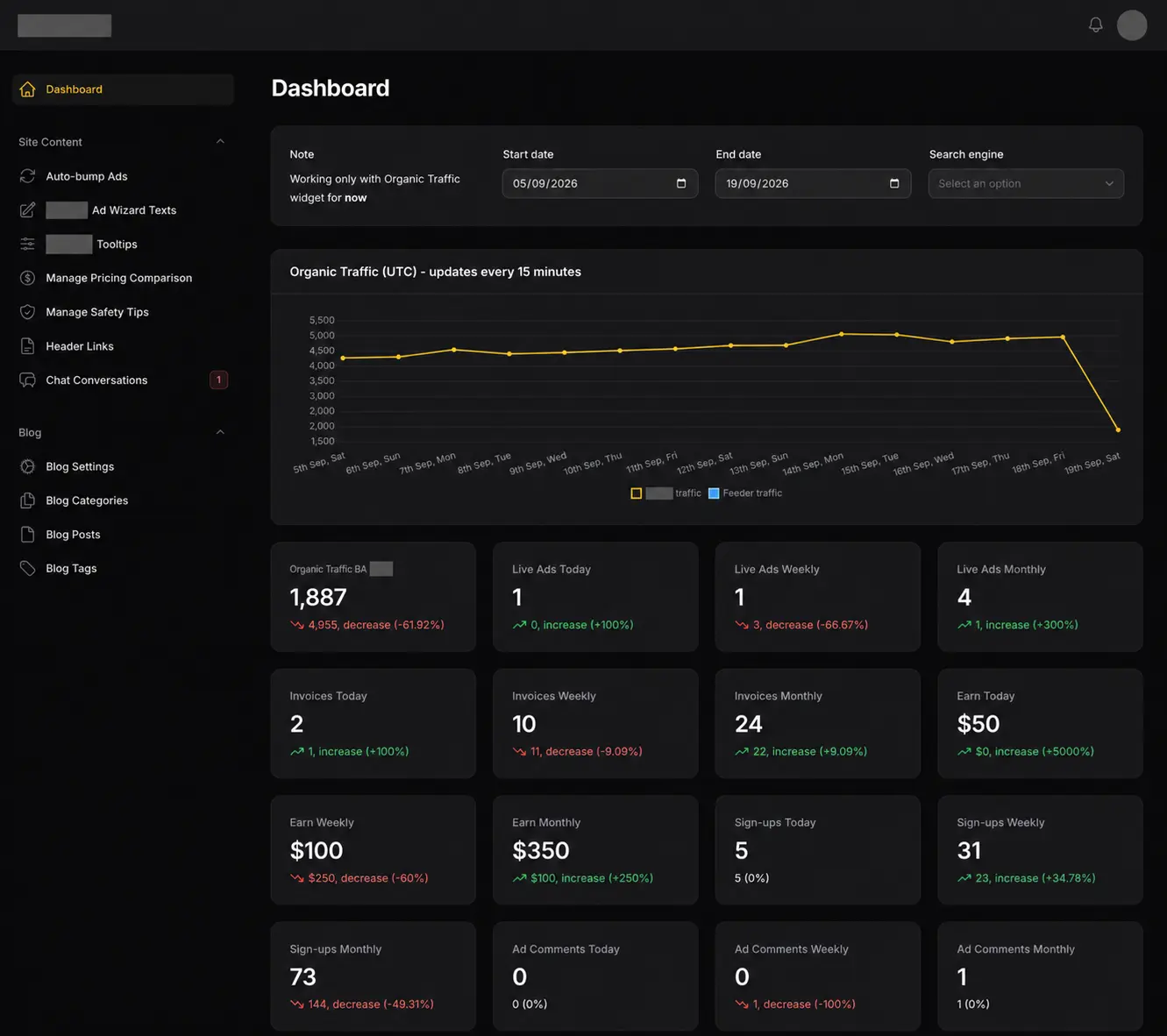
A classifieds and advertising platform I’ve been building and maintaining for roughly two years. It combines location-based browsing, advertiser dashboards, paid listings, invoicing, live chat and an administration panel for running the site.

A private daily planner with a ranked task queue, rollover for movable tasks and a separate activity log. Built for my phone as a PWA.
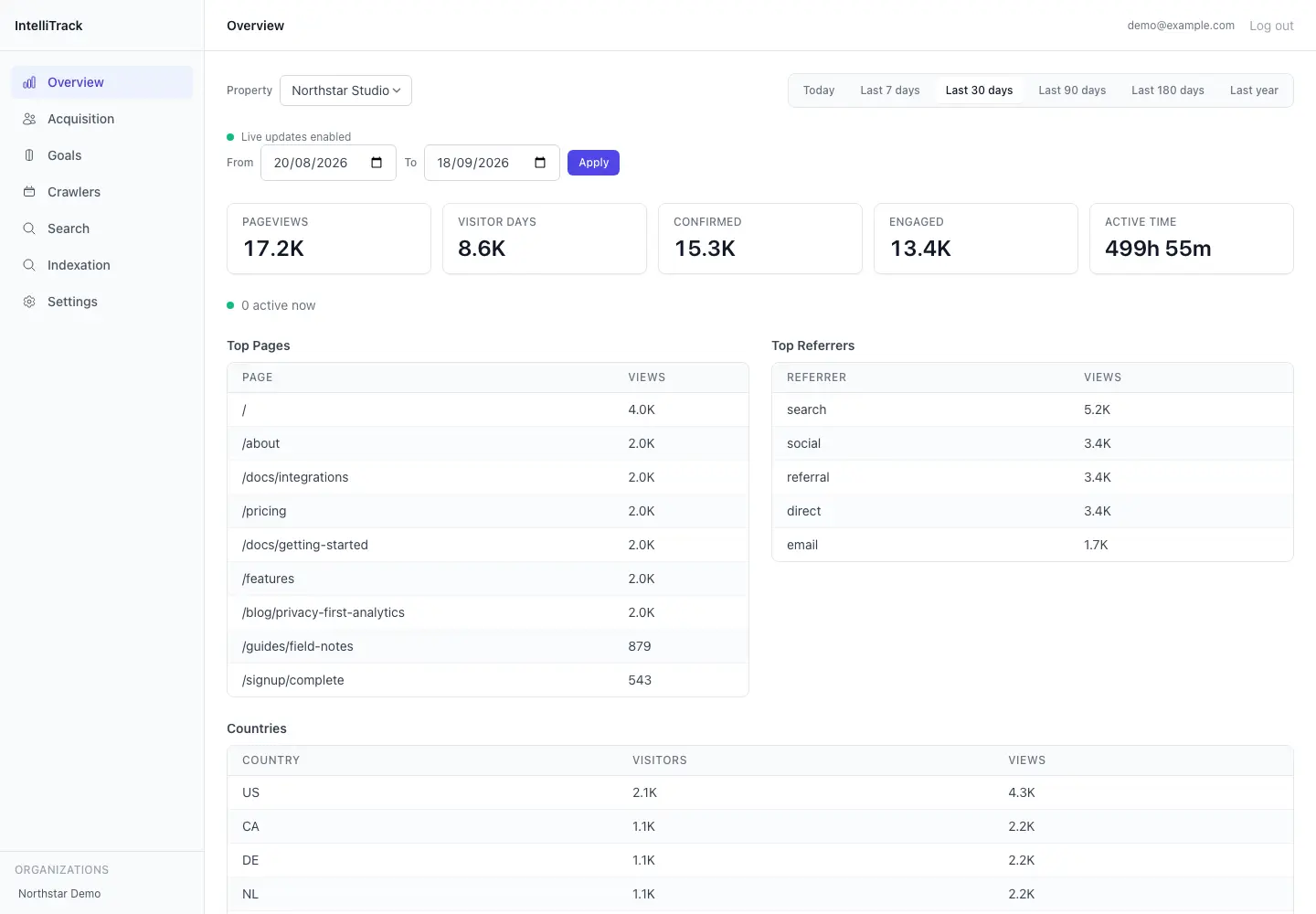
A private analytics tool for tracking website traffic, organic search performance, and activity from search engines and LLM crawlers. It brings ordinary visitor statistics, crawler requests, Google Search Console and Bing Webmaster Tools into one dashboard.
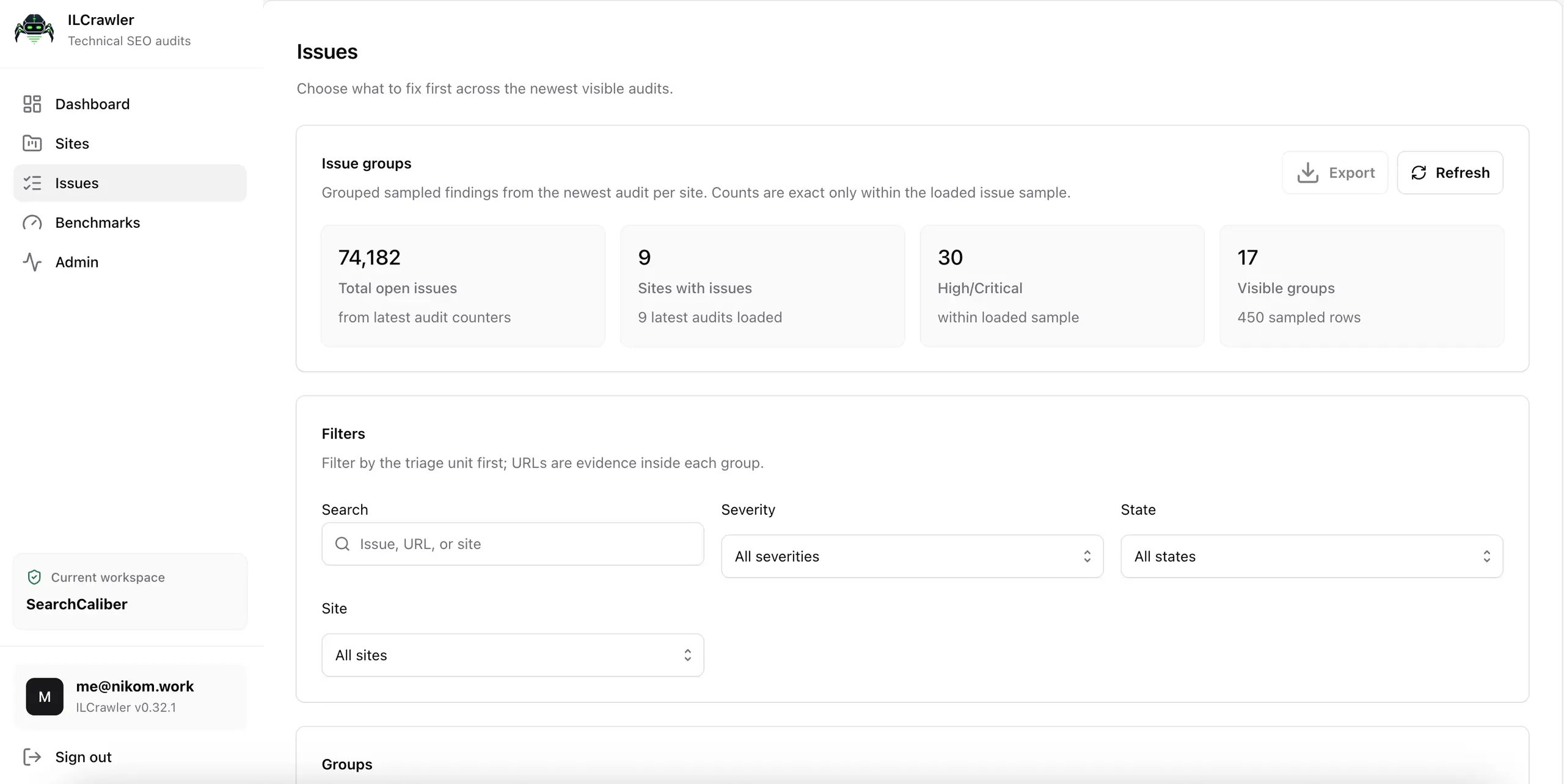
ILCrawler is the technical SEO crawler I use for my own websites and client audits. It brings page checks, links, screenshots, performance samples and reporting into one place. It’s also the project that repeatedly convinced me I was only one rewrite away from being happy with it.
A command-line tool for testing robots.txt changes and new deployments against URLs found in your server logs. It helps you catch newly blocked pages, broken responses and unexpected indexing changes before putting those changes live.
An unlaunched Go rebuild of my publishing platform, using PostgreSQL for application data and background jobs, React for administration and Astro for public websites. It includes source processing, publishing checks and migration tools for the existing sites.
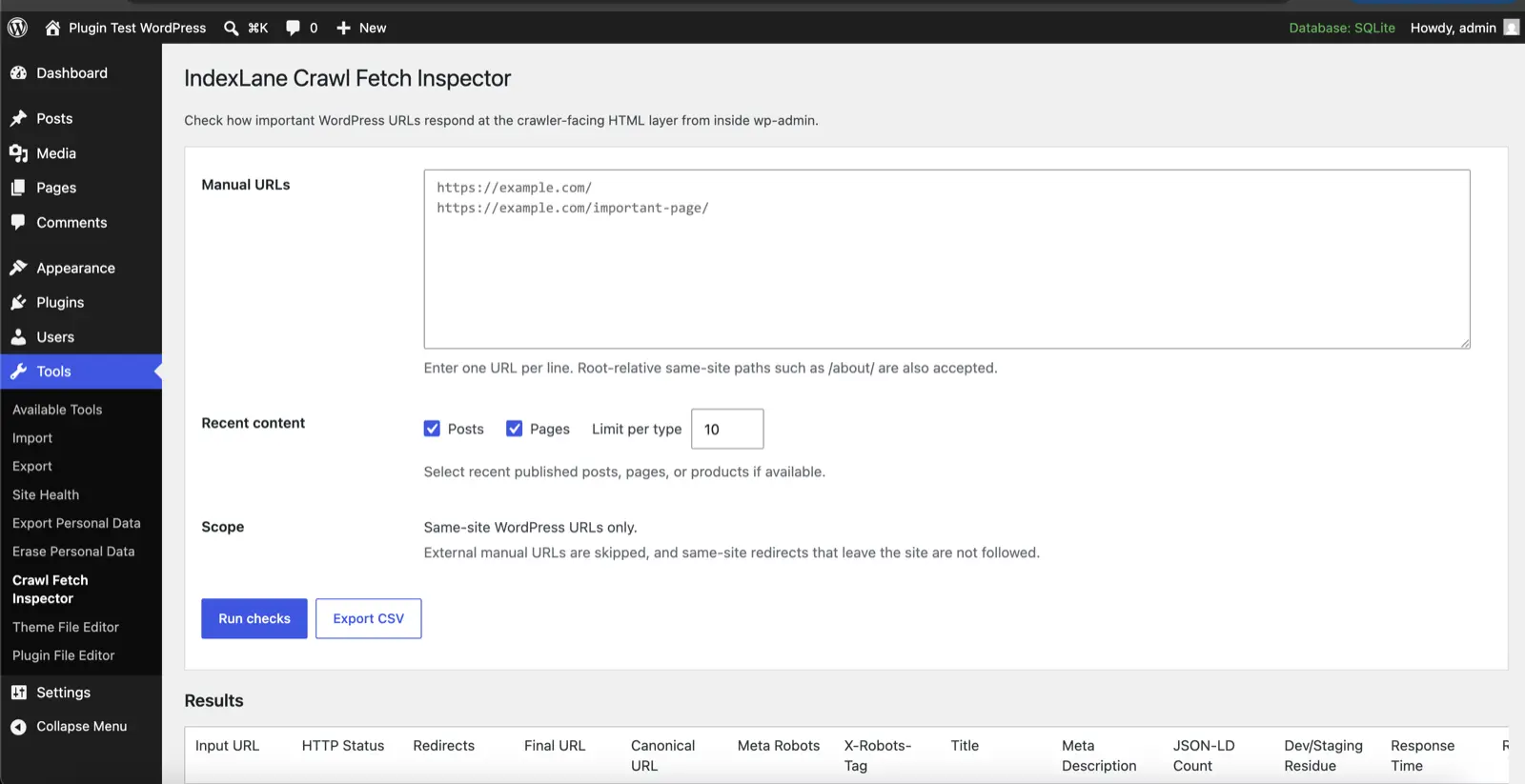
A WordPress plugin for checking redirects, indexing rules, sitemaps and structured data from your dashboard. Particularly handy when you’re launching a site or moving one.
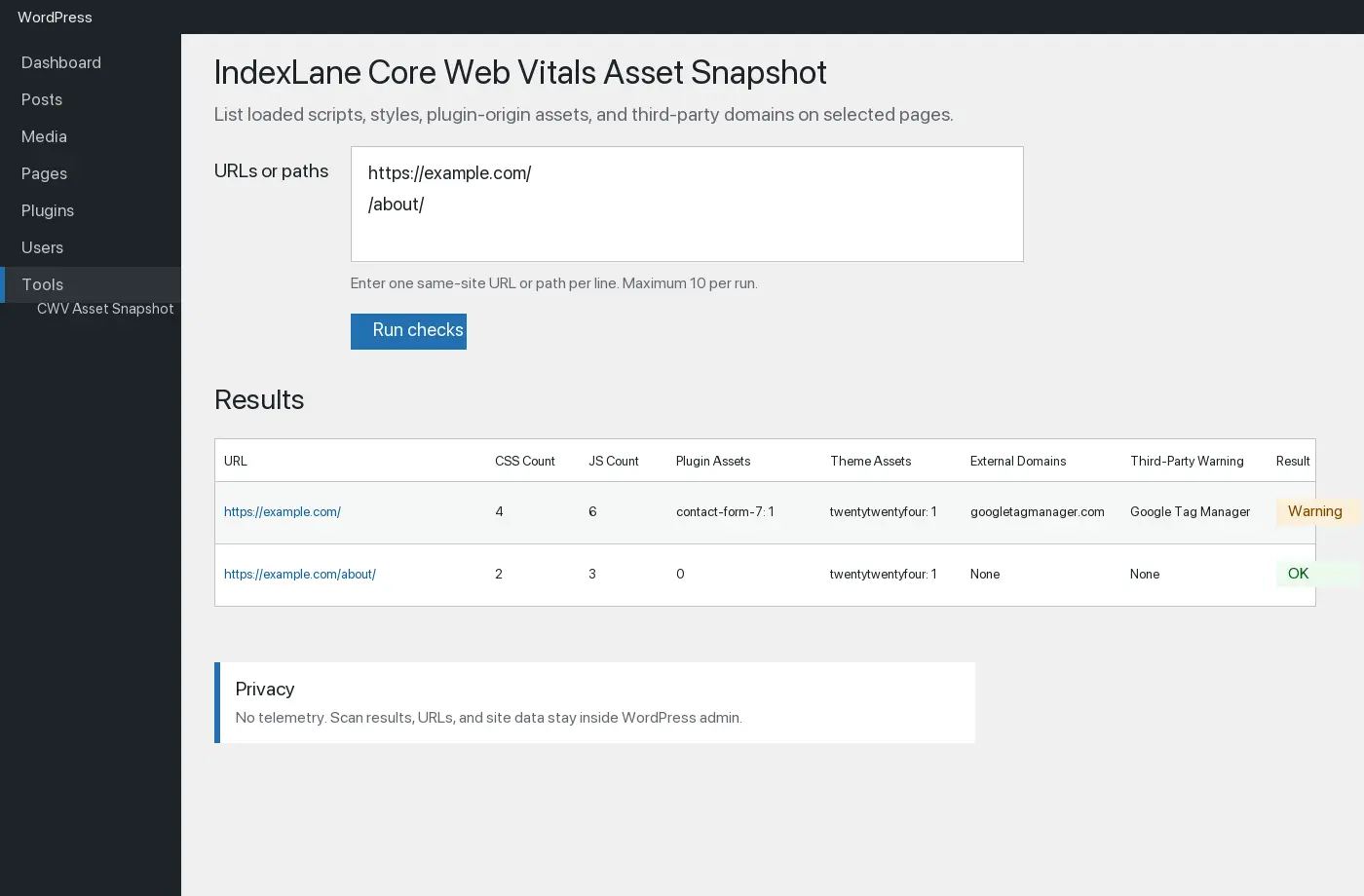
A WordPress plugin for checking the CSS and JavaScript your pages reference, measuring the files it can fetch, and comparing the results over time. Useful when you want to see what a plugin update or site change has added.
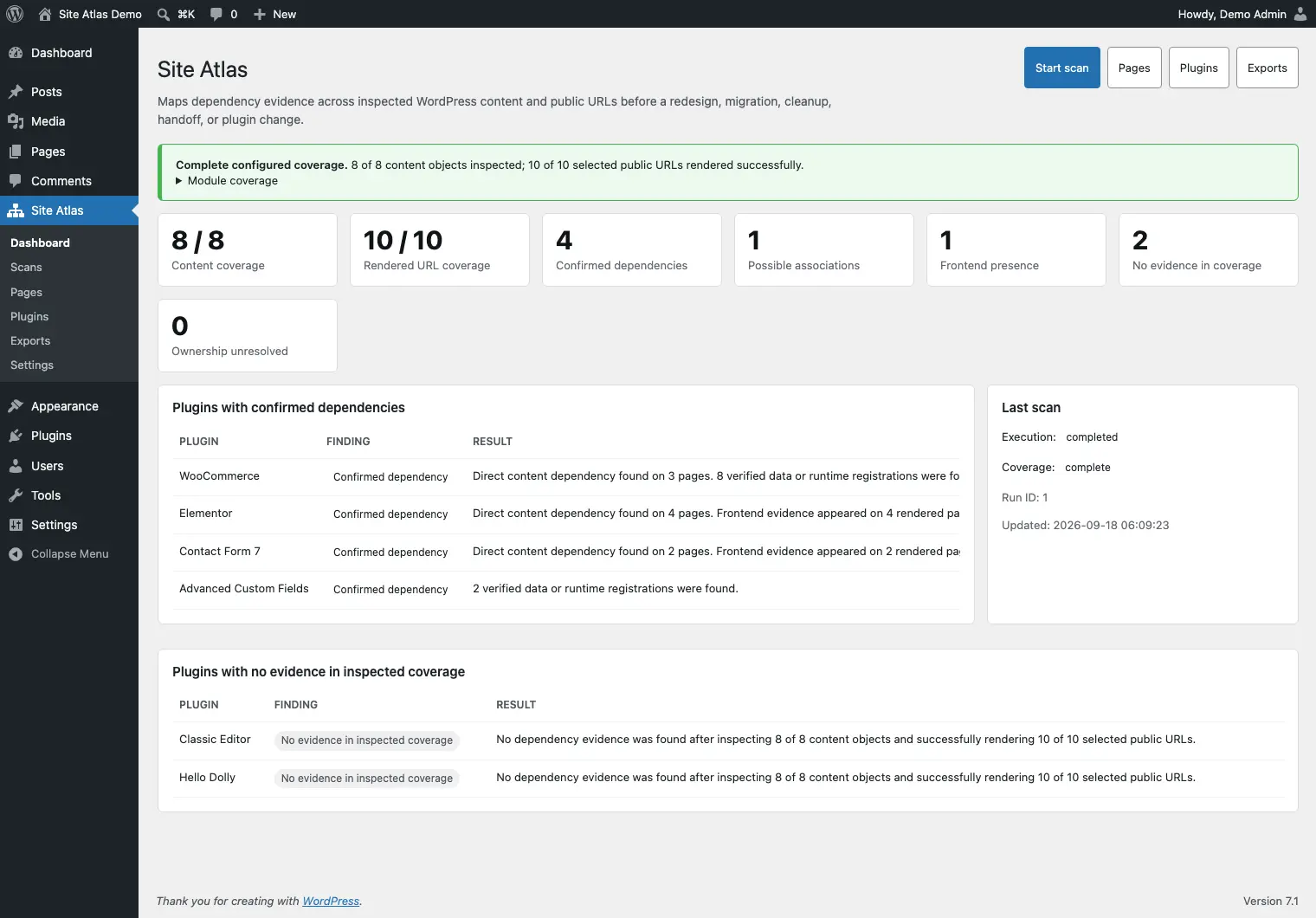
A WordPress plugin for figuring out how a site fits together before you start changing things. It looks at the connections between plugins, content and stored data, which is useful when you’re planning a cleanup, rebuild or handover.
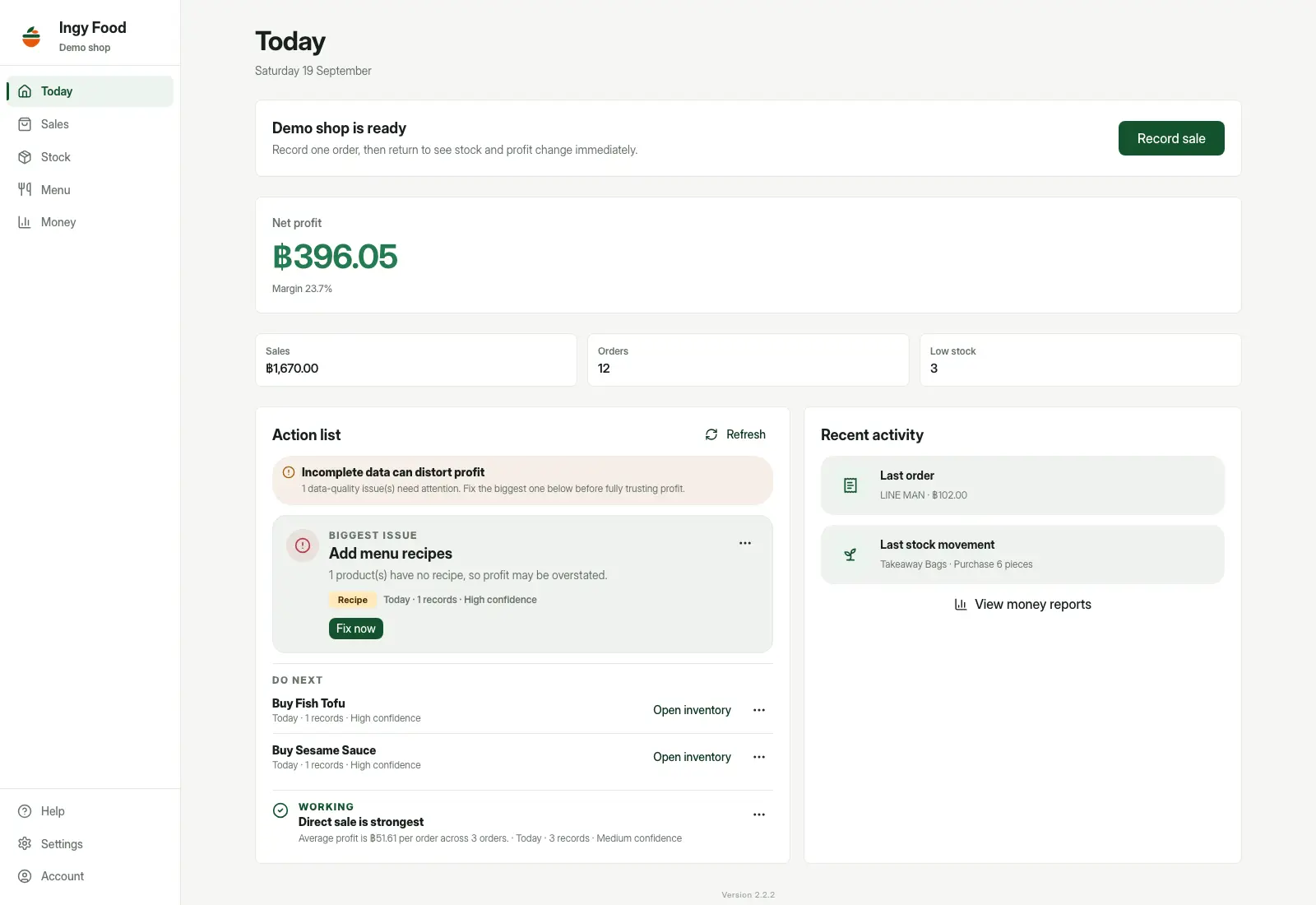
A private app for tracking food costs, stock and estimated profit across direct sales and food delivery. It connects ingredient purchases, recipes, orders and platform fees, helping a seller understand what each dish costs and how much money is actually left.
Personal project · Private prototype · Private source
A Rust infrastructure prototype for monitoring servers, inspecting container applications, and tracking deployment progress in one dashboard.
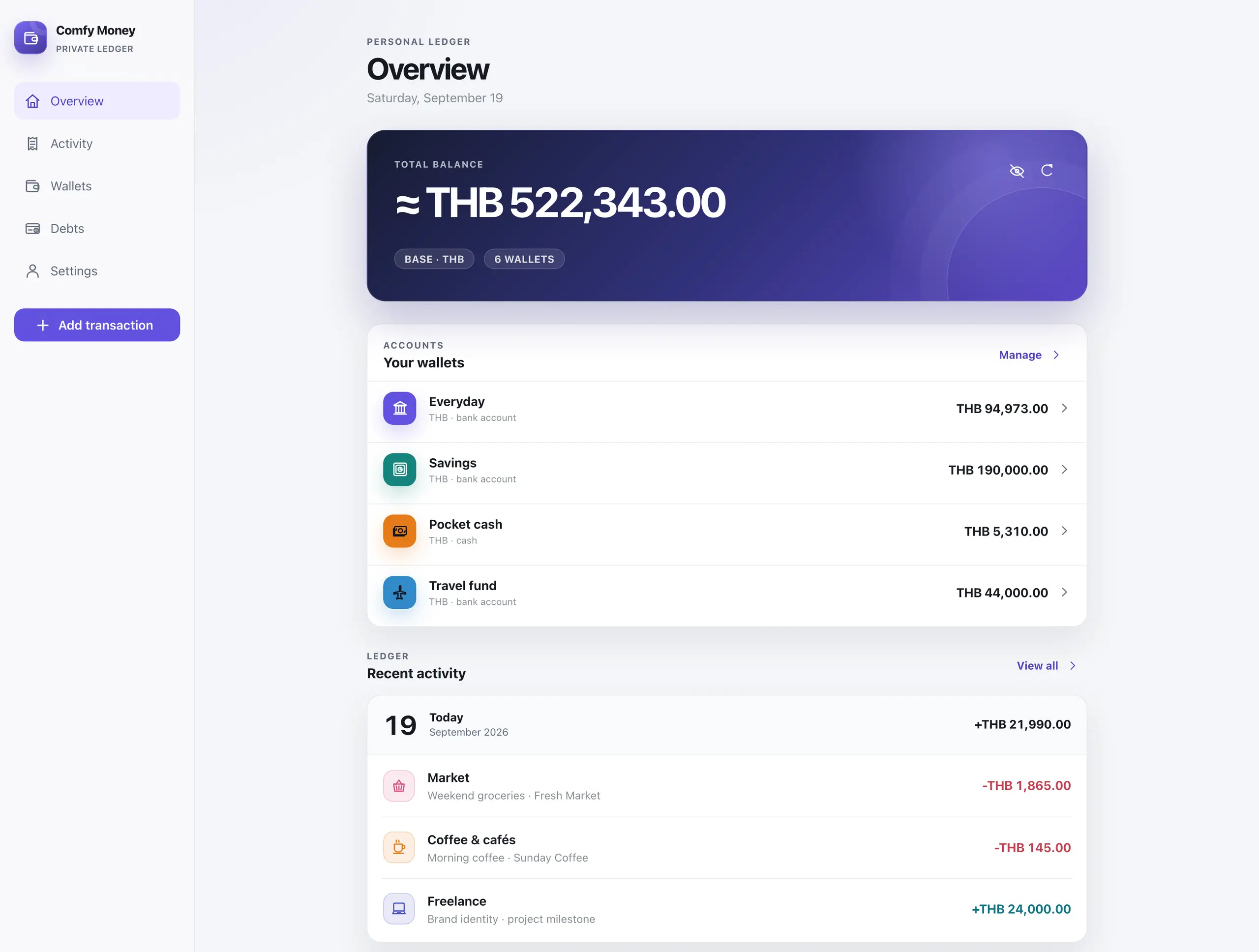
Comfy Money is a private money tracker I built for myself and my family. It handles wallets in different currencies, income, expenses, transfers, budgets and debts, with automatically updated exchange rates and a mobile interface that installs as a PWA.
A command-line tool for catching crawl and indexing problems when a website changes. It checks built files or pages fetched from a live or preview site, and compares scans so you can spot problems before a release.
Personal project · In private use · Private source
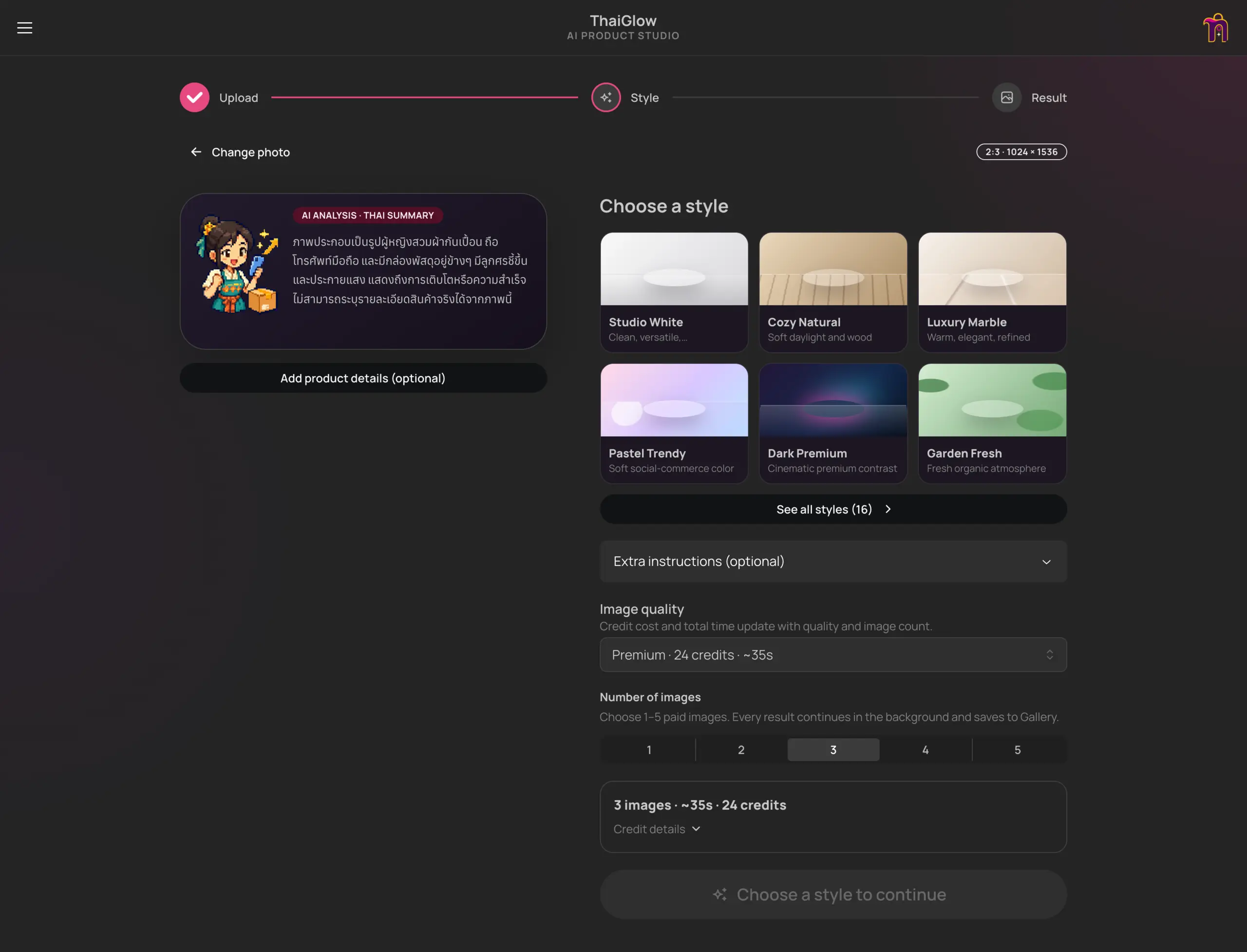
A private AI studio that turns product photos into styled images, short videos, and Thai selling copy, with a simple credit budget.

A playful selling RPG where you attract buyers, pack orders, recruit helpers, and battle the monsters of online shopping — including Refundzilla.
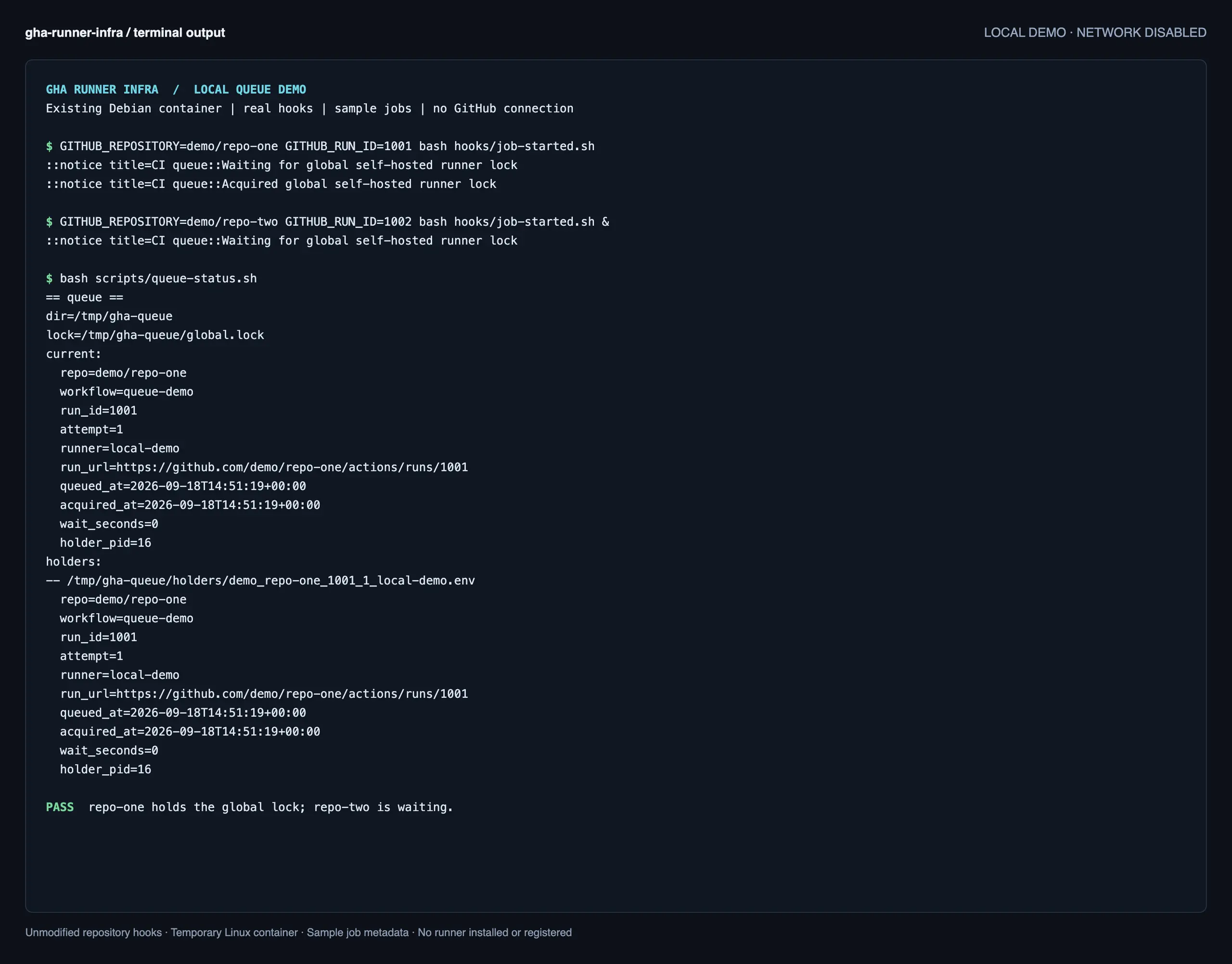
GHA is my private setup for running GitHub Actions runners for multiple repositories on one VDS. It handles runner registration, a shared job queue and resource limits, letting me run CI jobs on my own server while keeping the workflows in GitHub.
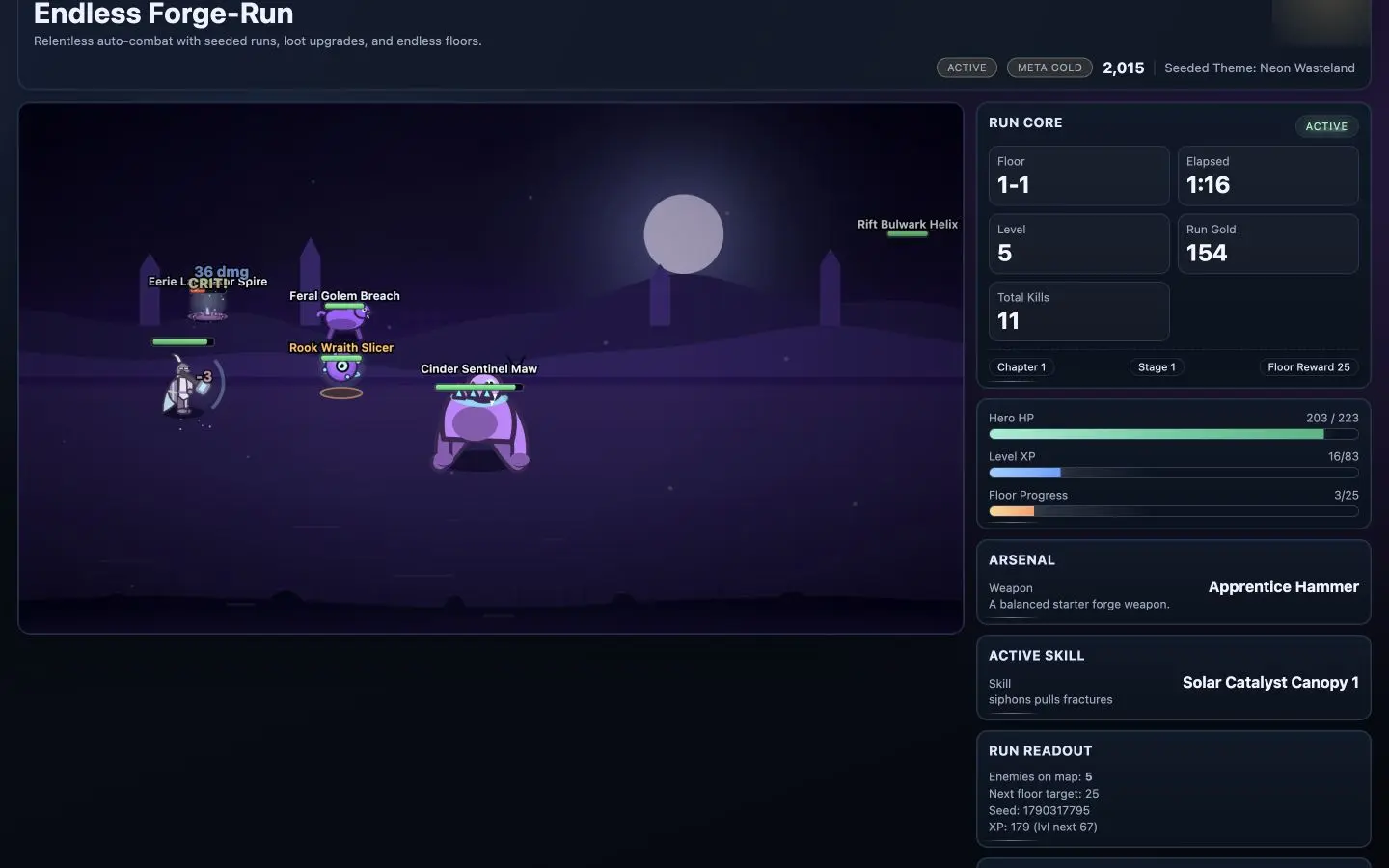
A browser game where your hero fights automatically while you choose weapons and skills, climb tougher floors, and unlock equipment for future runs.
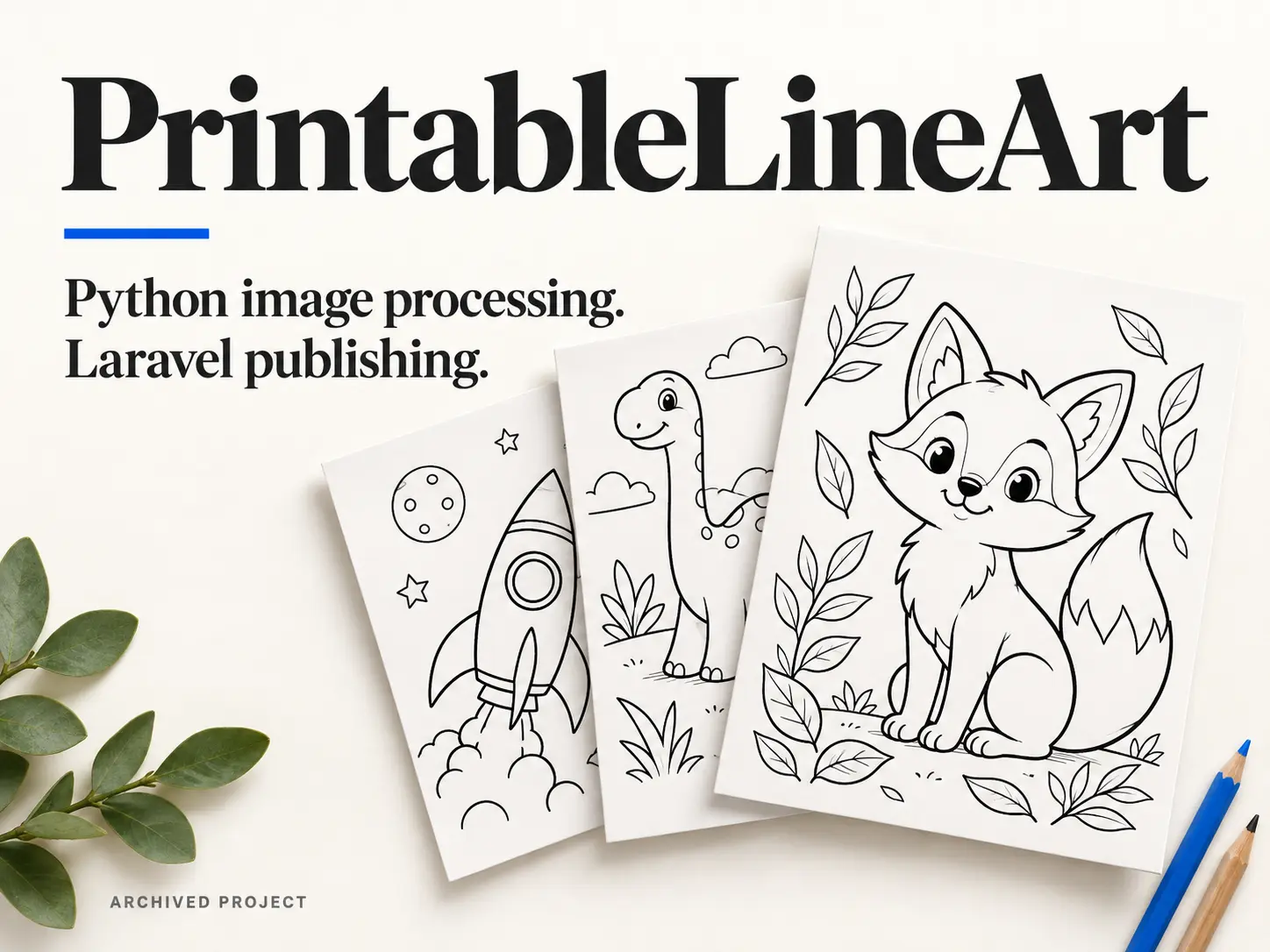
Website / image-processing workflow
An archived colouring-page website with a Python workflow for generating printable PNGs and PDFs, and a Laravel application for importing, organising and publishing them.
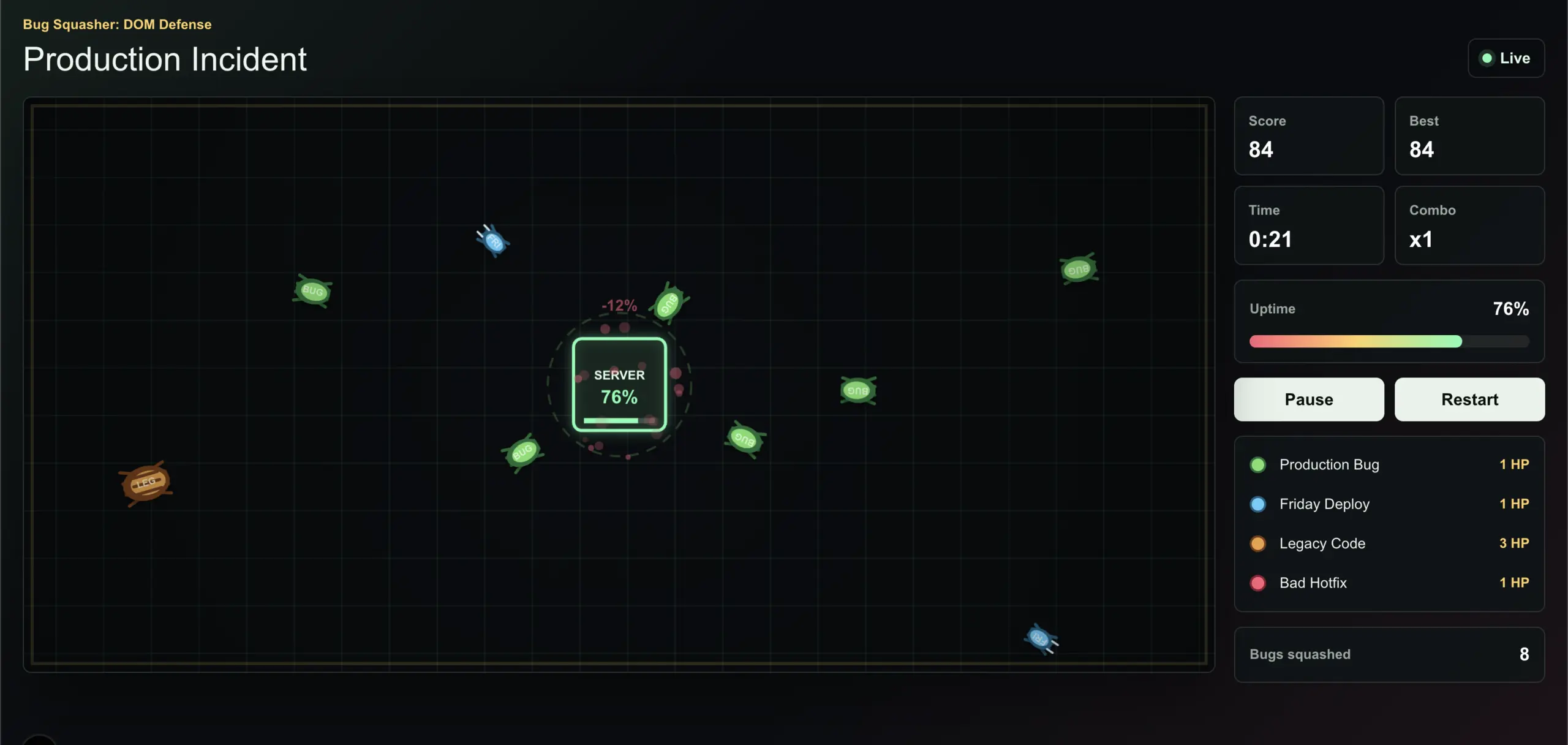
I was bored and wanted a break from client projects, so I made a little TypeScript game. Naturally, it ended up being about bugs taking down a server.
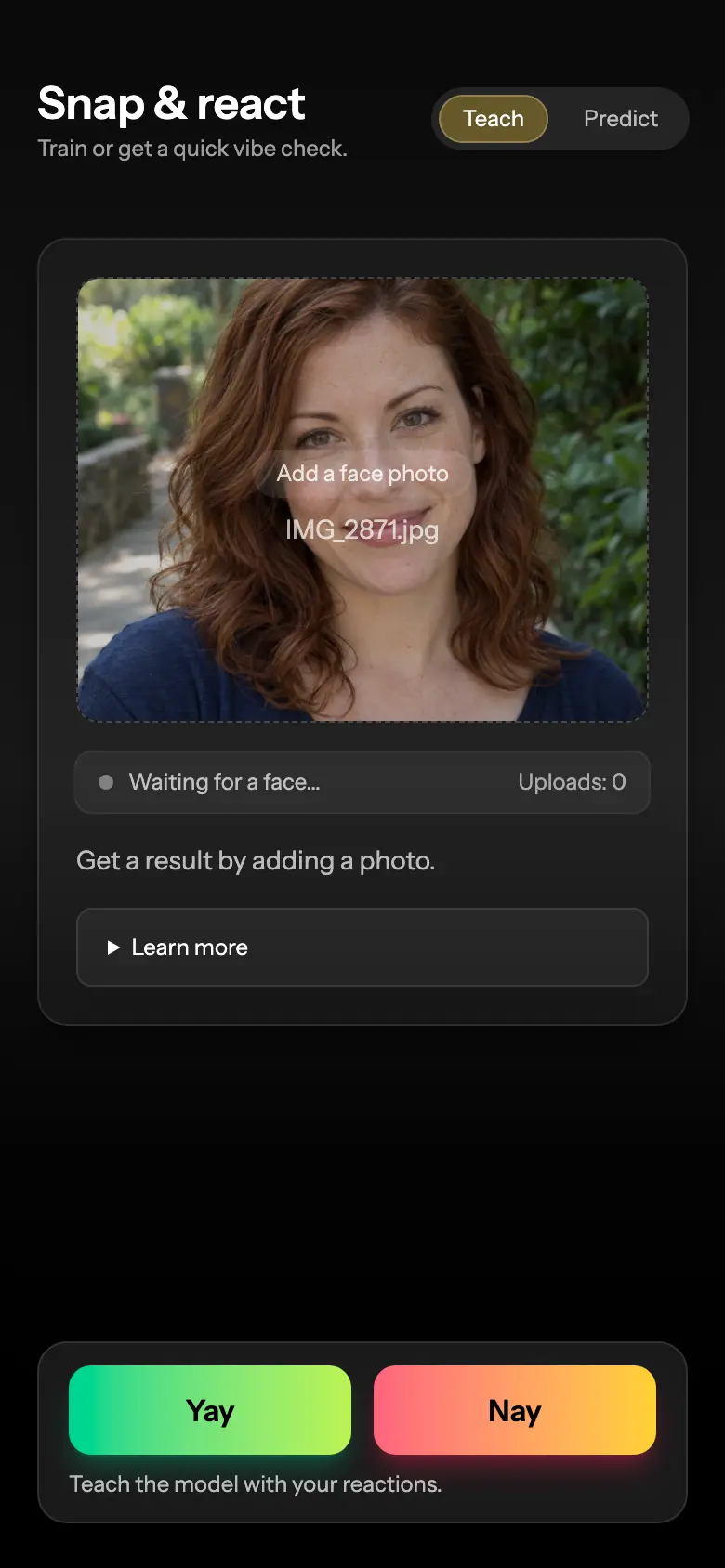
A private dating experiment that learns your visual preferences from yes/no photo ratings and scores new portraits against that feedback.
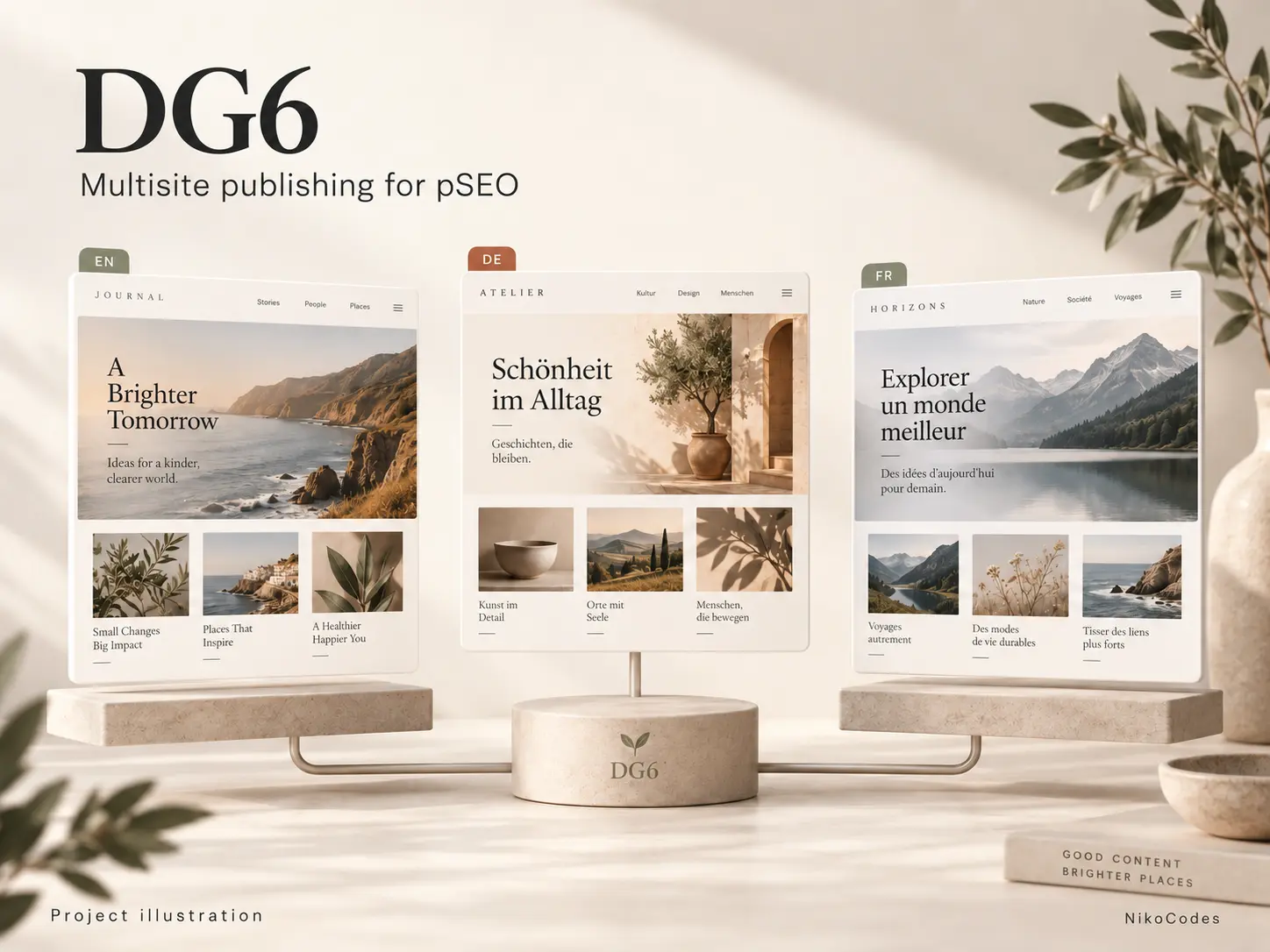
A Laravel publishing application for my programmatic SEO projects. DG6 turns generated content into multilingual websites, with separate domains, themes and publishing schedules, all running from one codebase.
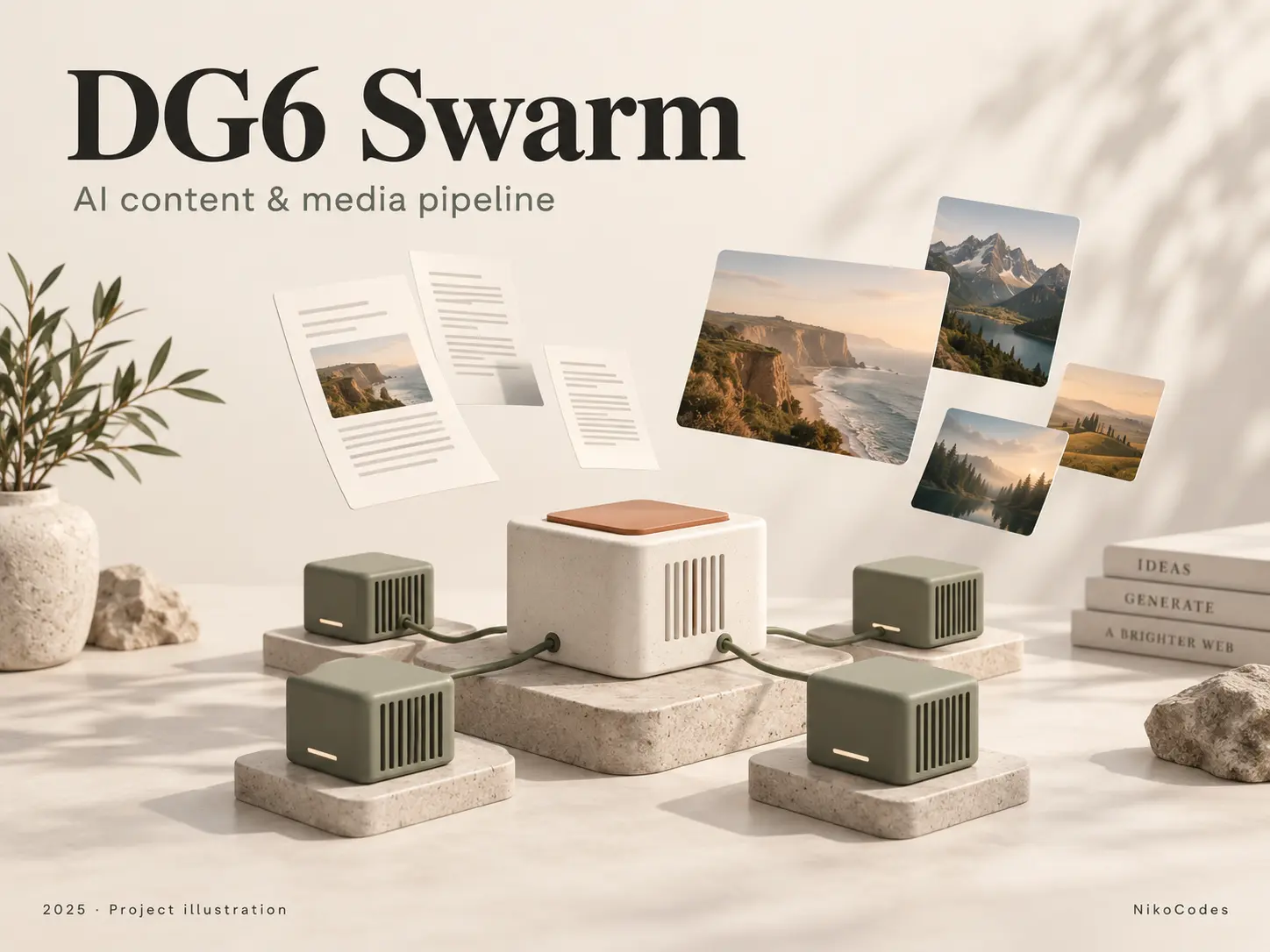
Content pipeline
A Python pipeline that turns a domain and starting keyword into site copy, articles and visual assets. Specialized GPU workers handle each stage, starting and stopping according to queued work.
Earlier personal project - Private source
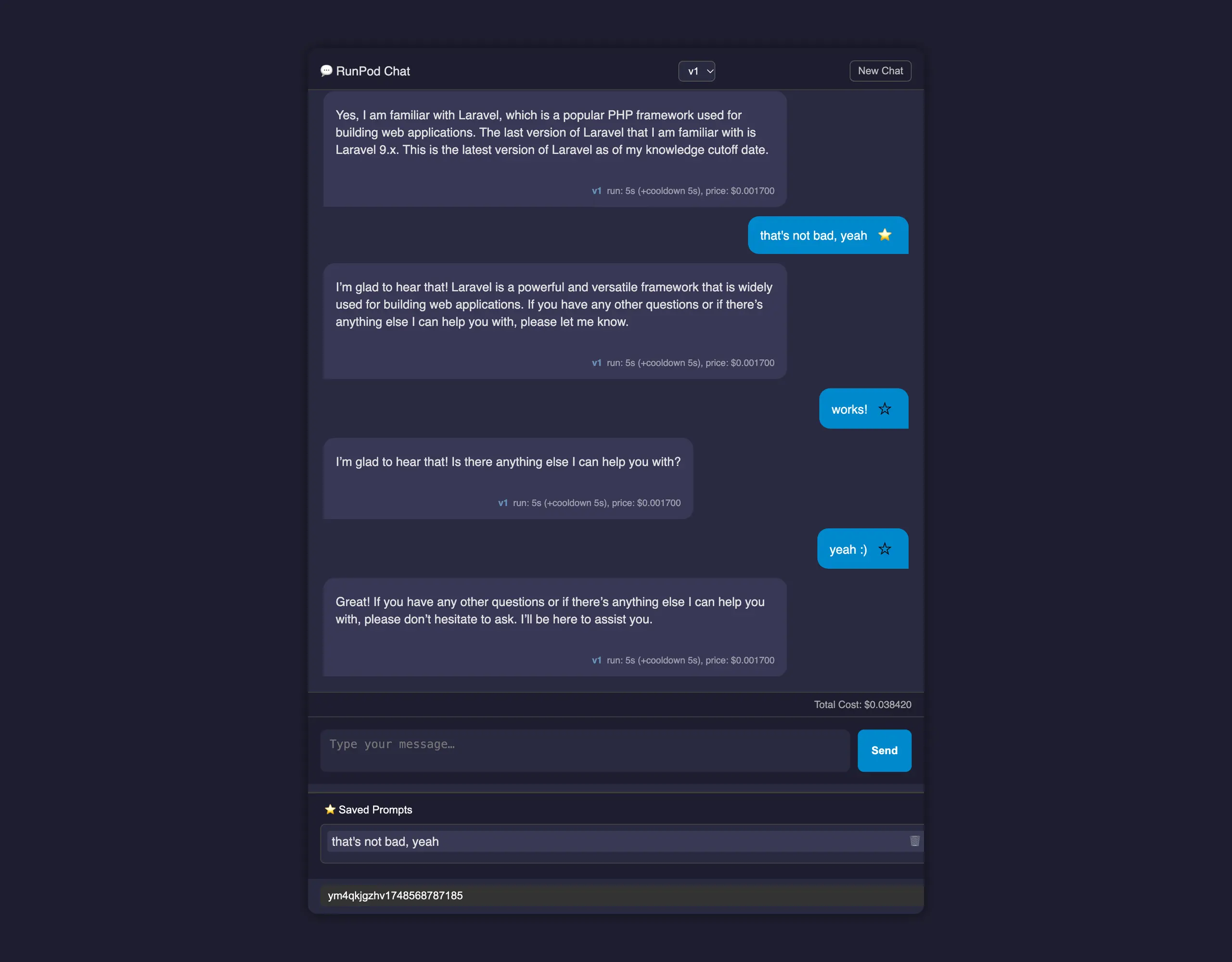
A lightweight PHP chat interface for RunPod, with saved conversations, reusable prompts, response timing, and estimated usage costs.

Client website
A custom PHP directory built for a client, with multilingual content, responsive listing cards, title search and a small admin interface for managing display order and destination links.

Archived project · Private source
An archived PHP utility for copyright-notice emails, keyword ranking reports, and PNG report generation from stored search data.