WordPress sites tend to collect things. A form plugin for one landing page. A builder used on three older pages. Some custom fields. Another plugin that someone installed years ago and nobody is quite sure about anymore.
Eventually, you need to work out which parts are still doing something.
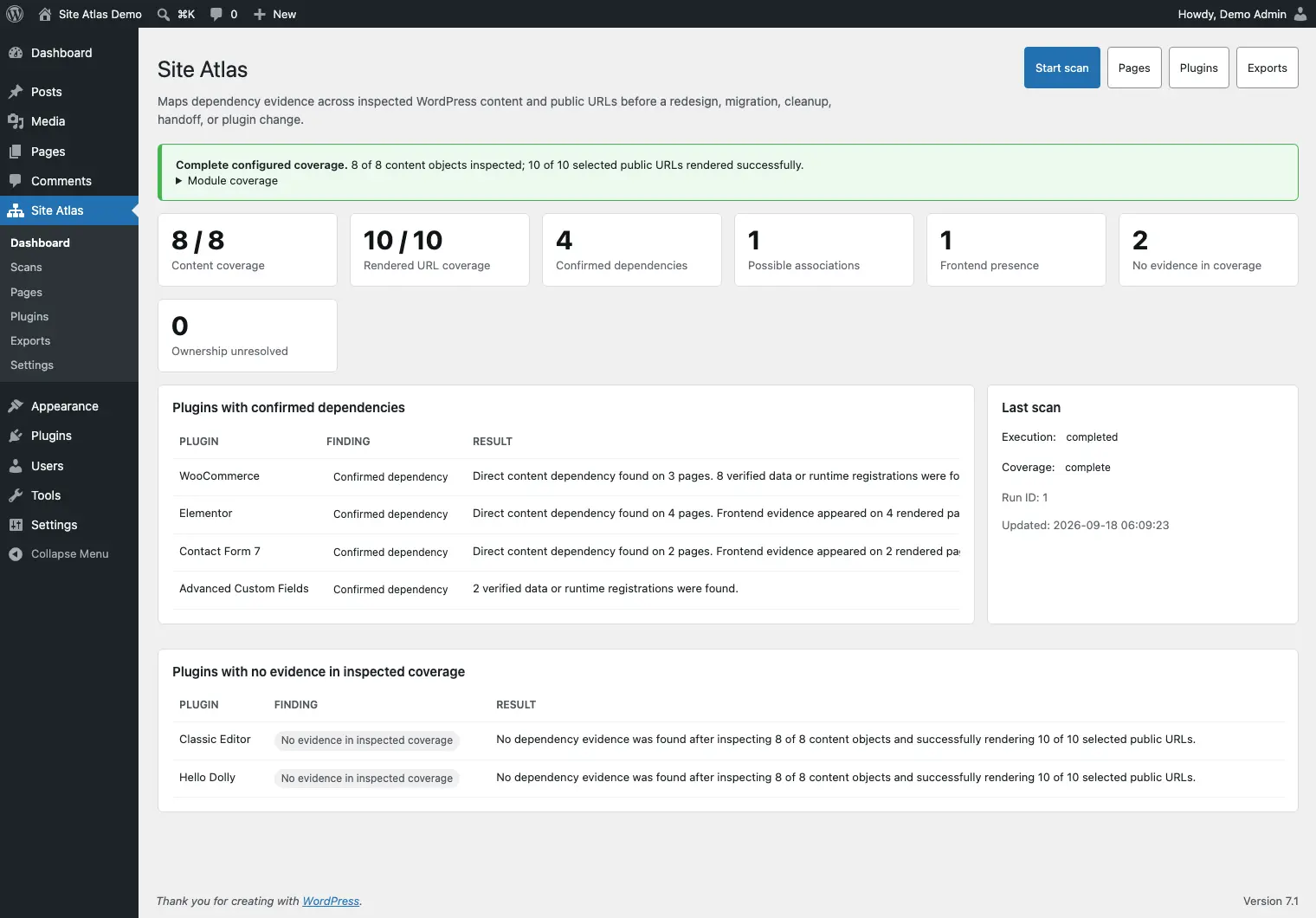
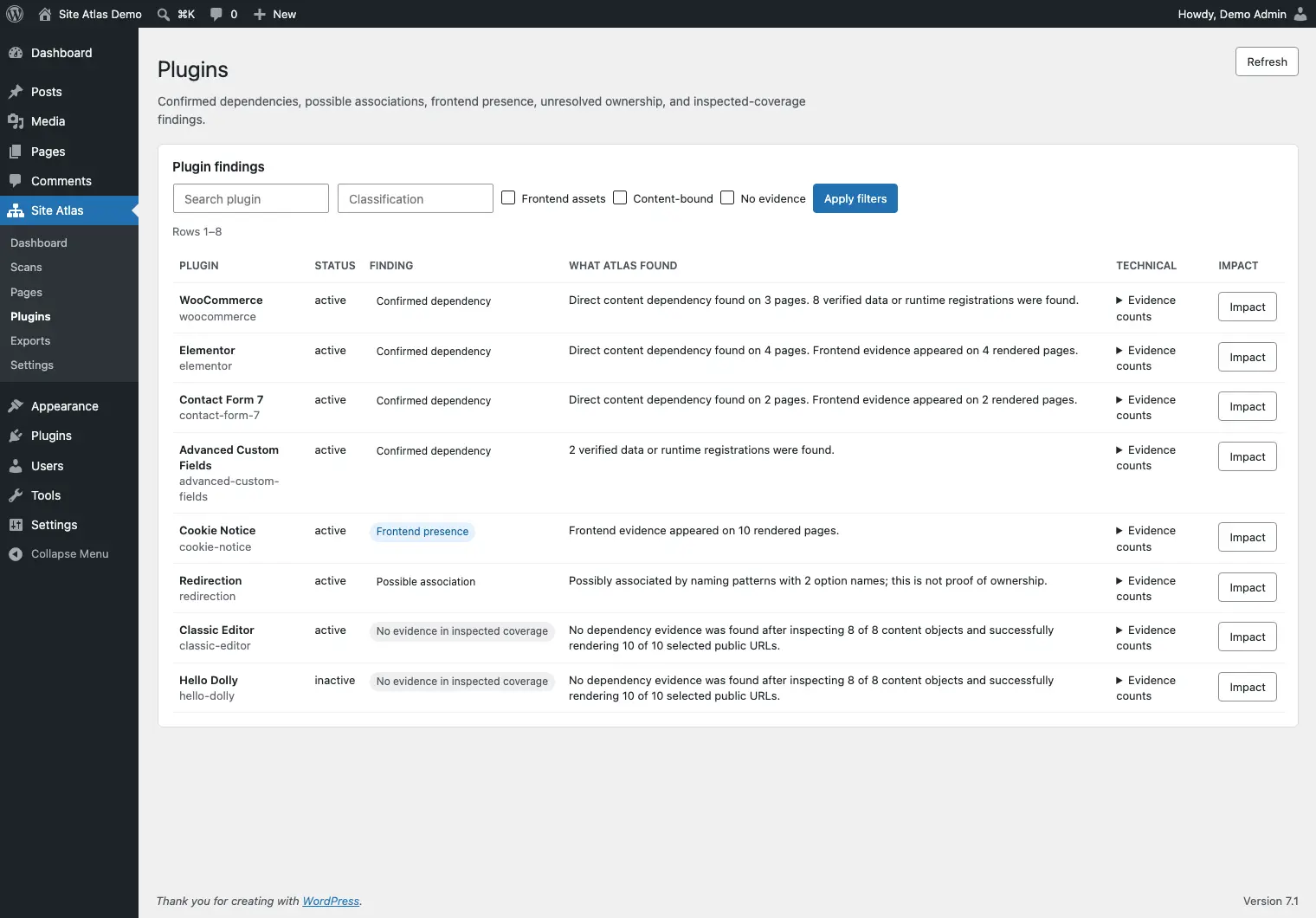
Site Atlas looks for those connections: shortcodes and blocks in content, forms, custom post types, scripts and styles on the frontend, and background activity such as scheduled jobs. It also looks for data that may be associated with particular components.
The distinction between “confirmed” and “possibly related” matters here. A database table with a familiar-looking name is a clue. Atlas labels it accordingly. If it can’t establish who owns something, that stays unresolved.
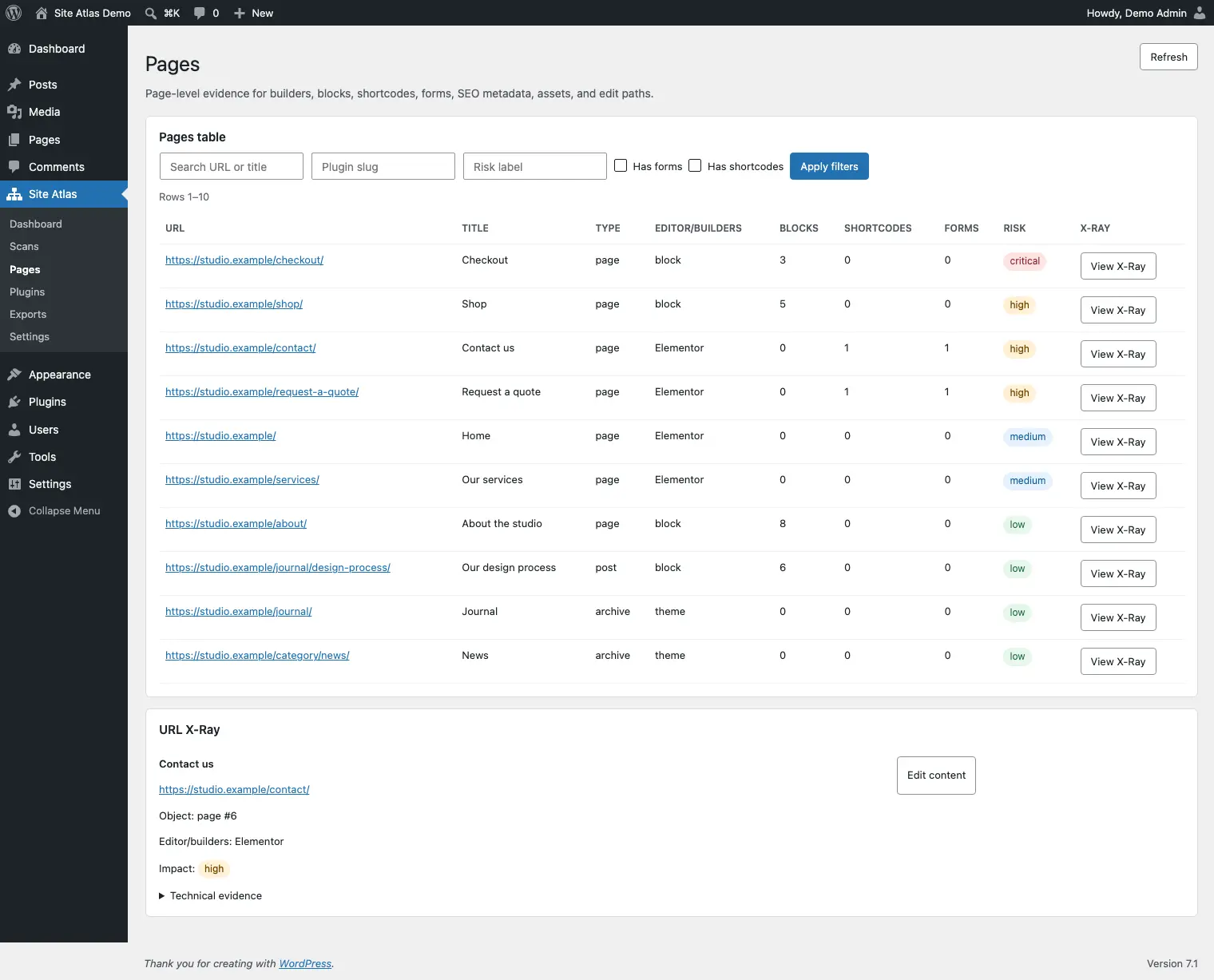
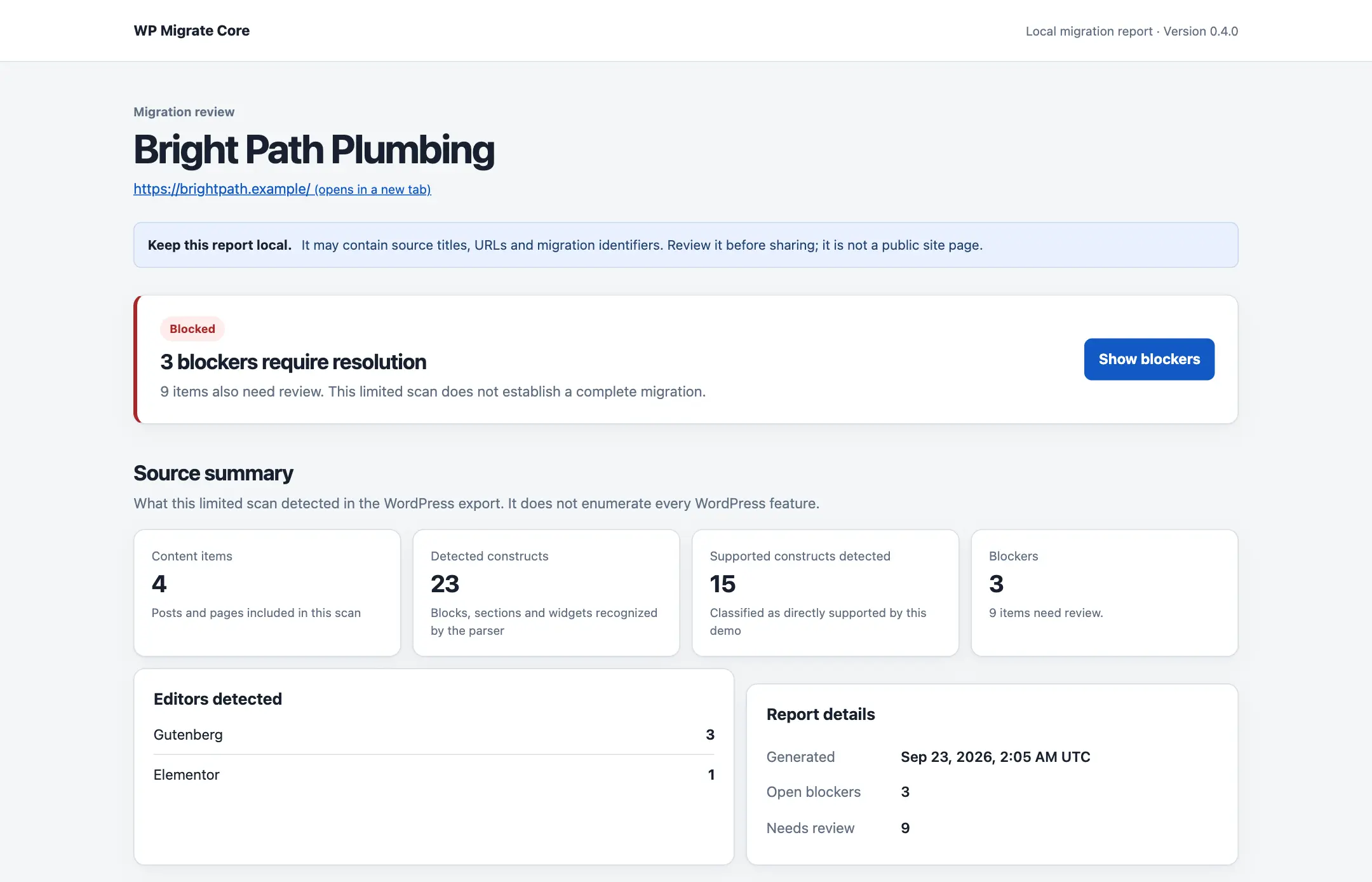
You can look at individual pages or plugins, investigate a URL, and use the impact and handover reports to understand what needs attention before making changes. The reports also show what the scan covered, so you know how much information you’re working with.
It’s free and open source. If you’re staring at a long plugin list and trying to work out where to start, that’s a good time to give it a go.